HDMI Monitor 1.1.0: Use an Android Tablet as a Portable Monitor for Longer Work Sessions
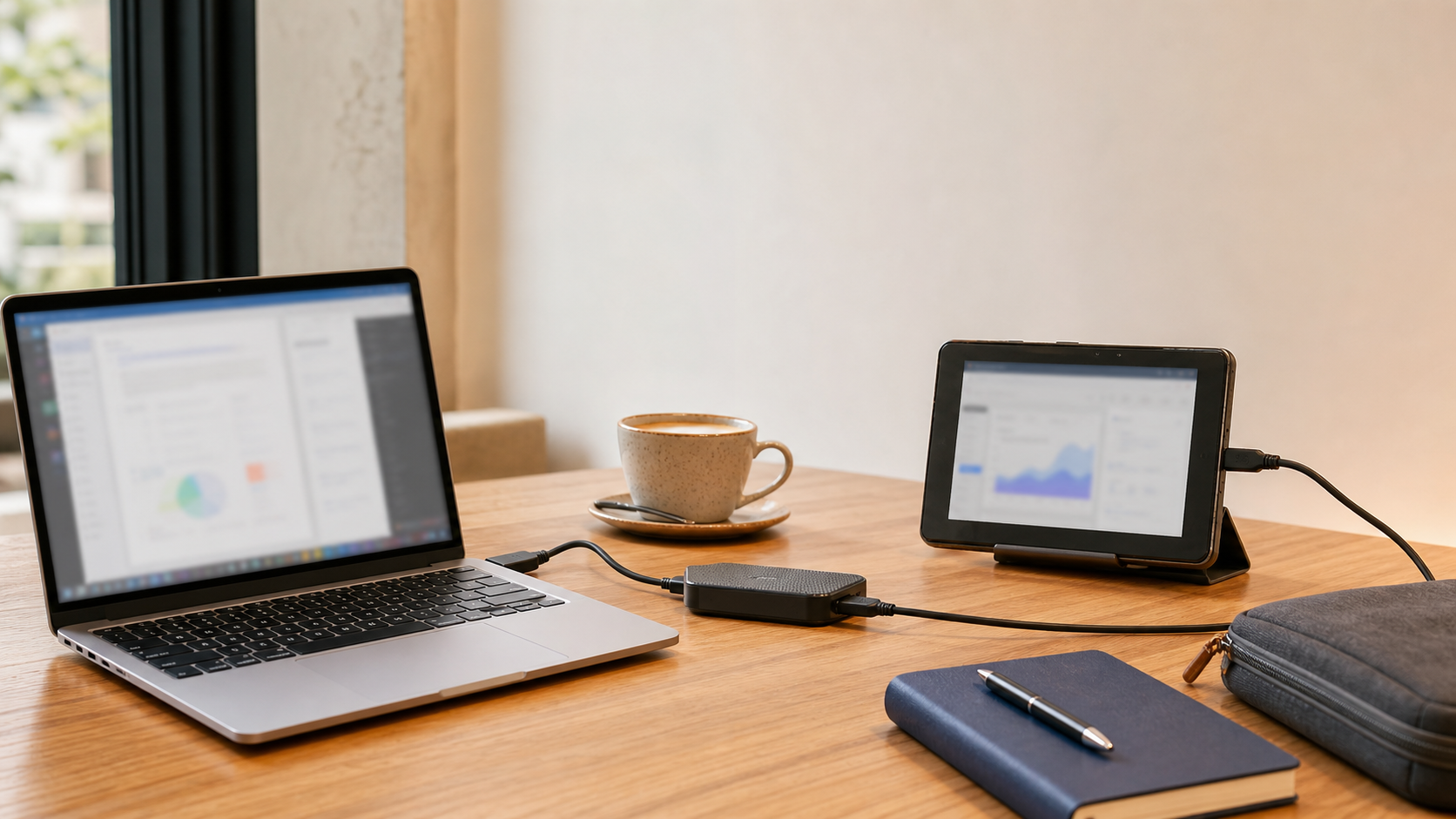
If you have ever tried to use an Android tablet as a portable monitor while working from a coffee shop, hotel desk, or borrowed office, you already know how quickly small annoyances start to matter.
One laptop screen can feel cramped. A dedicated portable monitor adds another piece of gear to carry. And when you do find a tablet-based setup that works, it is frustrating when the screen decides to sleep in the middle of a longer session.
That is the main problem HDMI Monitor 1.1.0 is designed to improve.
A better Android tablet as a portable monitor for real work
This update adds a new Pro Power setting that keeps your tablet awake while HDMI Monitor is running in fullscreen.
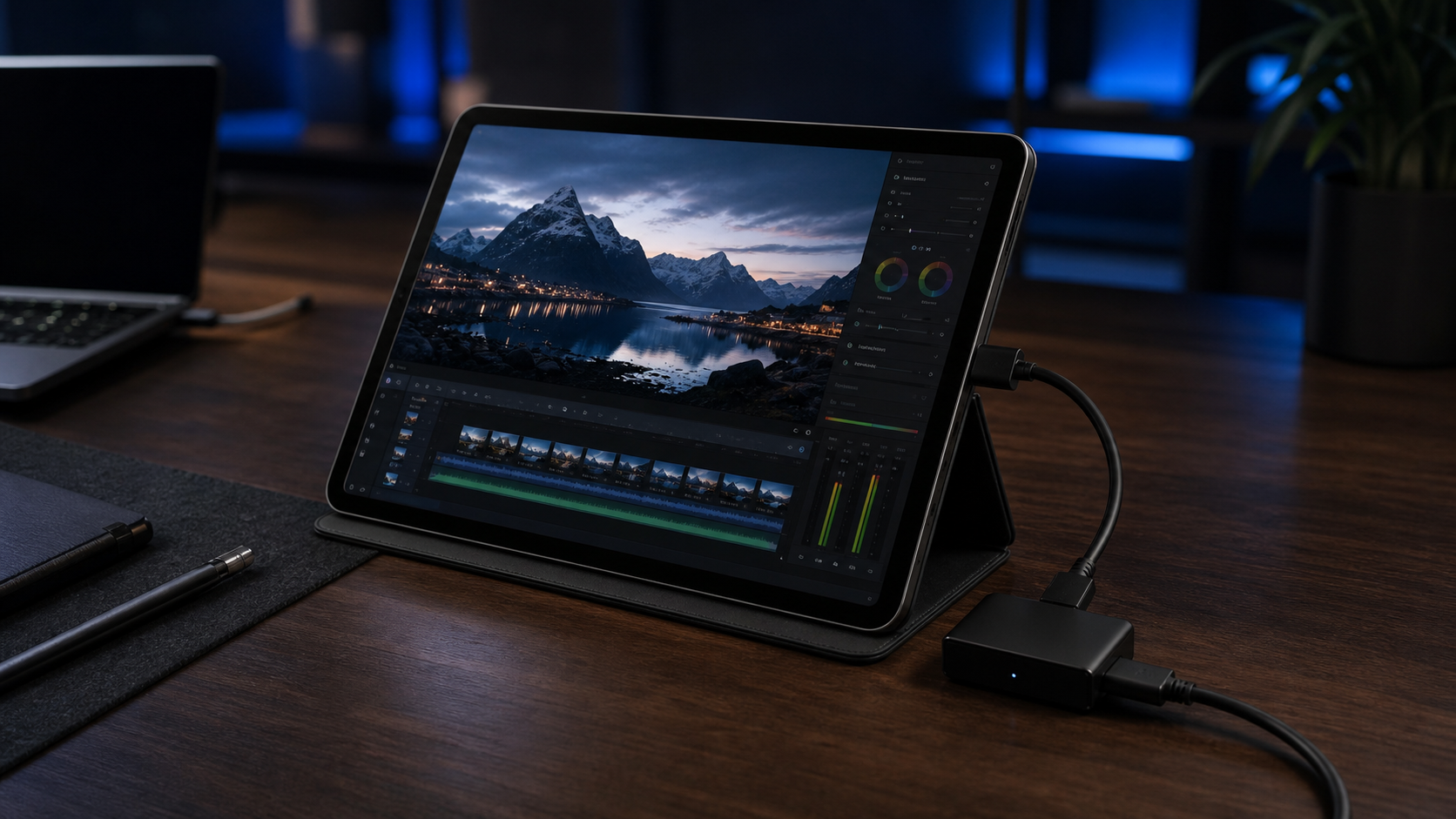
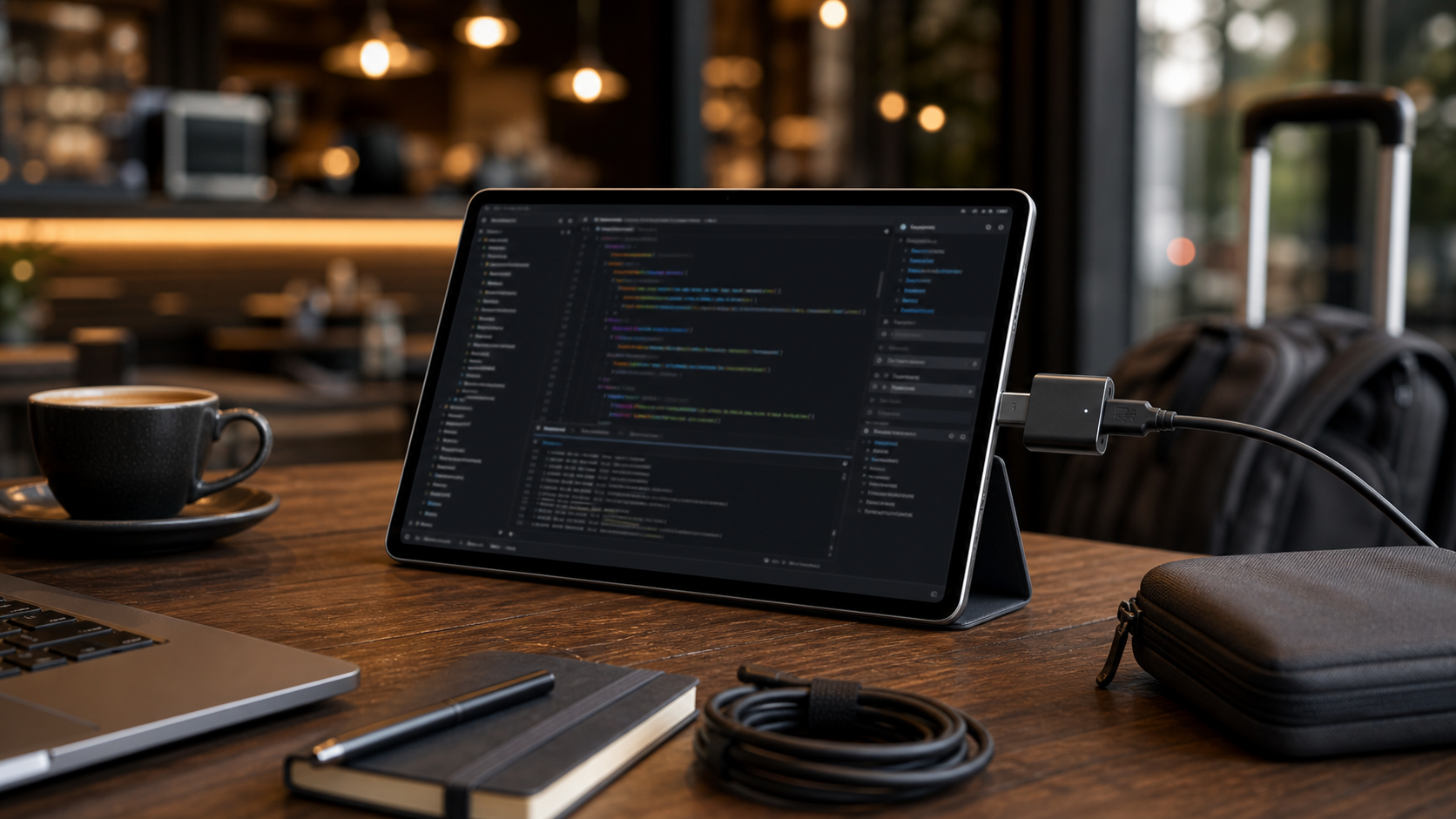
In plain terms, that means fewer interruptions when your tablet is acting as a compact second viewing screen beside your laptop. If you are working on your laptop while keeping an HDMI-connected device, a live preview, or other external source open on the tablet through a compatible UVC capture adapter, you should not have to keep waking the display back up.
That matters most in the kinds of places where portable setups are actually useful:
- coffee shops with limited table space
- hotel rooms with awkward desk layouts
- temporary workstations during travel
- shared spaces where you want a lighter setup than carrying a full external display
HDMI Monitor is still built around a compatible USB UVC capture adapter rather than direct USB-C to USB-C monitor input, but within that workflow, this release makes longer fullscreen sessions feel much more practical.
Why the keep-awake setting matters
The appeal of using a tablet as a portable second screen is not that it replaces a full desktop monitor in every situation. It is that it can be good enough to solve a real problem without taking over your whole bag.
Sometimes you just need more room to work for a few hours.
Maybe your laptop stays focused on writing, email, or development work while the tablet holds a reference window. Maybe you are testing a compact device and want a cleaner fullscreen view nearby. Maybe you are building a temporary desk setup and want something more usable than constantly switching between windows on a single screen.
Here is what the new Power setting looks like inside HDMI Monitor 1.1.0:
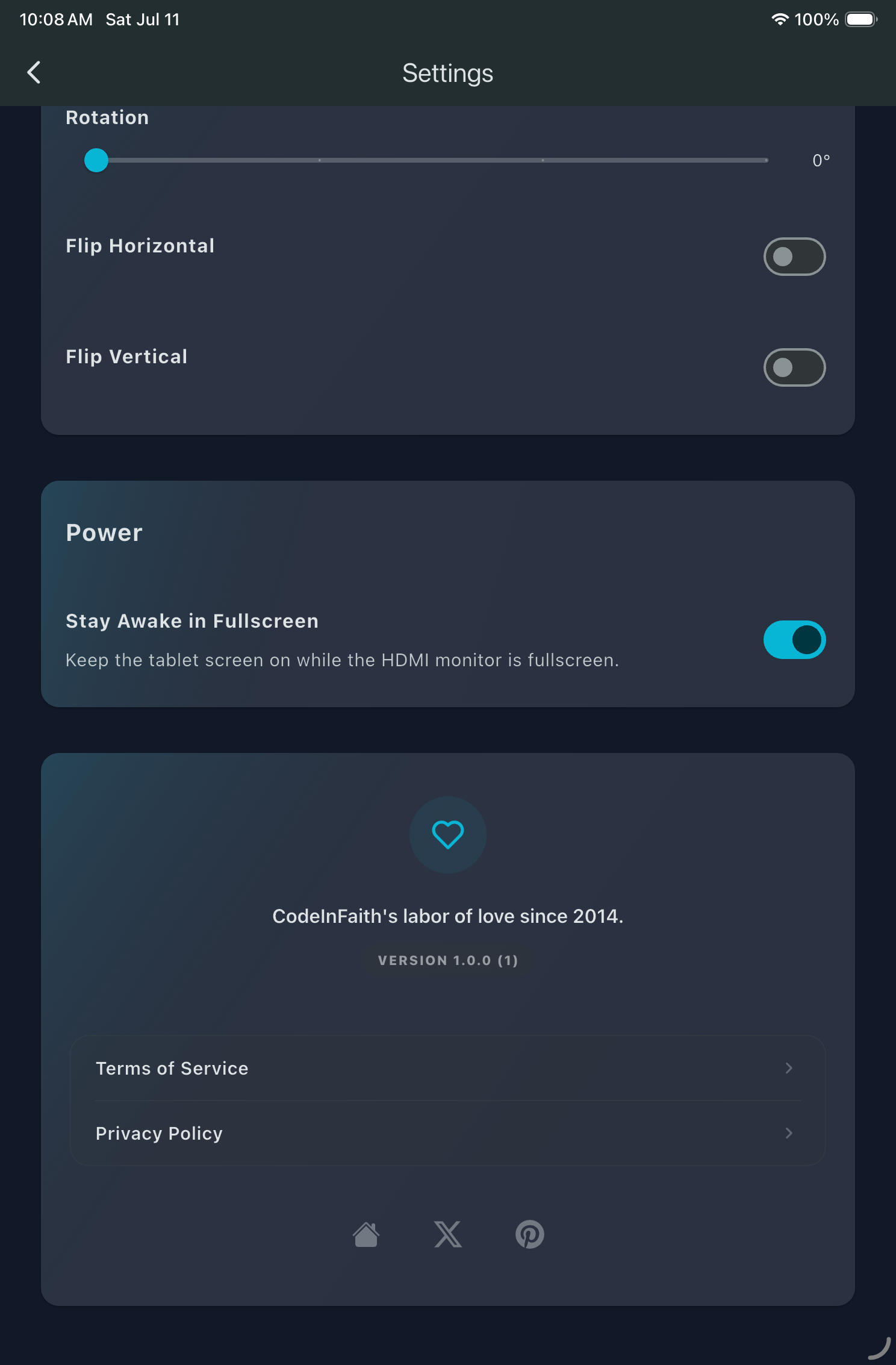
In those cases, screen sleep is not a tiny detail. It breaks the flow. The new Power setting is a small feature, but it directly improves the kind of portable work session people actually have.
A more reliable experience around Pro access
HDMI Monitor 1.1.0 also includes a smaller but important reliability fix.
Fullscreen access and purchase-related behavior now update more reliably when your Pro status changes. In practice, that means the app should feel more consistent about what is unlocked instead of occasionally feeling out of step.
It is not the headline feature of this release, but it is the kind of fix that helps the app feel more trustworthy when you are trying to get work done instead of troubleshoot settings.
Built for portable setups, not exaggerated promises
One reason HDMI Monitor is useful is that it stays focused.
It is not trying to claim that an Android tablet suddenly becomes a perfect replacement for every external display. The goal is simpler: help you get more value from a tablet you already own when you need a compact HDMI viewing setup for work, travel, testing, or temporary desks.
For that kind of use, version 1.1.0 is a meaningful improvement. If you want to use an Android tablet as a portable monitor for longer fullscreen sessions, keeping the display awake is one of those changes that makes the whole setup feel more intentional.
Learn more or download HDMI Monitor
If you want a closer look at the app, screenshots, and setup details, visit the HDMI Monitor project page.