HDMI Monitor - Turn Your Android Tablet into an HDMI Display
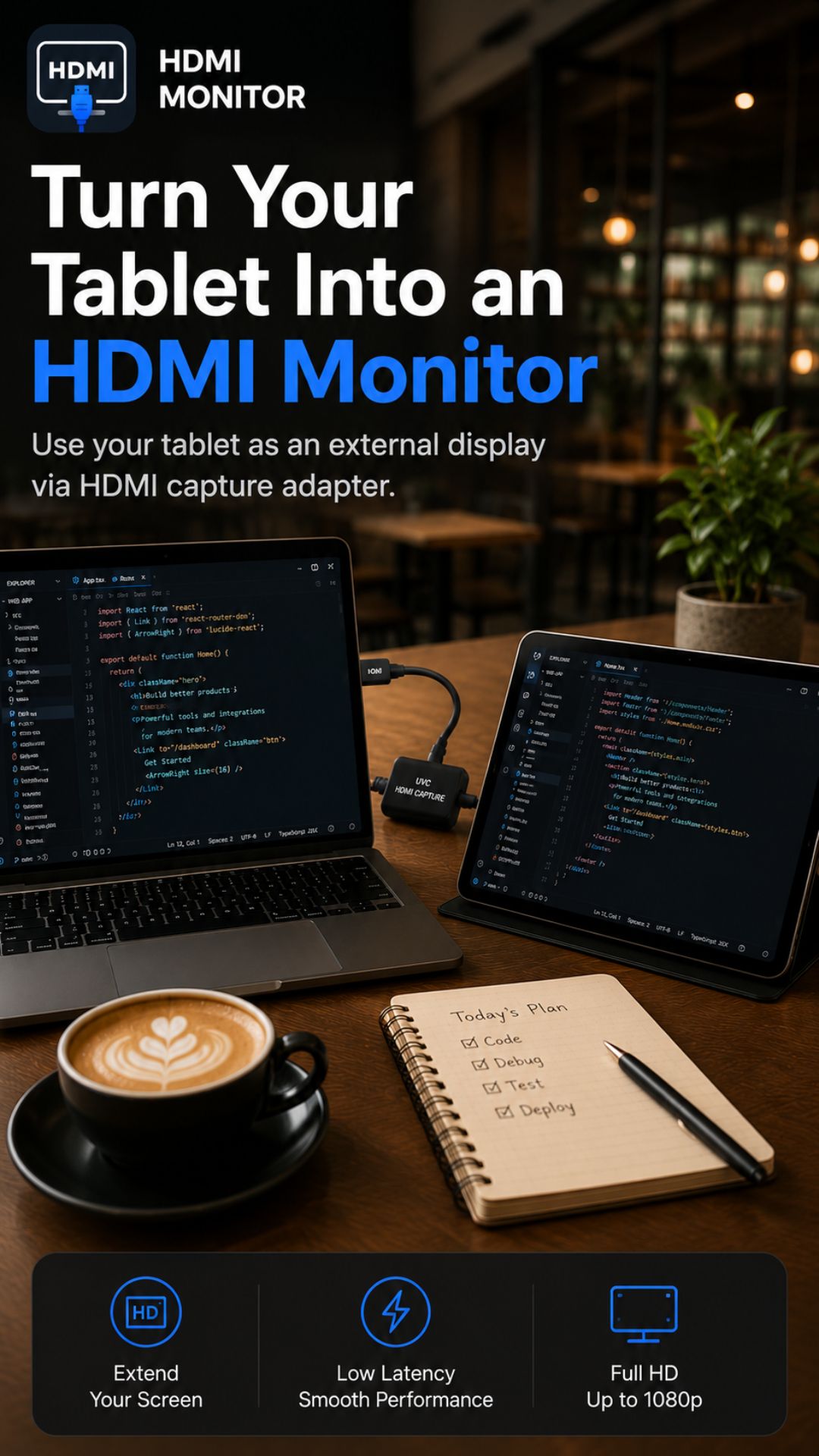
HDMI Monitor helps you use an Android tablet as a fullscreen external display with real-time audio playback, compatible USB UVC/UAC capture adapter support, preview controls, and safe eject.
Turn your tablet into a monitor
Use your Android tablet like a dedicated HDMI display.
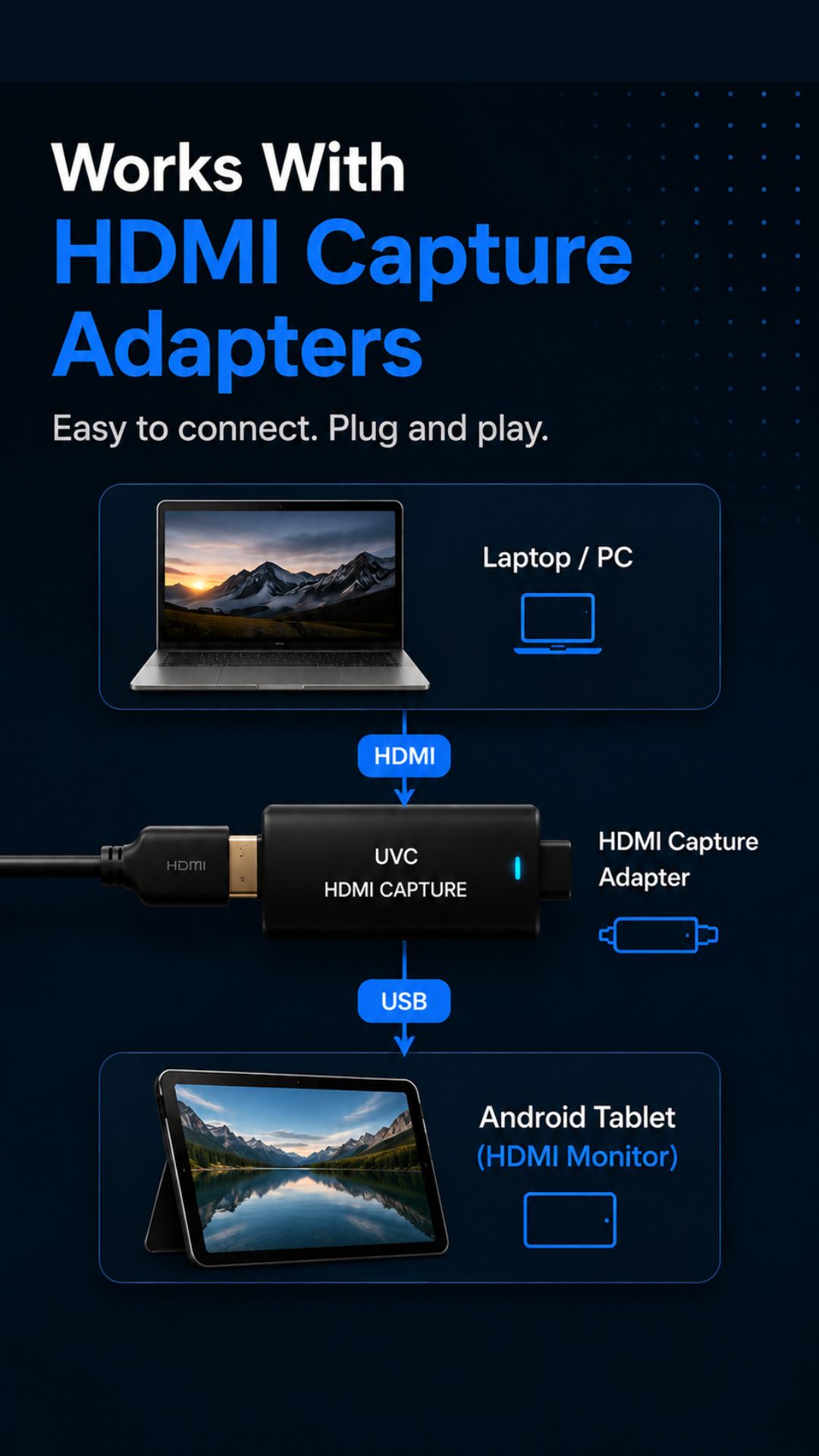
HDMI Monitor helps you connect a compatible USB UVC HDMI capture adapter and turn your Android tablet into a clean fullscreen monitor with real-time audio playback. Scan for capture devices, tune the preview, listen to incoming sound through your tablet, and safely eject hardware when you are done.
- Fullscreen HDMI preview on Android
- Real-time audio monitoring & mute controls
- Safe eject before unplugging
Let all things be done decently and in order.
1 Corinthians 14:40
Video & Audio
Real-time monitoring via compatible capture cards
Fullscreen
Use your tablet as a focused external display
Safe eject
Disconnect hardware with less guesswork
Core features
Built for practical signal and audio monitoring on Android
HDMI Monitor focuses on the essentials: connect supported capture hardware, view and hear the signal clearly, adjust the preview for your setup, and disconnect safely when the session is over.
Fast capture device detection
Scan for supported USB UVC HDMI capture adapters, request the needed permissions, and get into the signal without extra clutter.
Fullscreen preview & real-time audio
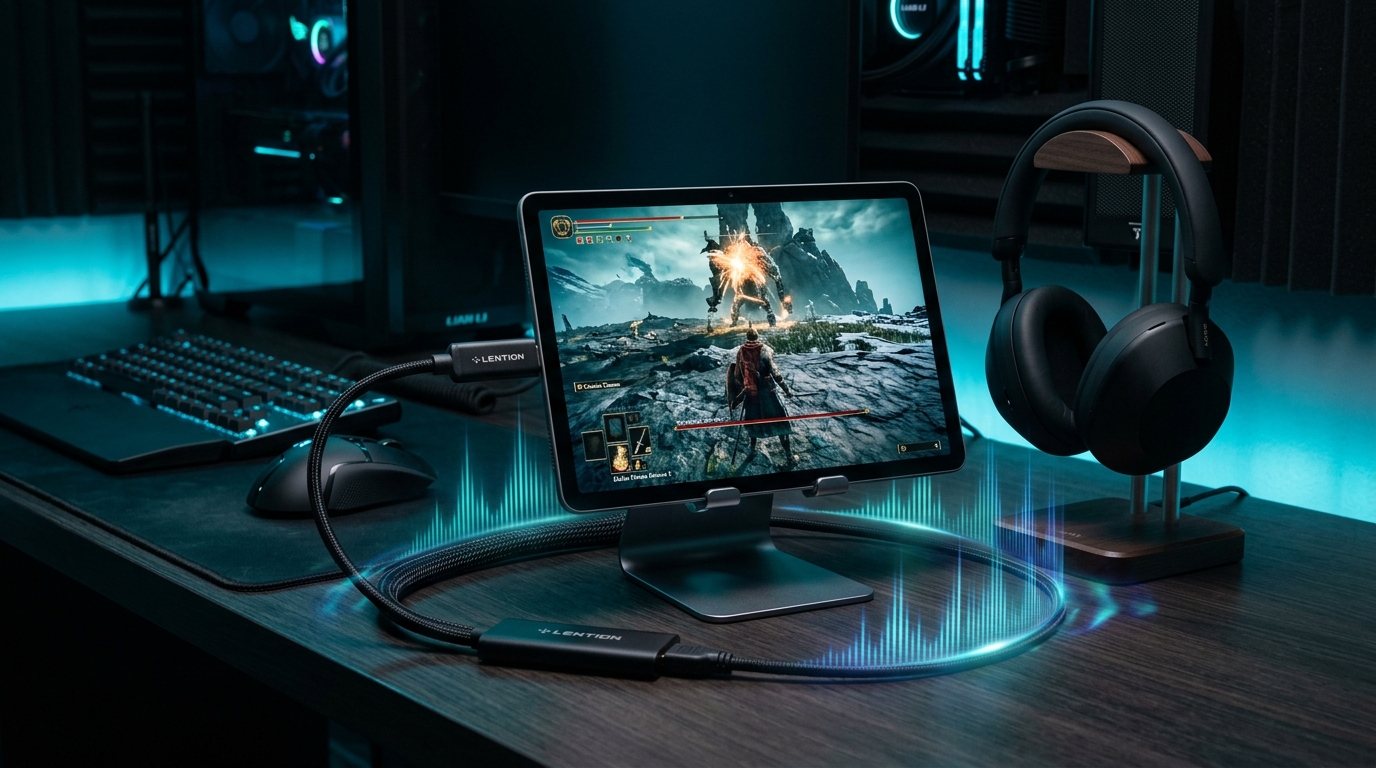
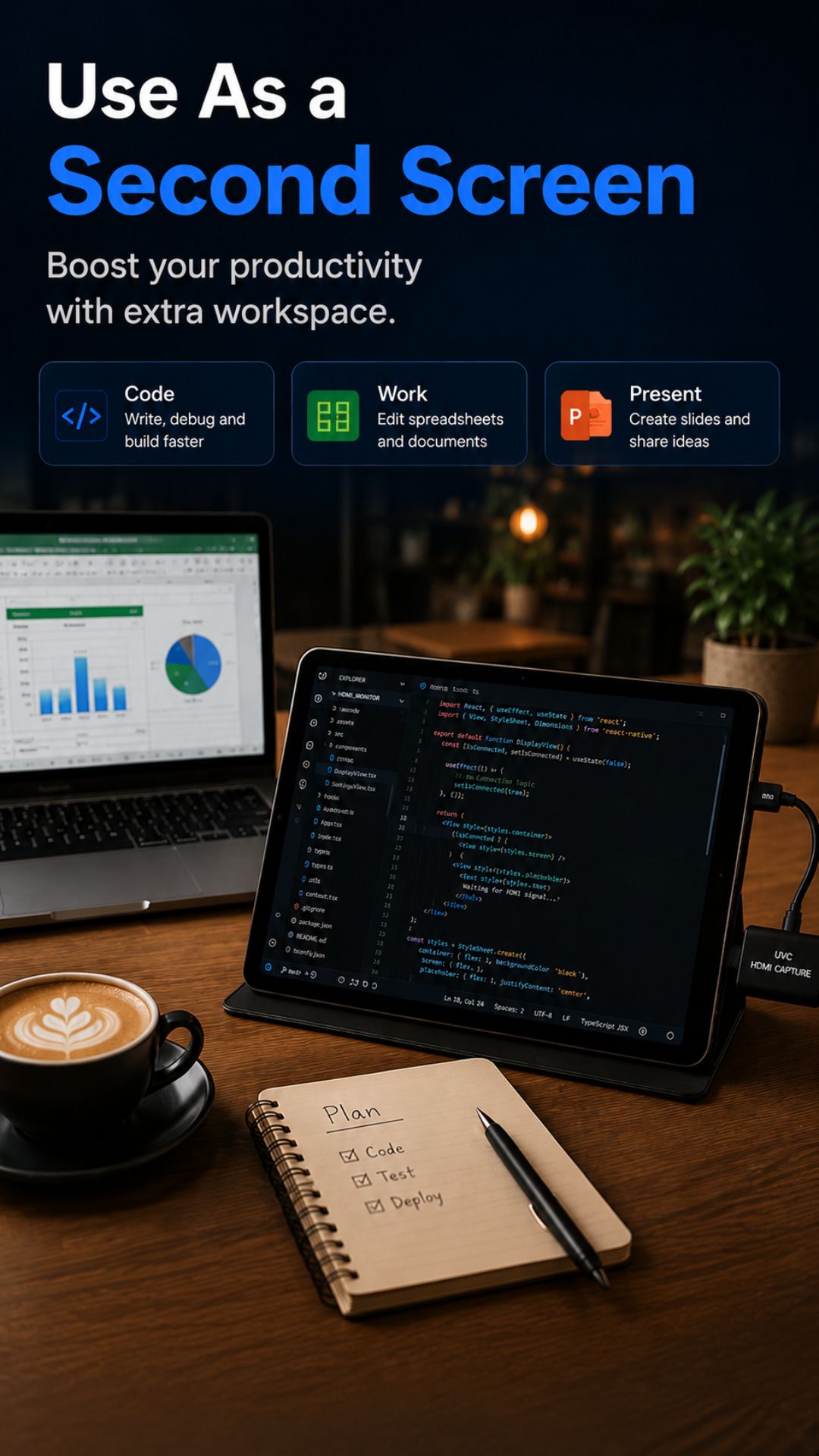
Use your Android tablet as a clean display and audio surface for cameras, consoles, laptops, or other HDMI sources with live stereo sound.
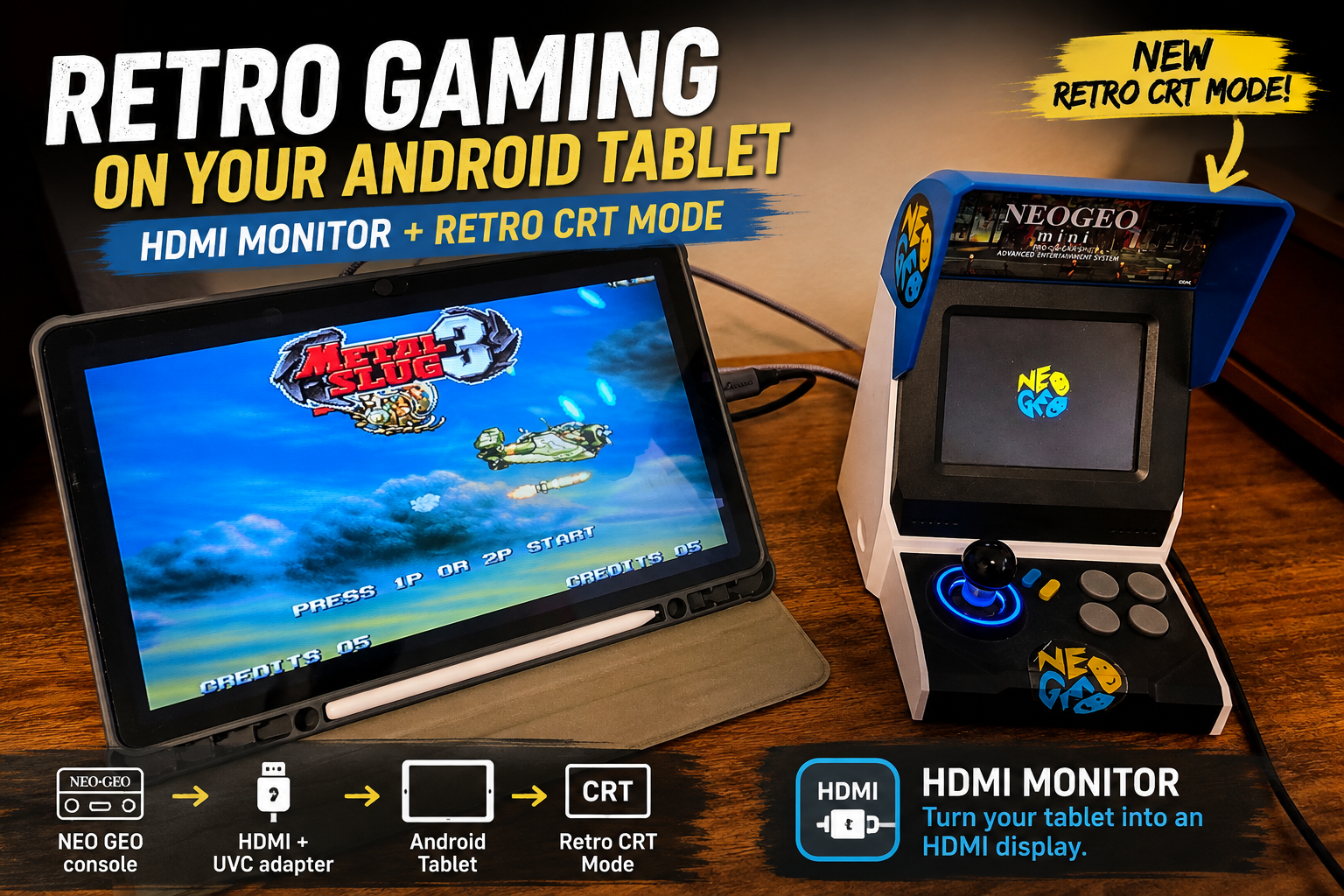
Preview tuning, Retro Game Mode & sound controls
Adjust rotation, flip behavior, aspect presentation, and audio, while Pro users can add CRT-style scanlines, richer color, and subtle screen shading with Retro Game Mode.
Safe eject workflow
When the session is finished, use the built-in safe eject flow before unplugging your adapter to make hardware disconnects cleaner and more predictable.
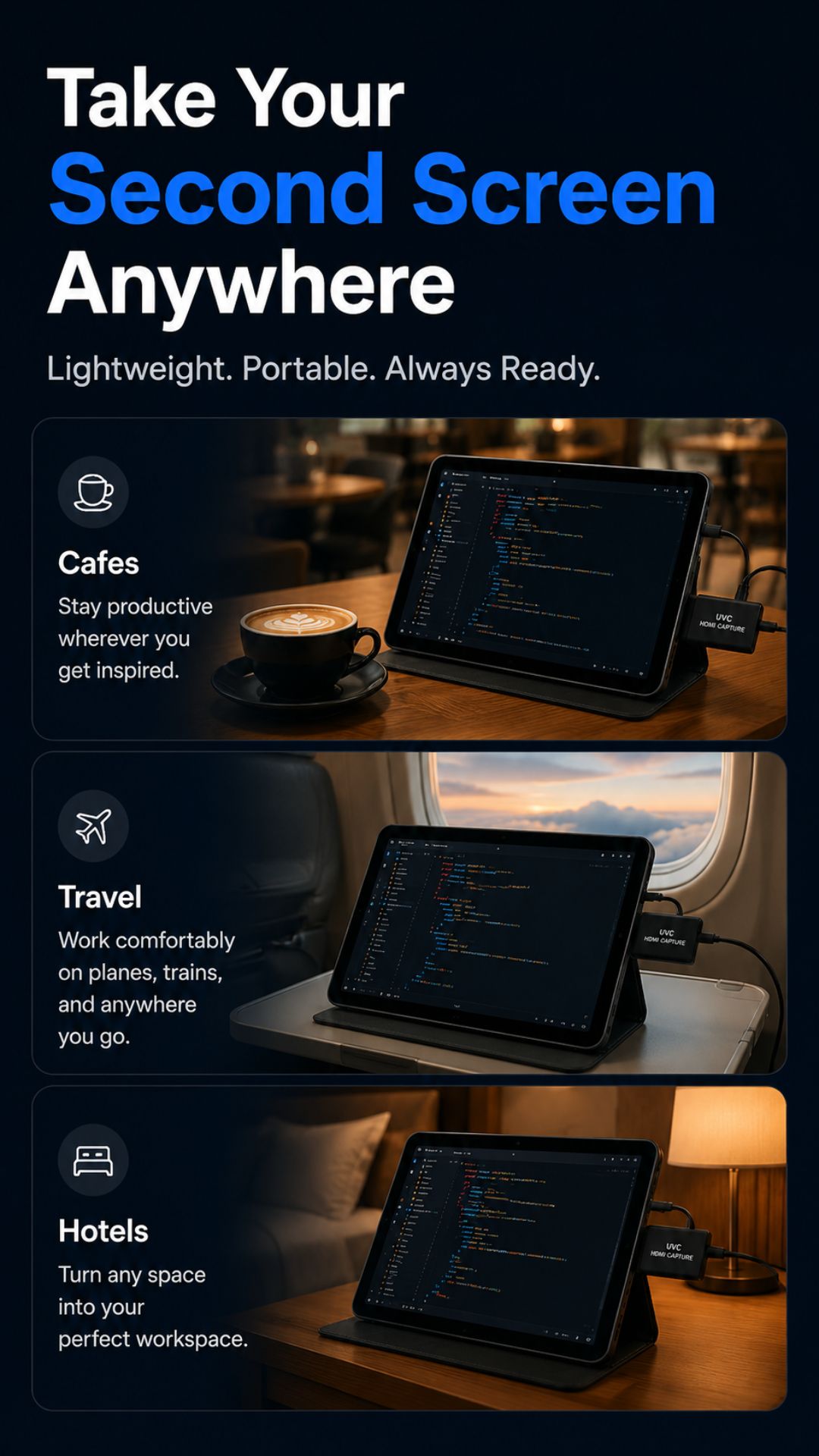
Product walkthrough
See how HDMI Monitor fits into a real portable setup
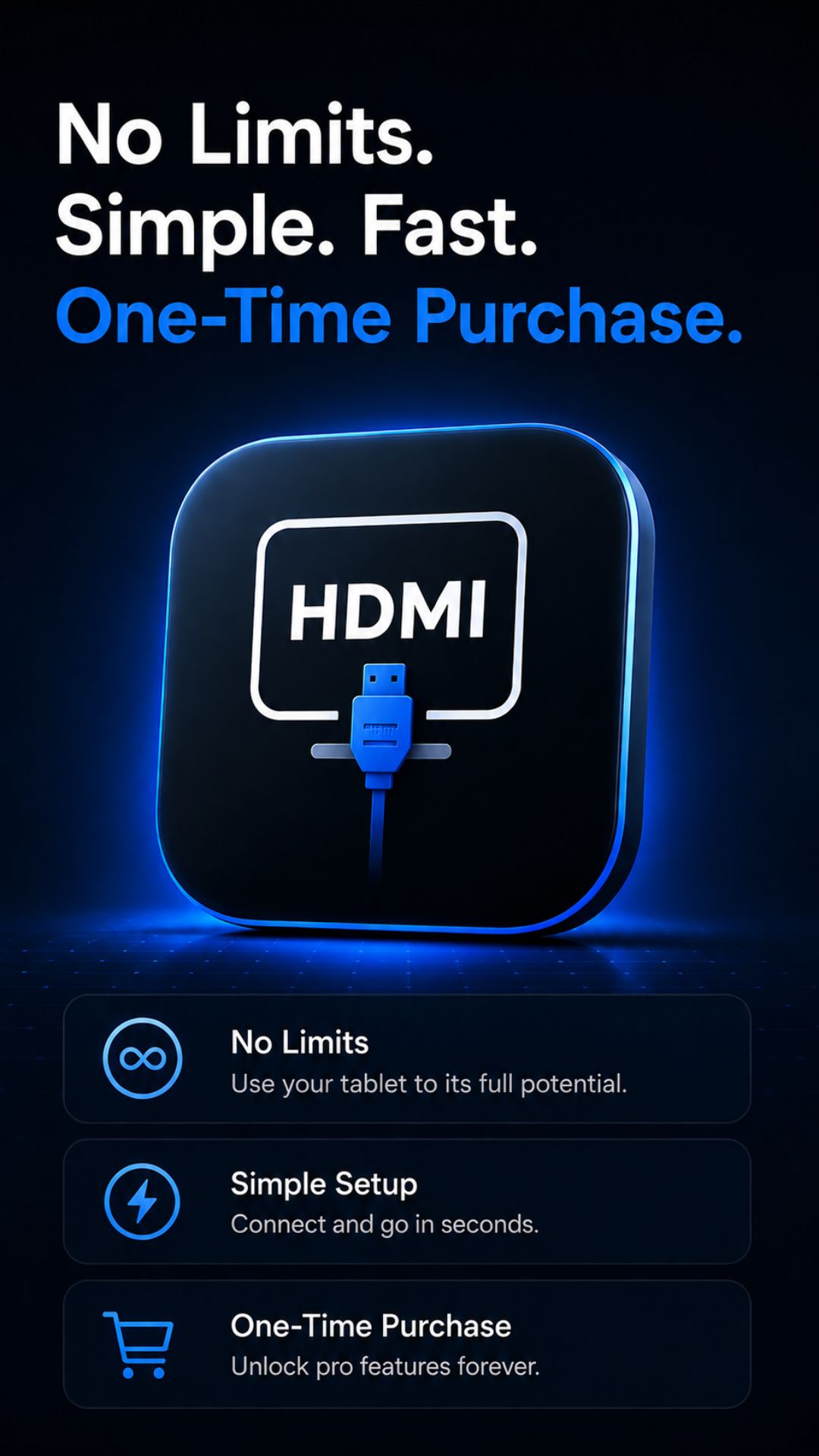
From adapter detection to fullscreen preview with audio support, the app is designed to reduce friction when you need a simple, dependable monitoring view on Android.
FAQ
Frequently asked questions
The essentials before you connect your setup.
What is HDMI Monitor for?
It helps you use an Android tablet as a fullscreen HDMI monitor with real-time audio through a compatible USB UVC HDMI capture adapter.
Does HDMI Monitor support audio playback?
Yes. When using a compatible UVC/UAC capture adapter, HDMI Monitor plays incoming HDMI audio in real time through your tablet speakers, wired headphones, or Bluetooth earbuds. Just ensure HDMI is selected as the sound output on your source device.
Why does the app request microphone permission?
Android classifies external USB capture card audio input as microphone audio. Microphone permission is needed so Android can receive and play the incoming HDMI sound.
Does it work with direct USB-C video input?
No. HDMI Monitor is designed around compatible UVC HDMI capture adapters rather than direct USB-C to USB-C video input.
Can I adjust the preview and sound?
Yes. The app includes rotation, flip behavior, aspect handling, signal presets, and audio controls. Pro users can also enable Retro Game Mode for CRT-style scanlines, richer color, and subtle screen shading.
Does the app record or upload my HDMI video?
No. The HDMI signal is processed locally on your device, and the app does not upload, store, or analyze your HDMI video during normal use.
Who is this app for?
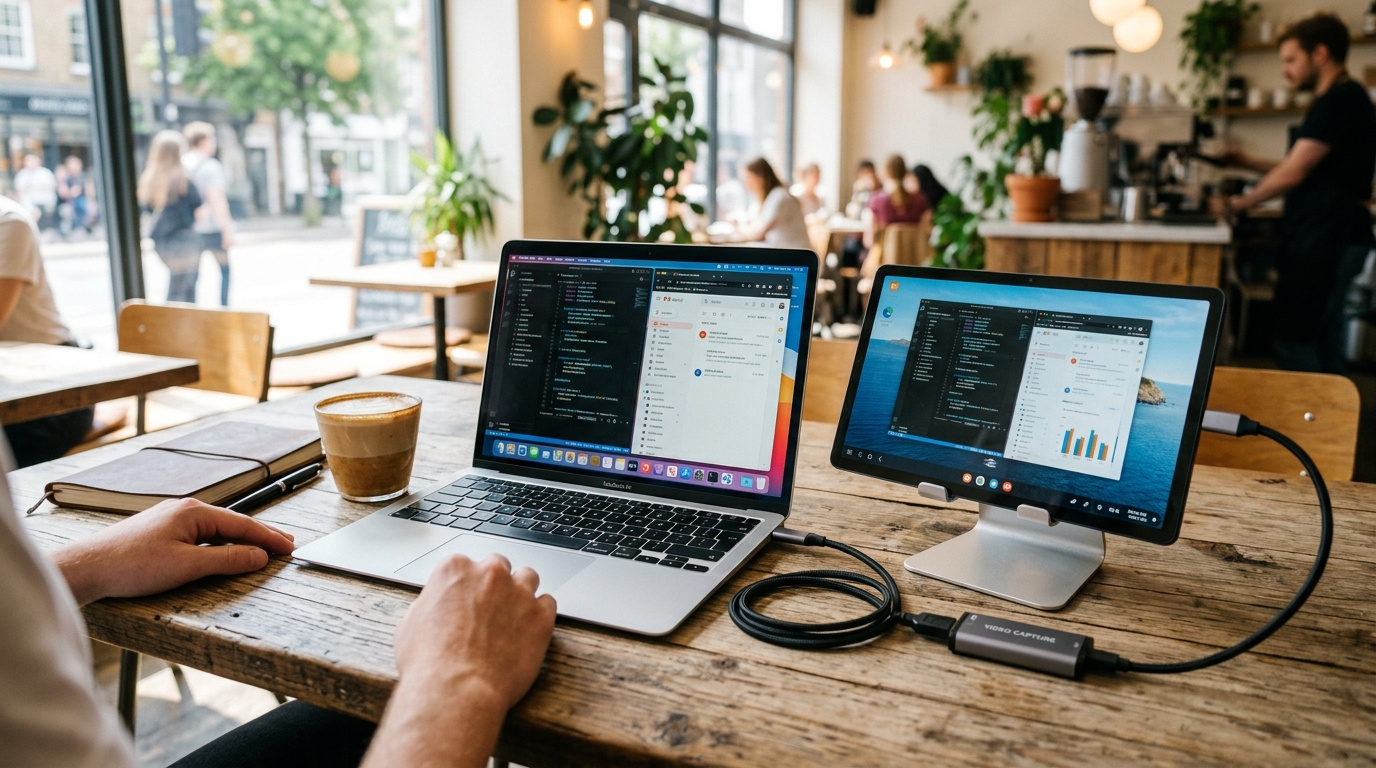
It is useful for portable console gaming (Nintendo Switch, Steam Deck), camera monitoring, Raspberry Pi or mini PC setups, laptop second screens, and field testing.
Portable monitor utility
Put the tablet you already own to work
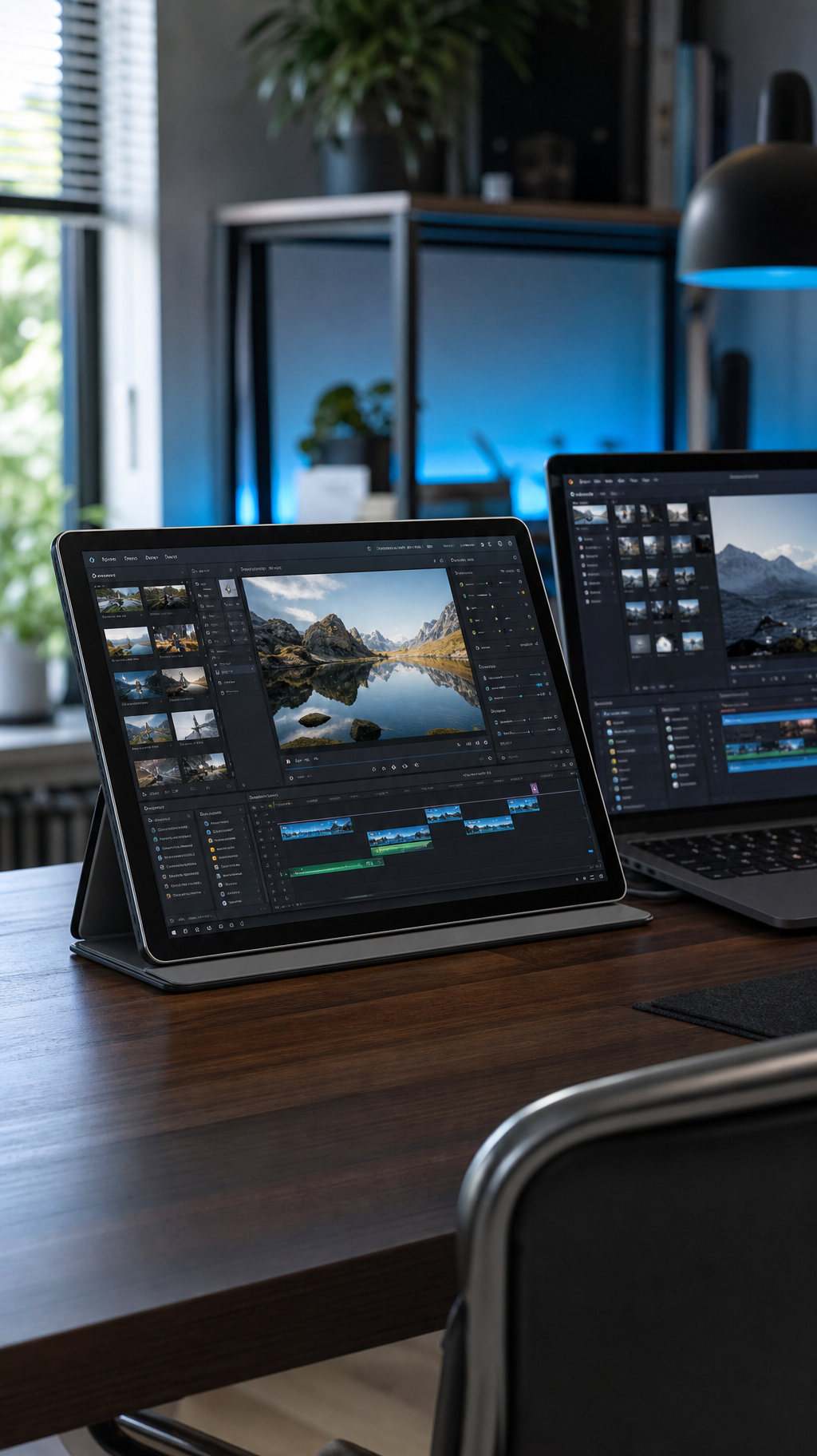
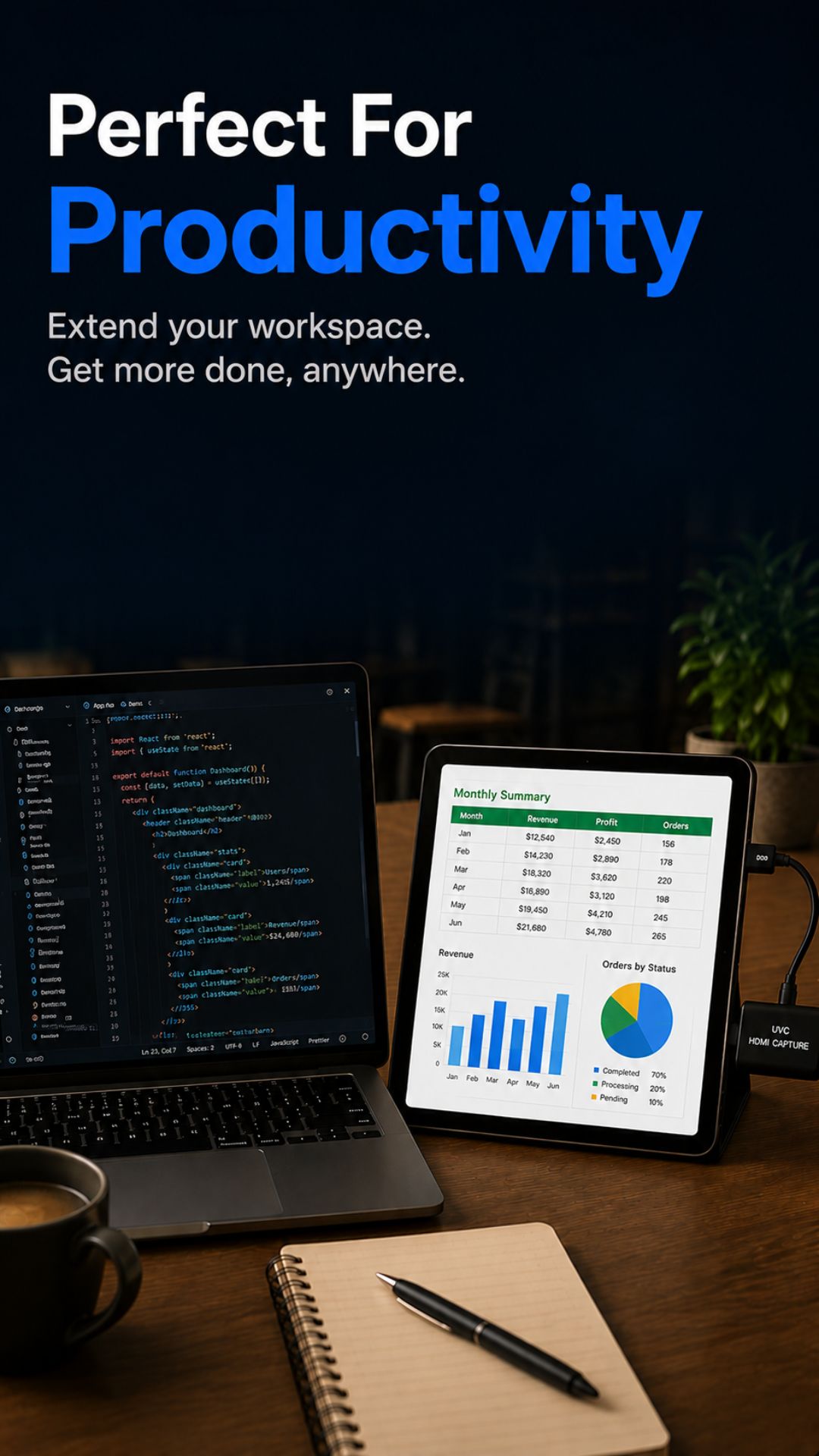
Download HDMI Monitor on Google Play and turn a compatible Android tablet plus UVC capture adapter into a flexible audiovisual HDMI setup for gaming, work, and portable production.