HDMI Monitor 1.6.9: Now Available in 14 Languages
Keep CodeInFaith in your Google feed
Add us as a preferred source to see more of our latest articles in Google Search.
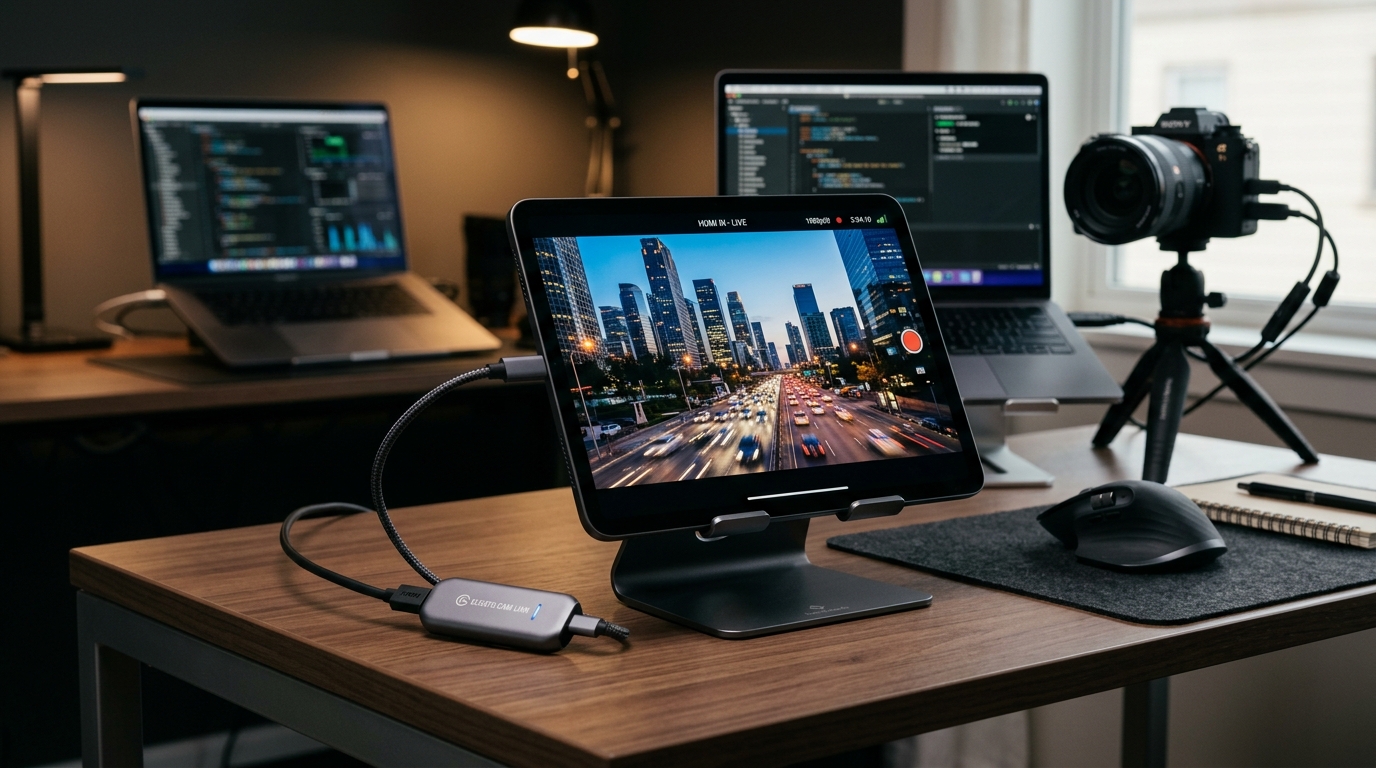
HDMI Monitor turns a tablet into a portable HDMI display with a USB capture adapter. People use it for cameras, game consoles, laptops, and mini PCs all over the world, but until now the app itself only spoke English, Spanish, Portuguese, and Korean.
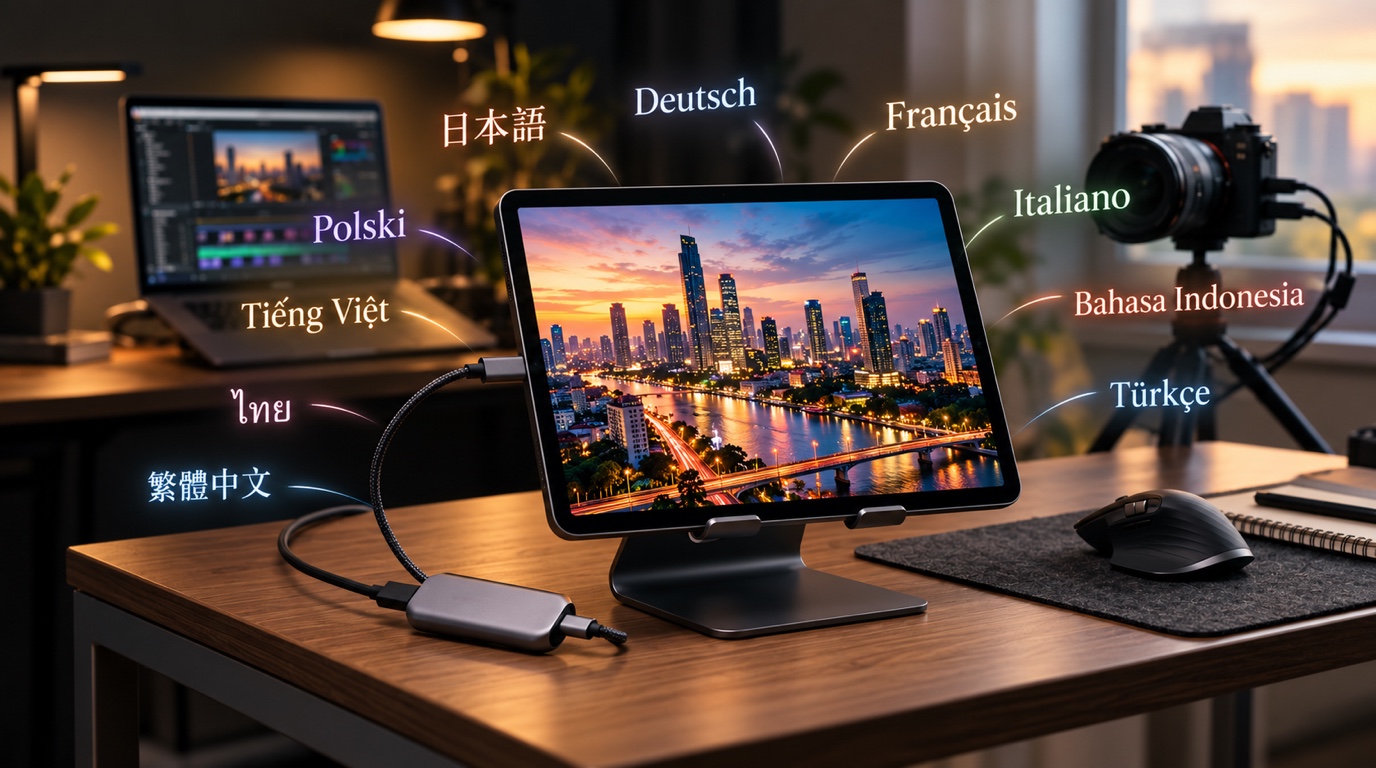
HDMI Monitor 1.6.9 adds ten new languages, bringing the total to 14. If your tablet is set to one of them, the app’s screens, setup tips, settings, and Pro upgrade screen now appear in your language.
Ten new languages
HDMI Monitor 1.6.9 is now available in:
| Language | Store name |
|---|---|
| Japanese | タブレット用HDMIモニター |
| German | HDMI-Monitor für Tablets |
| French | Moniteur HDMI pour tablette |
| Italian | Monitor HDMI per tablet |
| Indonesian | Monitor HDMI untuk Tablet |
| Turkish | Tablet için HDMI Monitör |
| Polish | Monitor HDMI dla tabletu |
| Vietnamese | Màn hình HDMI máy tính bảng |
| Thai | HDMI Monitor สำหรับแท็บเล็ต |
| Traditional Chinese | 平板專用 HDMI 螢幕 |
They join English, Spanish, Portuguese, and Korean. The store listings and screenshots are localized too, so you can see how the app works in your language before you install it.
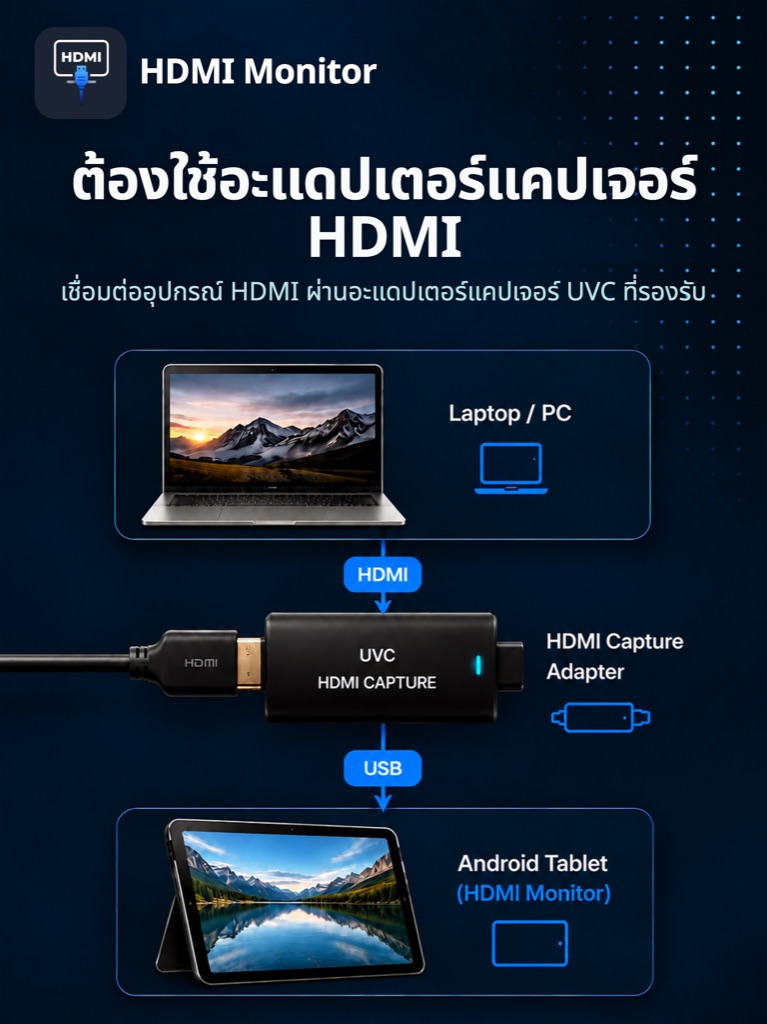
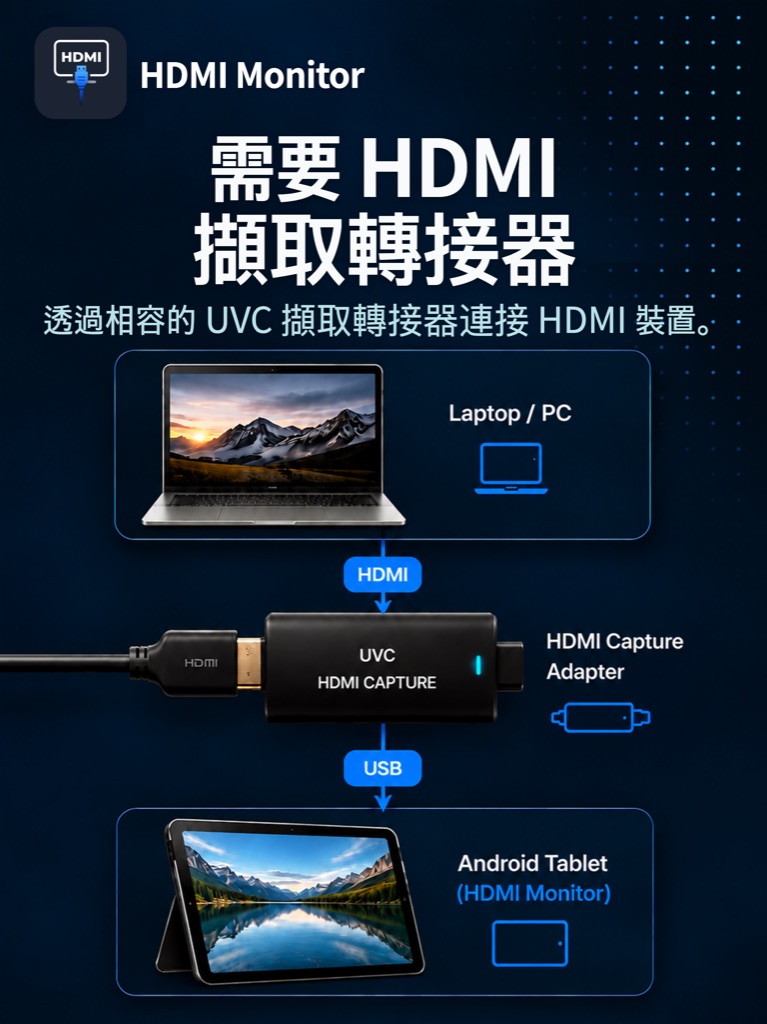
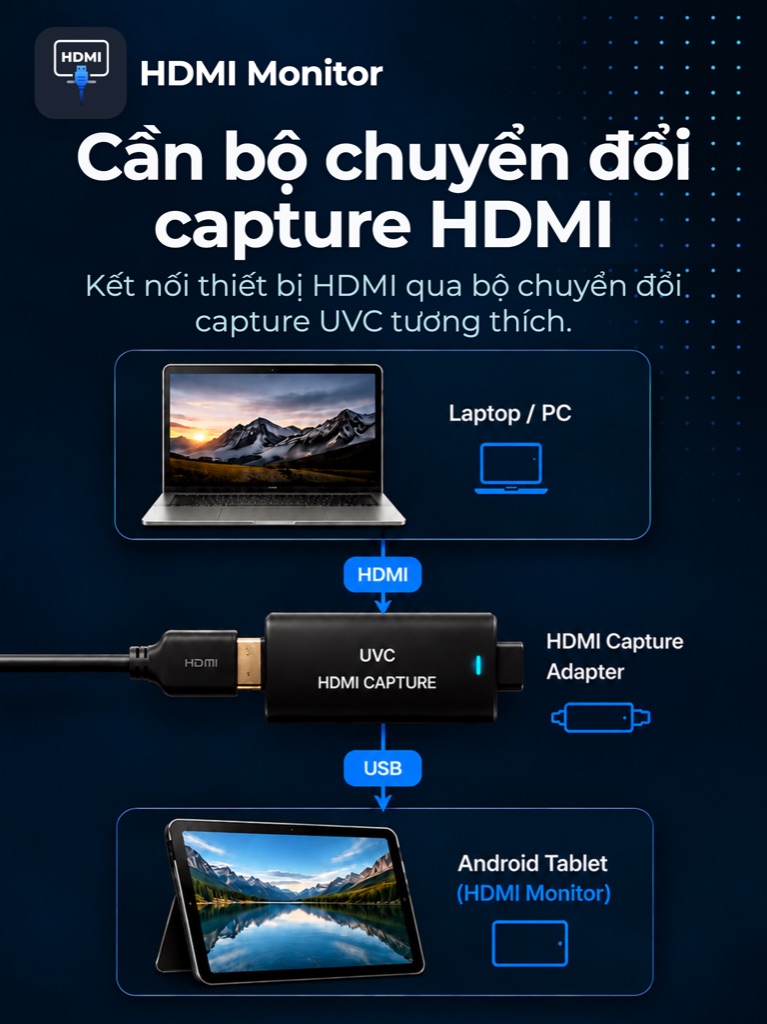
Why it matters for an HDMI monitor app
Setting up a capture adapter for the first time comes with a few questions. Is the adapter connected as a video device or only charging? Does it support audio? Why is a protected source showing a black screen? HDMI Monitor answers these in its setup tips and error messages, and those answers help most when you can read them easily.
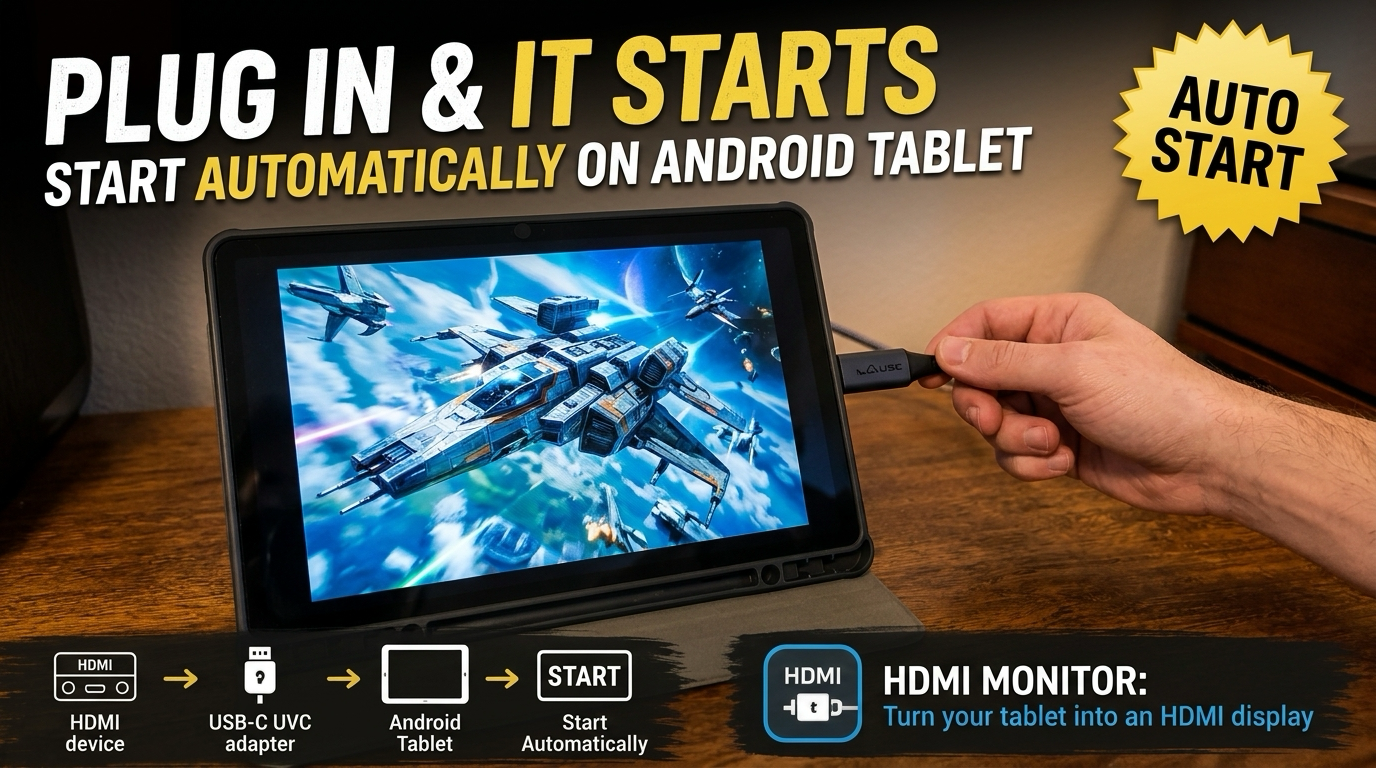
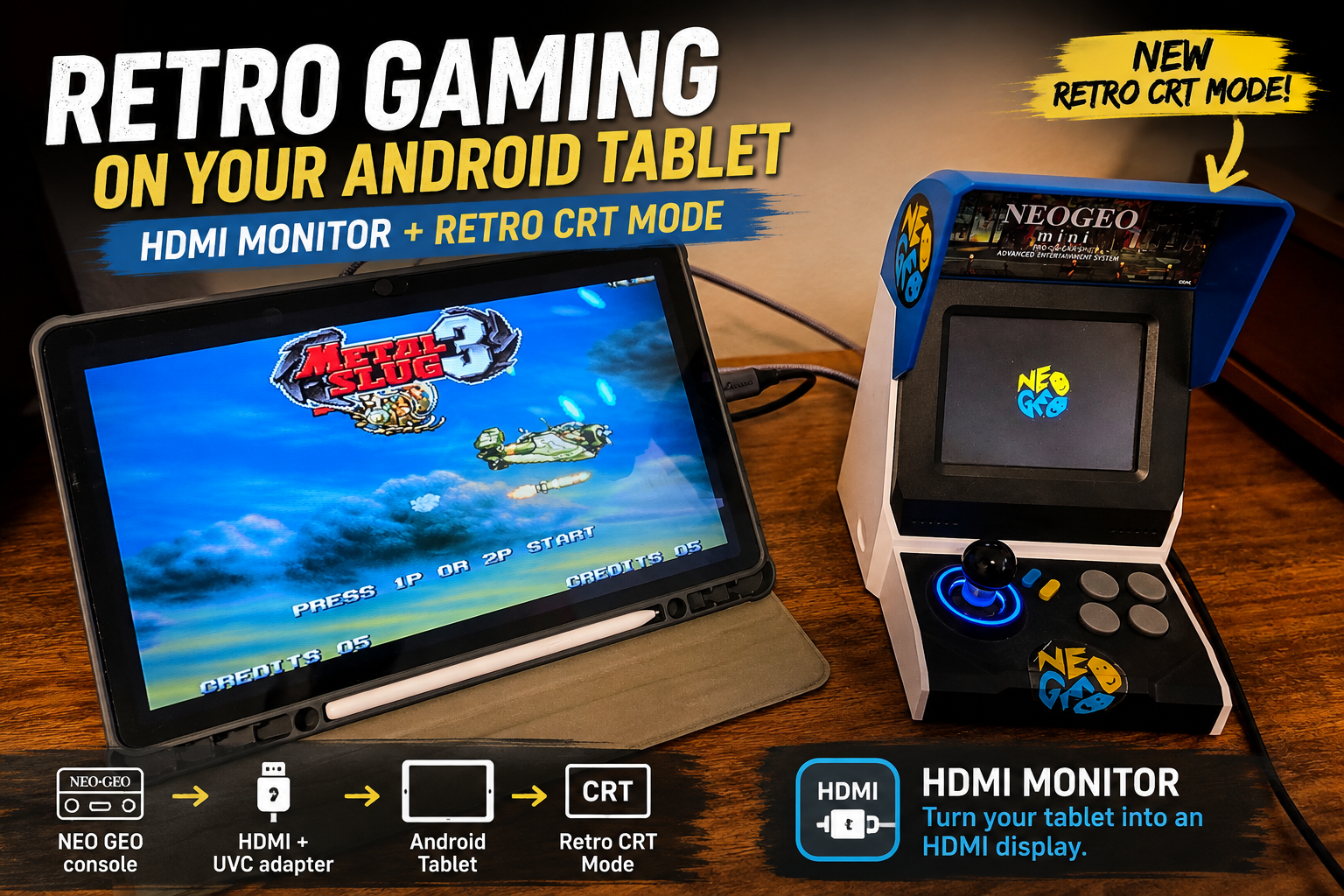
With 1.6.9, the connection status, troubleshooting guidance, and settings like Retro Game Mode and Start Automatically are all translated. You don’t need to switch your device to English just to set up a field monitor or a portable gaming screen.
The app follows your device language
There is no separate language setting to find. HDMI Monitor uses the language your tablet or phone is already set to. On iPad and iPhone, the system prompts that ask for camera and microphone access are translated as well. HDMI Monitor needs that access to read video and audio from the capture adapter.
If you change your device language while HDMI Monitor is open, status messages on the home screen now switch to the new language right away. Before, they stayed in the old language until the next scan or a restart.
A note on Chinese: this release adds Traditional Chinese. Devices set to Traditional Chinese, including Taiwan, Hong Kong, and Macau, get the full translation. Simplified Chinese isn’t supported yet, so devices set to Simplified Chinese show the app in English. We chose English over showing Traditional characters to Simplified readers.
A Pro upgrade screen you can read
Before this release, the Pro upgrade screen showed some of its text in English in every language, including the title, the plan label, and the payment notes. In 1.6.9, the whole upgrade, purchase, and restore experience is localized in all 14 languages. If you’re deciding whether to buy Pro, you can read exactly what you’re getting first.
Smaller fixes
- Cleaner preview settings. In some languages, the longer Fit and Fill labels ran into the selected-option badge. They now sit clear of it.
Get HDMI Monitor 1.6.9
Update HDMI Monitor, or install it for the first time, and it will open in your device’s language if it’s one of the 14.
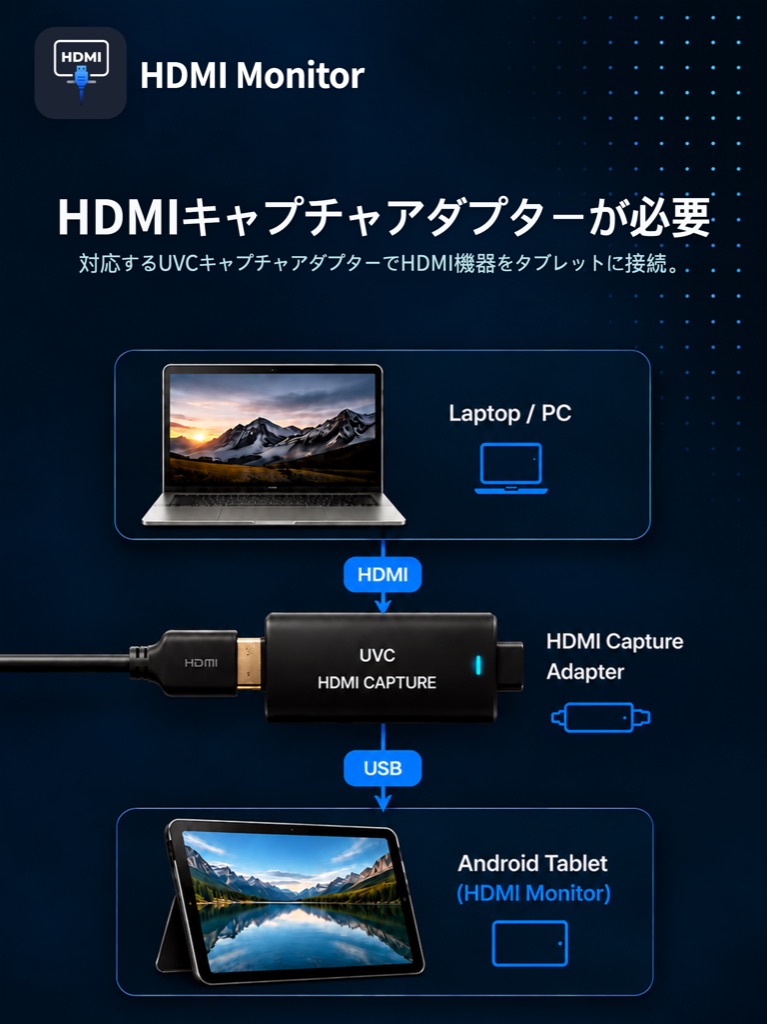
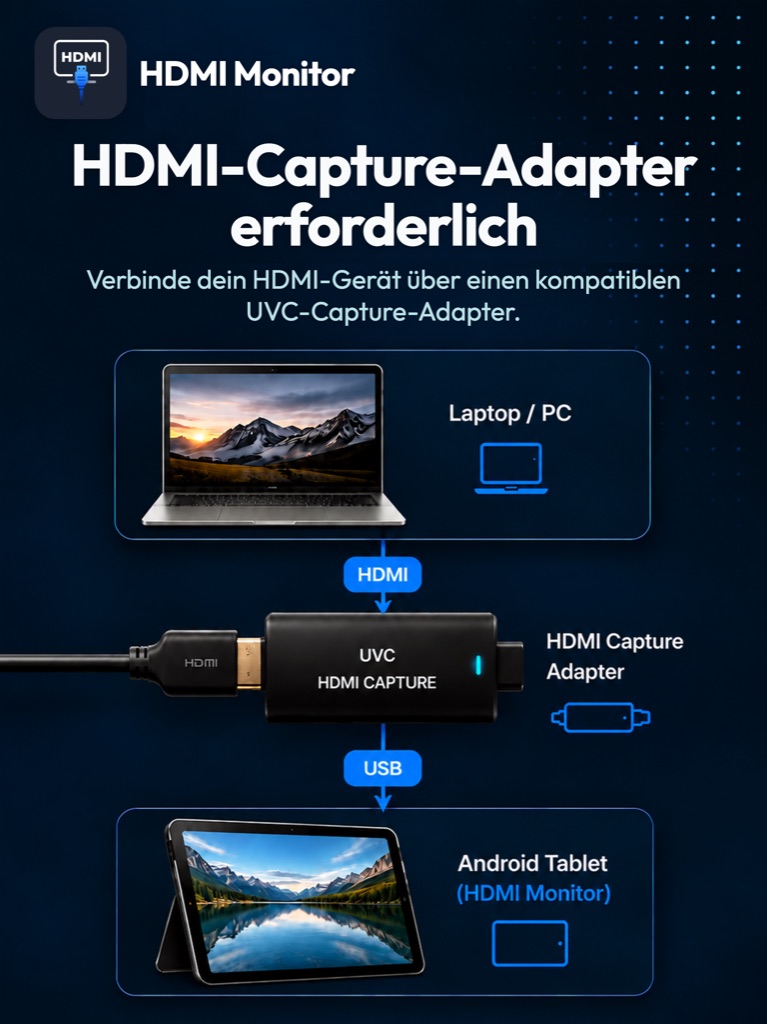
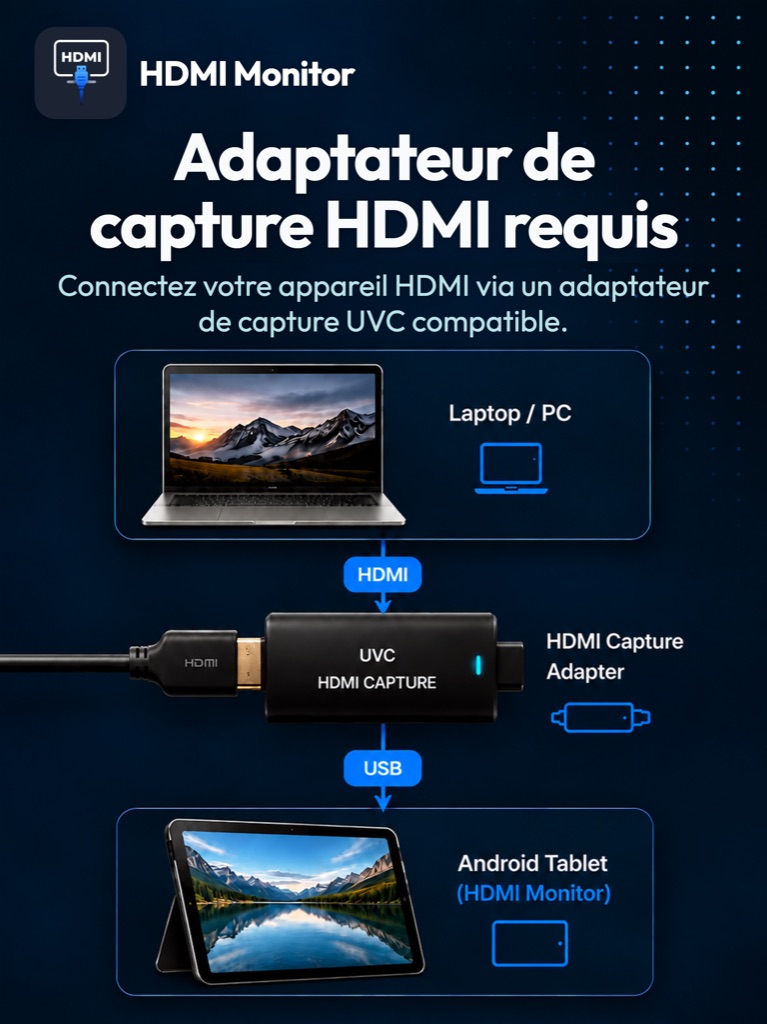
New to HDMI Monitor? You’ll need a compatible USB UVC HDMI capture adapter between your HDMI source and your tablet. If you’re choosing one, start with our guide to which UVC capture adapter to use with HDMI Monitor.
- See what’s new in HDMI Monitor 1.6: automatic start and reconnect
- Use HDMI Monitor on a USB-C iPad
- Explore HDMI Monitor features and setup details
Frequently asked questions
Which languages does HDMI Monitor support?
HDMI Monitor 1.6.9 supports 14 languages: English, Spanish, Portuguese, Korean, Japanese, German, French, Italian, Indonesian, Turkish, Polish, Vietnamese, Thai, and Traditional Chinese.
How do I change the language in HDMI Monitor?
HDMI Monitor follows the language set on your tablet or phone. When your device is set to one of the supported languages, the app uses it automatically. If you change the language while the app is running, status messages update right away.
Does HDMI Monitor support Simplified Chinese?
Not yet. Devices set to Traditional Chinese, including Taiwan, Hong Kong, and Macau, see the Traditional Chinese translation. Devices set to Simplified Chinese see English.
Do I still need a capture adapter?
Yes. HDMI Monitor shows an HDMI signal through a compatible USB UVC HDMI capture adapter. A tablet USB-C port cannot accept HDMI video on its own.