Bible Clock 3.0: Curated Themes for Your Bible Verse Clock
Keep CodeInFaith in your Google feed
Add us as a preferred source to see more of our latest articles in Google Search.
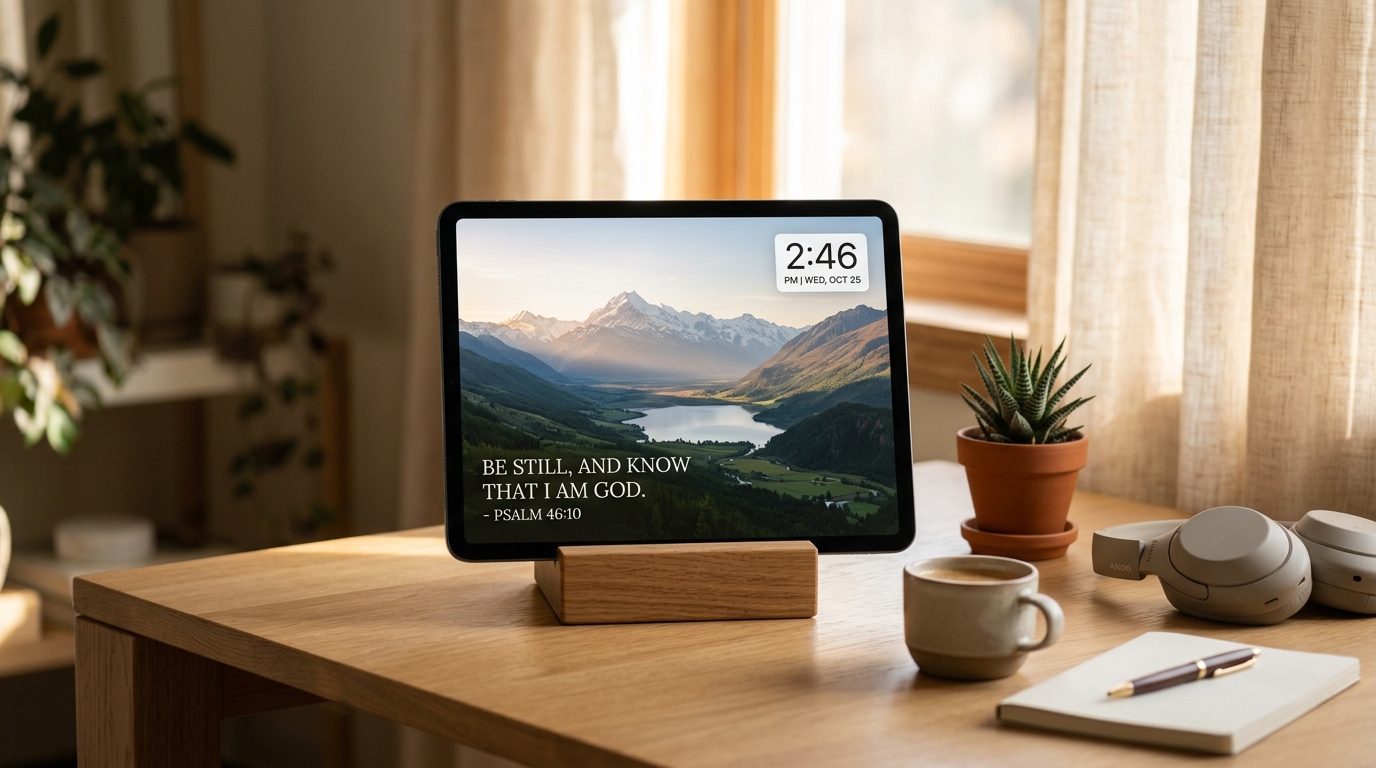
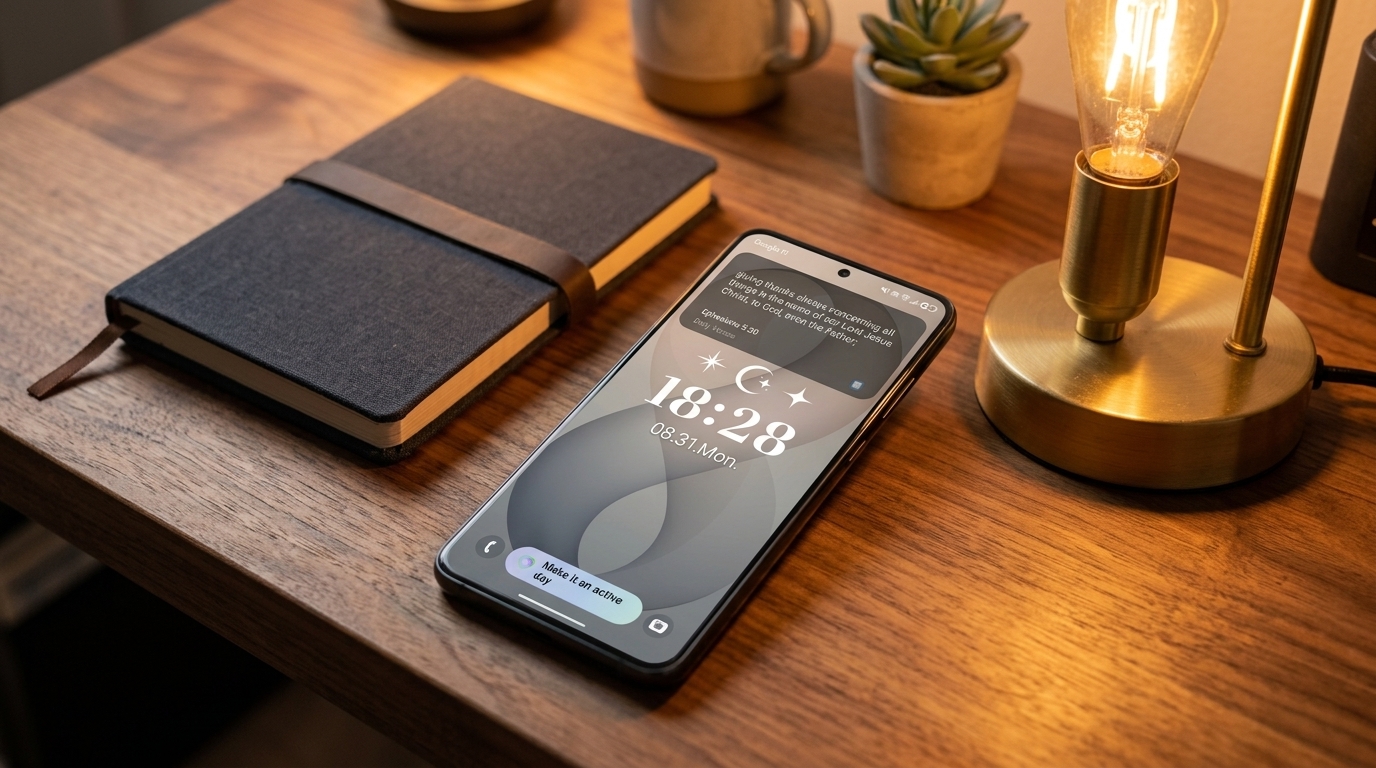
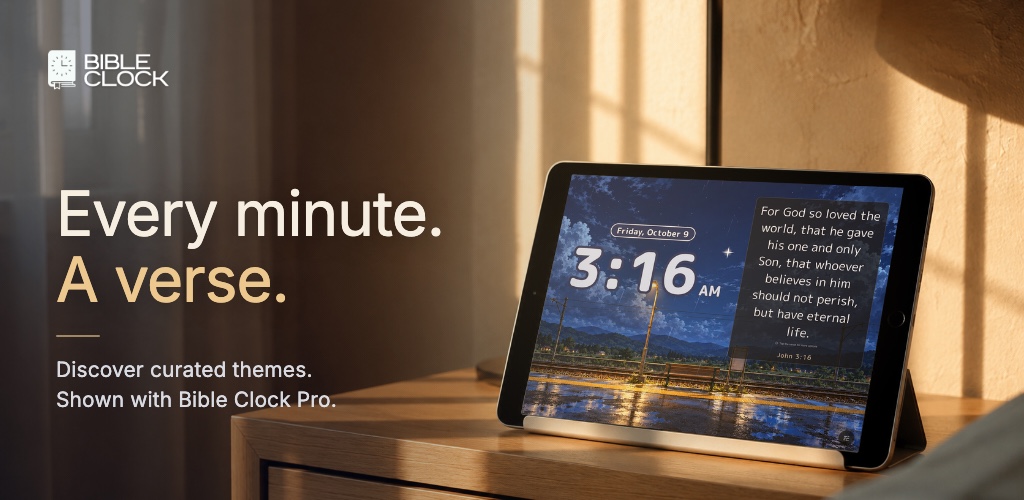
Bible Clock is made for a screen you leave running: a phone or tablet on a desk, a nightstand, or a kitchen counter. That makes the screen part of the room. Up to now, getting it to look right meant working through a list of settings: clock style, colors, verse layout, background.
Bible Clock 3.0 takes a different approach. Instead of building a look one setting at a time, you pick a finished one.
Watch the new Curated Themes in the Bible Clock 3.0 video:
Themes & Styles: one gallery for every look
The headline of 3.0 is Themes & Styles, a single gallery that holds every Bible Clock look. Each curated theme sets three things together: the clock, the lettering of the verse, and the scene behind them. You choose a theme, and your Bible verse clock looks finished right away.
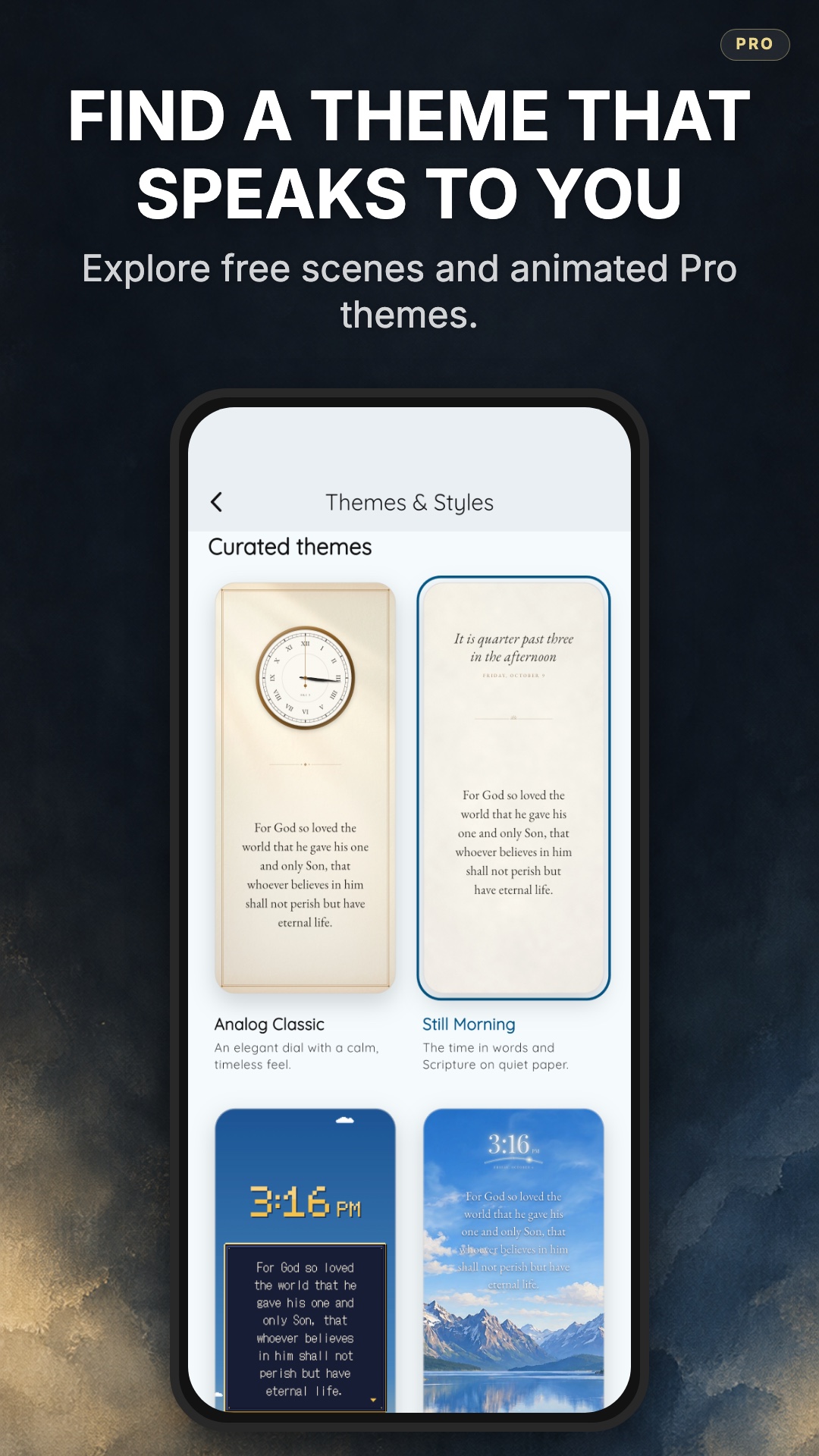
Two themes are free for everyone:
- Analog Classic: an elegant dial with a calm, timeless feel.
- Still Morning: the time written out in words, with Scripture on quiet paper.
Six more are animated scenes that come with Bible Clock Pro:
- The Quiet Station: a country platform after the rain, with a train passing now and then.
- The Heavens Declare: a sky that moves from dawn to starlight, with Scripture over the hills.
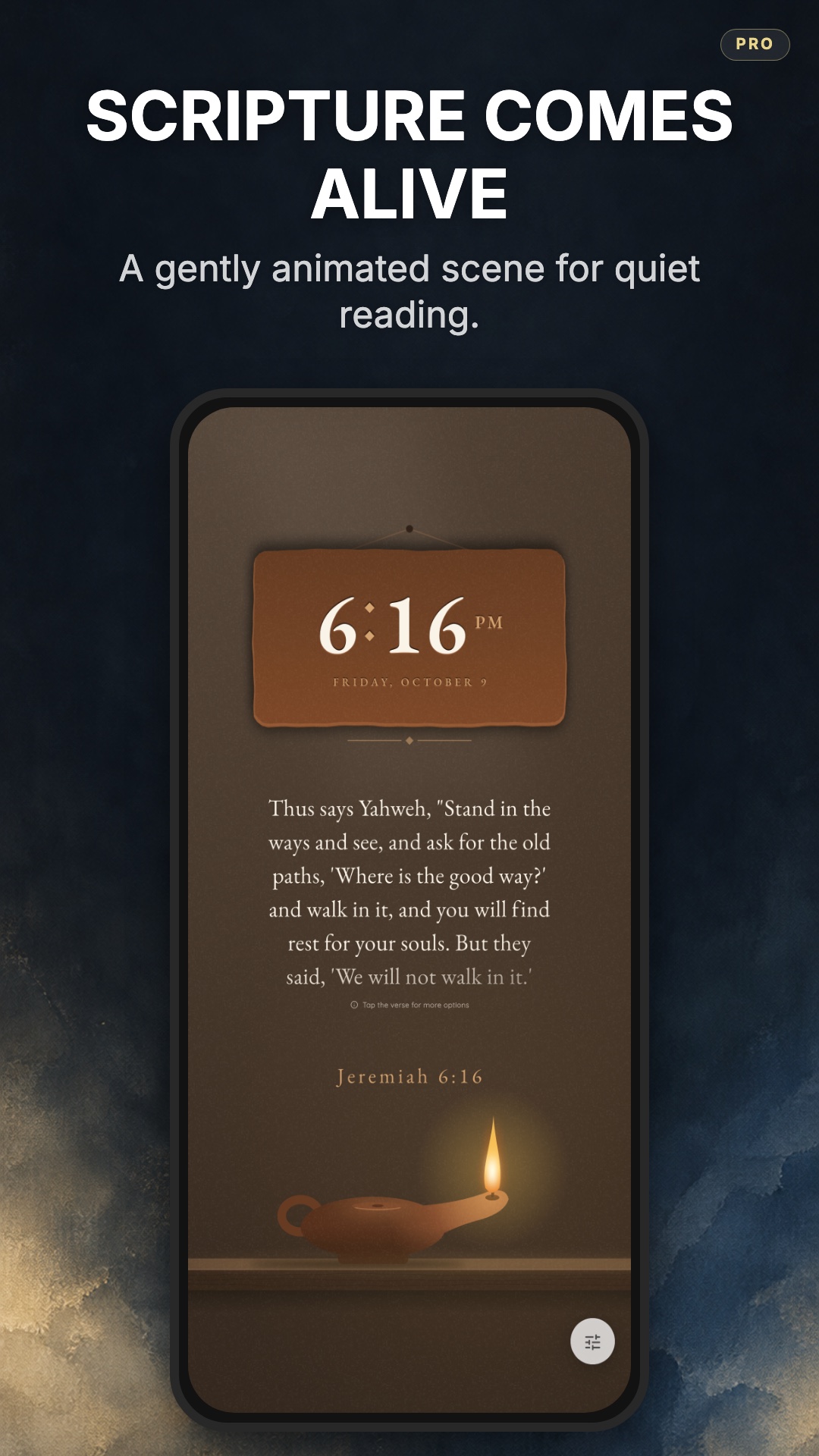
- A Lamp to My Feet: a clay oil lamp glowing on a dark shelf.
- Seedtime and Harvest: a cozy autumn page in watercolor and pencil, with a flickering candle and drifting leaves.
- Consider the Lilies: a cut-paper meadow where a lily opens through each hour.
- Shepherd’s Watch: a pixel-art shepherd and his flock, with Scripture in a game dialog box.
Several of the names come straight from Scripture: “a lamp to my feet” from Psalm 119:105, “the heavens declare” from Psalm 19:1, “consider the lilies” from Matthew 6:28, and “seedtime and harvest” from Genesis 8:22.
Scenes that follow your day
Two of the Pro themes don’t stay fixed. The Quiet Station and The Heavens Declare follow the time of day, so the scene shifts from dawn to daylight to night as the hours pass. The sky over The Heavens Declare warms at sunrise and fills with stars after dark, and the verse stays easy to read the whole time.
For a screen that sits in one spot all day, this matters more than it sounds. A bright morning scene at midnight feels wrong in a dark bedroom. A theme that follows the clock just fits the room you’re in.
Made for the room it lives in
The 3.0 themes are designed for an always-on screen. A Lamp to My Feet is a good example. It’s a calm, low-glare scene for a nightstand: one small flame on a dark shelf, with the time and a verse above it.
The other scenes cover different moods. Seedtime and Harvest suits an autumn kitchen. Shepherd’s Watch brings a playful pixel-art look to a kids’ room or a gamer’s desk. Consider the Lilies marks the hours with a flower opening across a paper meadow.
If you’ve already set up your own clock style and colors, you don’t lose them. A theme takes over the clock, type, colors, and art while it’s active, and your custom look is saved for the Clock + Verse and Photo Clock styles.
Still a verse you can stop and read
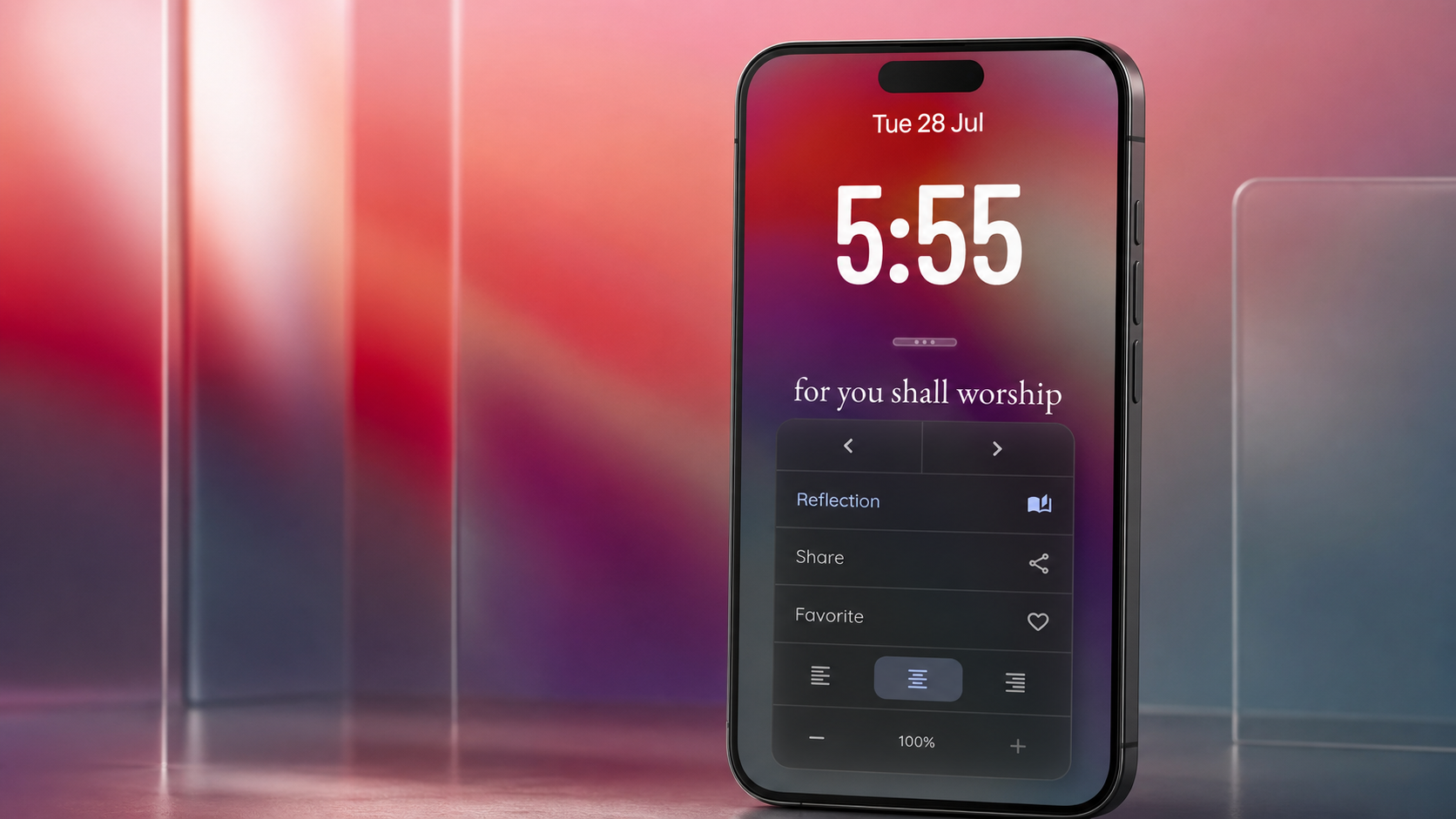
A theme changes how the screen looks, not what you can do with it. Tap the verse on screen to read the verses around it and reflect on what you’re reading, and save favorites to come back to. With Pro, Reflection adds deeper insights on the passage.
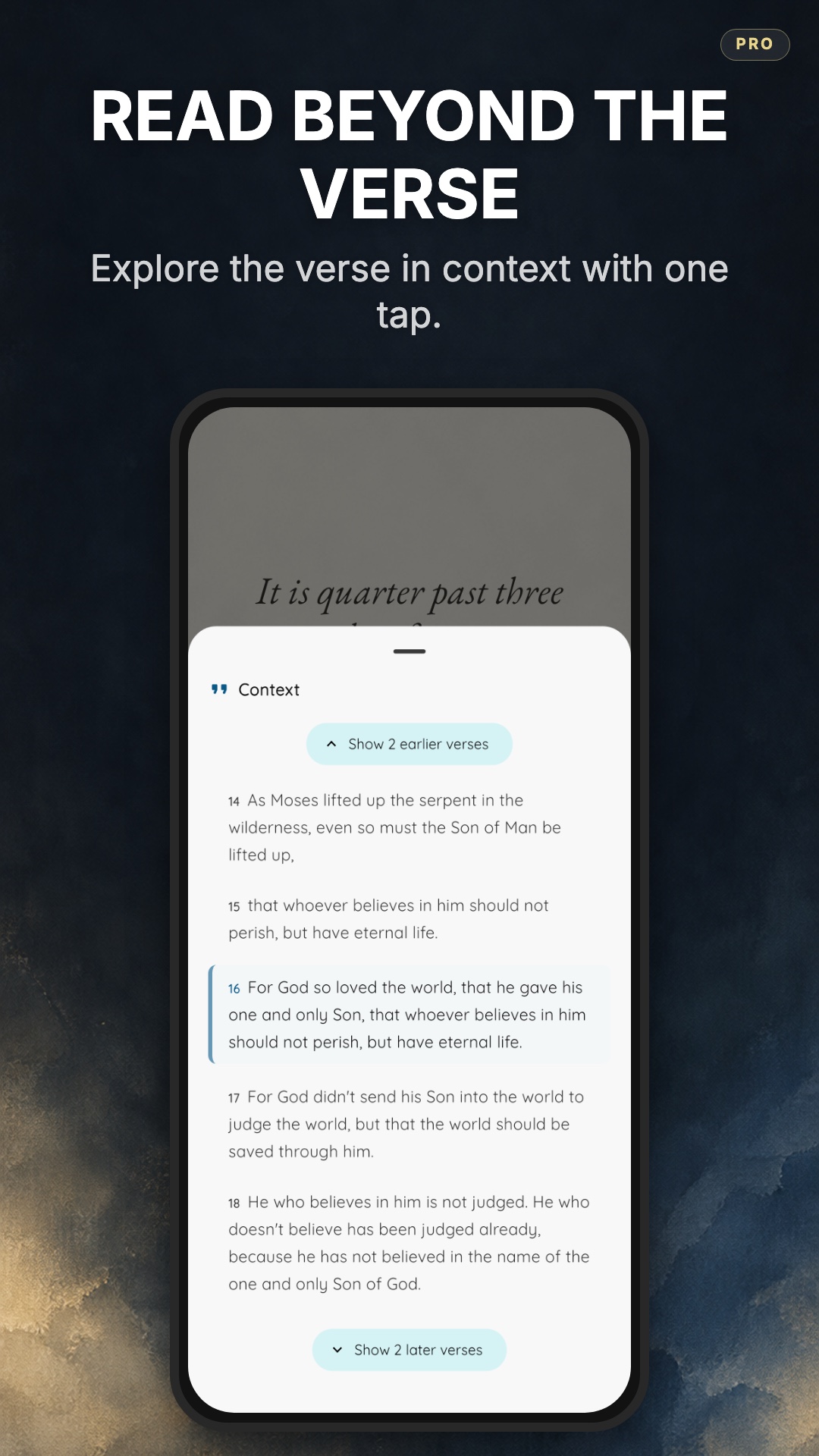
Time-based verses work with the themes too. With Bible Clock Pro, the verse can match the time on screen, so at 3:16 you see John 3:16.
Other improvements in Bible Clock 3.0
- A redesigned welcome tour for new users, showing the curated themes, Reflection, and the Home Screen widget.
- Settings grouped by what they change, so it’s easier to find the option you’re looking for.
- An in-app language picker in Settings. The app is available in English, Spanish, Portuguese, Korean, and Chinese.
- Photo Clock’s date label now follows the app language.
How to choose a theme
- Update Bible Clock to version 3.0 or later.
- Open the options sheet on the Home screen, or go to Settings.
- Tap Themes & Styles.
- Pick a theme. Analog Classic and Still Morning are ready to use right away. The animated themes unlock with Pro.
Free and Pro
Bible Clock is free to download, with the clock, daily verses, the Analog Classic and Still Morning themes, and Home Screen widgets.
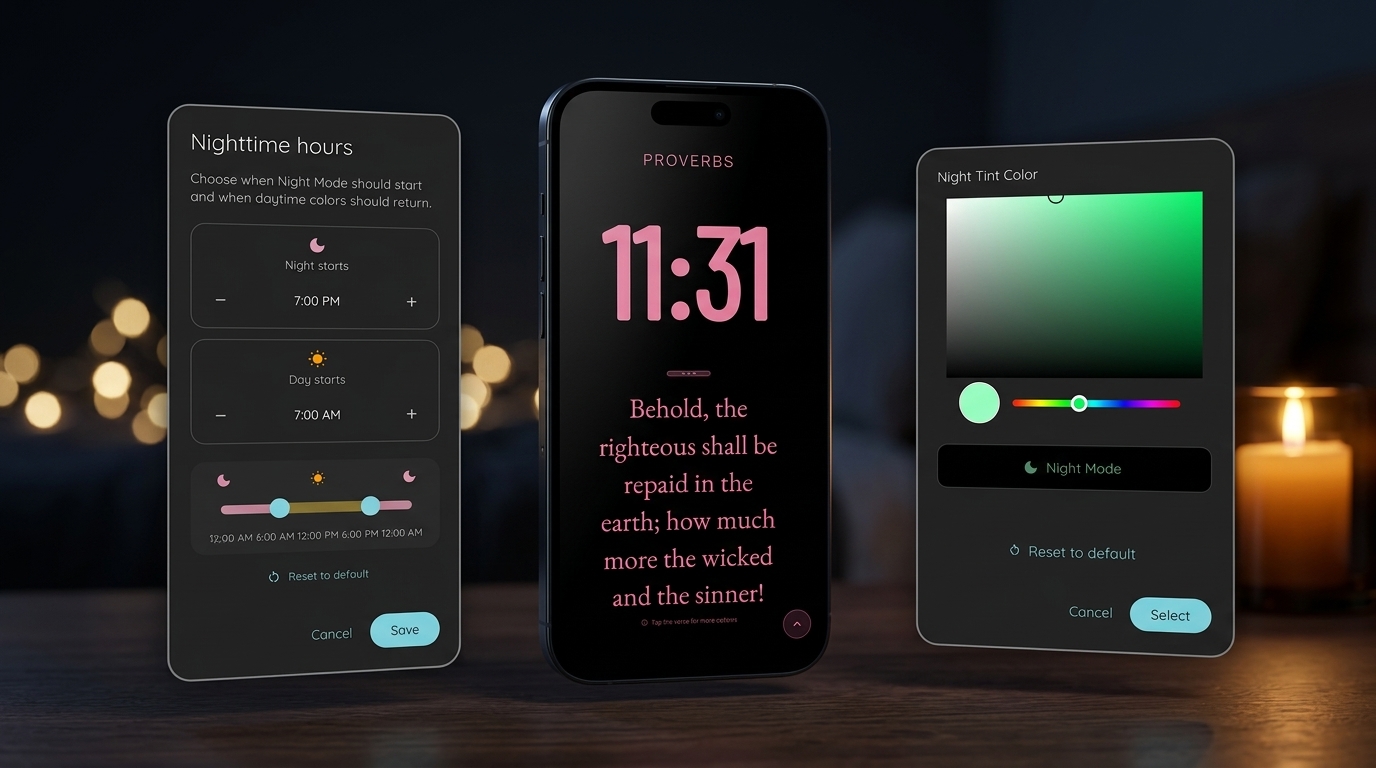
Bible Clock Pro is a one-time upgrade, not a subscription. It unlocks the animated themes, Photo Clock with your own photos and Google Photos, time-based verses, Reflection insights, night display hours, more and custom verse collections, and more widgets.
Set the scene for Scripture
Bible Clock has always been about one idea: every time you check the time, God’s Word is right there with it. Version 3.0 makes that screen something you’re glad to leave on in the room.
Update to Bible Clock 3.0 and choose a theme for your desk or nightstand. You’ll find download links and the full feature list on the Bible Clock project page.
Frequently asked questions
What is new in Bible Clock 3.0?
Bible Clock 3.0 adds Themes & Styles, one gallery for every Bible Clock look. Each curated theme sets the clock, the verse lettering, and the scene together. The update also brings a redesigned welcome tour, Settings grouped by what each option changes, and an in-app language picker.
Which Bible Clock themes are free?
Analog Classic and Still Morning are free for everyone. The Quiet Station, The Heavens Declare, A Lamp to My Feet, Seedtime and Harvest, Consider the Lilies, and Shepherd's Watch are animated themes included with Bible Clock Pro.
Do the themes change during the day?
The Quiet Station and The Heavens Declare follow the time of day, changing from dawn to night while the verse stays easy to read.
Will a theme overwrite my custom clock and colors?
No. A theme designs the clock, type, colors, and art while it is active. Your custom look is saved for the Clock + Verse and Photo Clock styles.
Is Bible Clock Pro a subscription?
No. Bible Clock is free to download, and Pro is a one-time upgrade. It unlocks the animated themes, Photo Clock with your own photos and Google Photos, time-based verses, Reflection insights, night display hours, more verse collections, and more widgets.