A Customizable Bible Verse Clock for Your Phone or Tablet
Keep CodeInFaith in your Google feed
Add us as a preferred source to see more of our latest articles in Google Search.
Bible Clock is most useful when Scripture feels at home in the space where you see it.
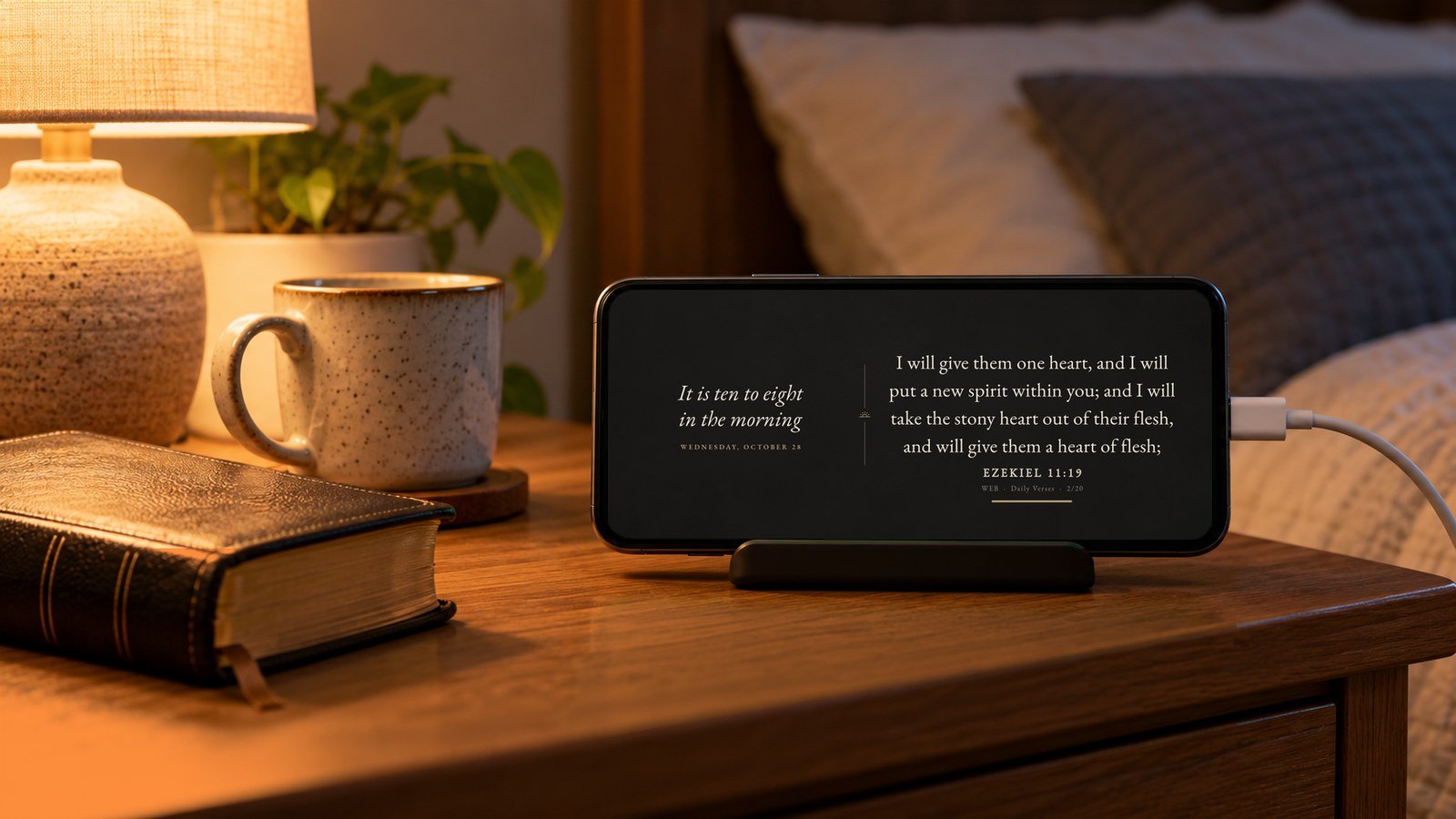
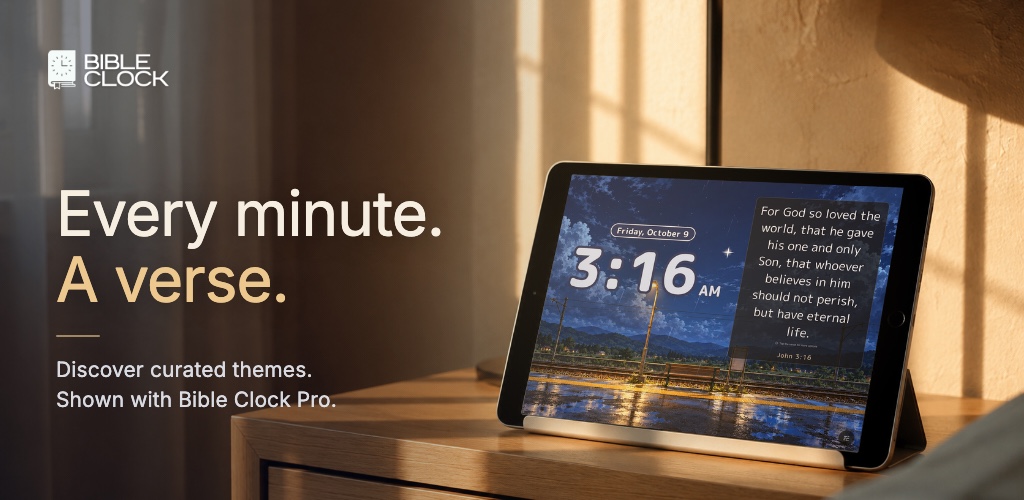
That might be a phone on your desk while you work. It might be an old tablet on a kitchen counter. It might be a quiet nightstand display before sleep. In each place, the verse does not need to feel the same. Some rooms need larger text. Some backgrounds read better with centered words. Some setups feel calmer when the verse sits left or right instead of always living in the middle.
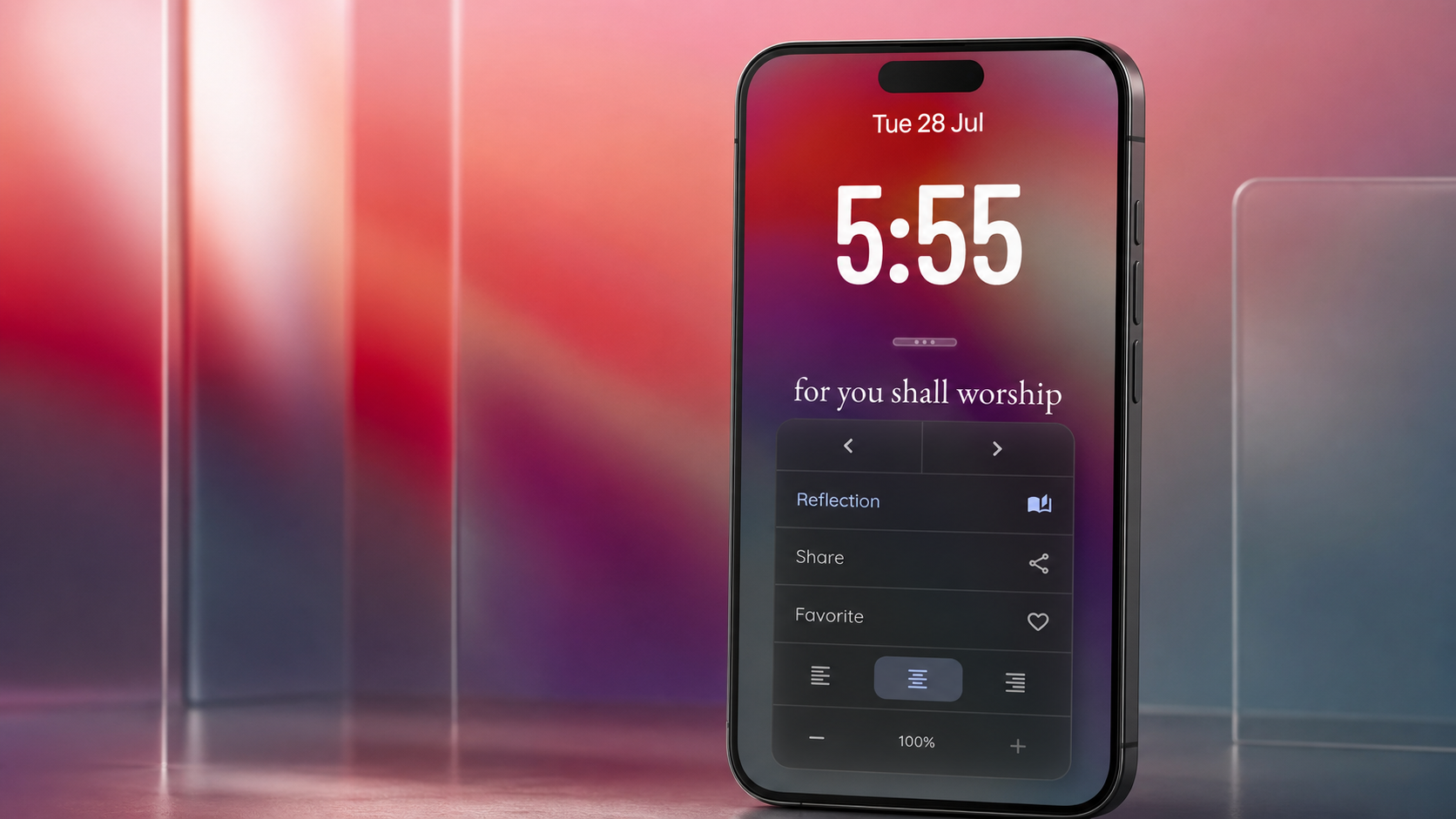
Bible Clock 2.15 makes that everyday reading experience more flexible. You can now adjust the verse text size and verse text alignment, so your Bible verse clock can better fit the device, room, and moment in front of you.
A customizable Bible verse clock for real spaces
The main change in these releases is not a new screen or a louder feature. It is control over how Scripture appears on the clock itself.
When you tap the current verse on Home, Bible Clock already gives you quick access to actions like Reflection, sharing, favorites, and previous or next verse navigation. Now that same verse options overlay also includes reading controls for the verse display.
In Bible Clock 2.15, you can choose the verse alignment:
- left
- center
- right
You can also adjust the verse text size from the same place with simple decrease and increase controls.
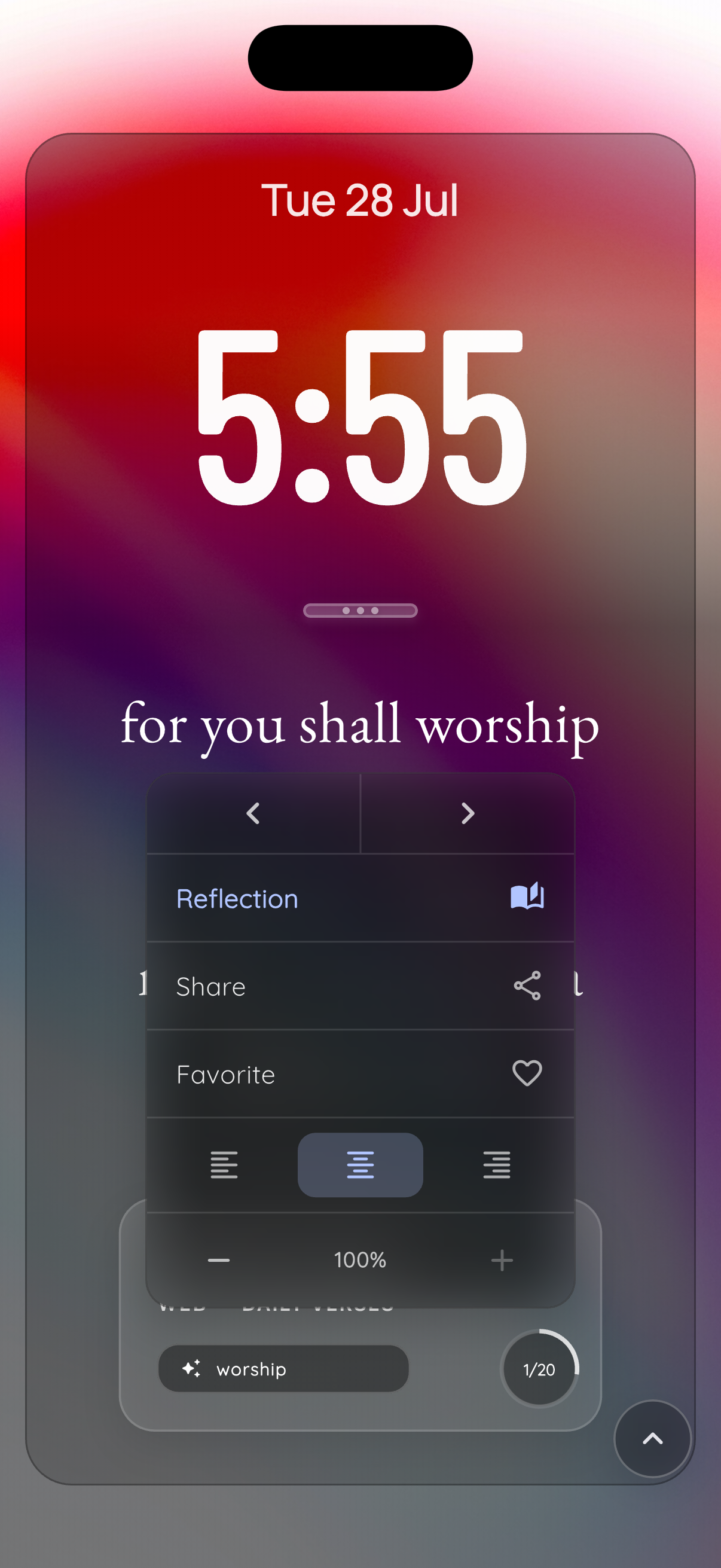
That makes the app feel more practical in the places people actually use it. A centered verse may look best on a clean phone background. A left-aligned verse may feel more natural on a wide tablet display. A slightly smaller text size may help longer passages breathe instead of feeling crowded.
Why verse text size matters
A Bible verse clock is different from a normal reading app.
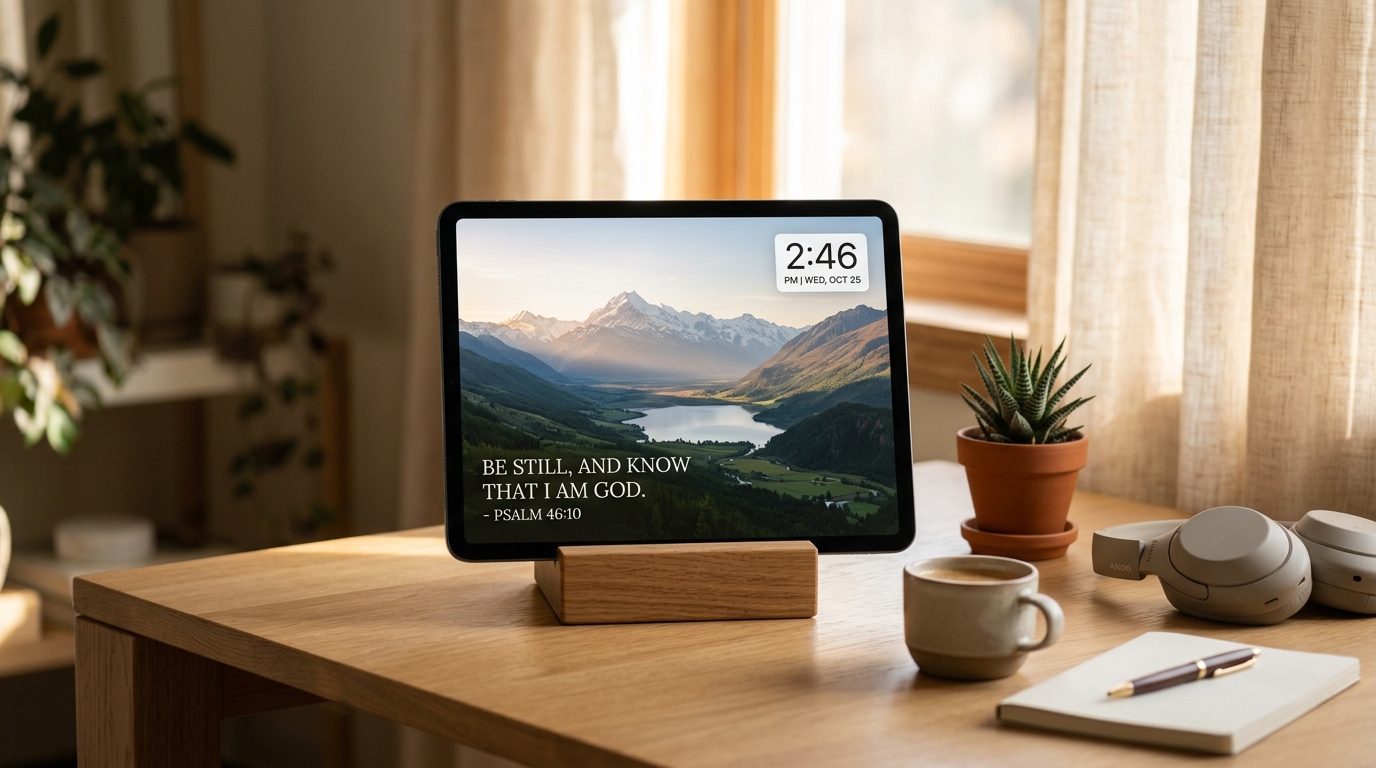
You are not always holding it in your hand. Sometimes it is across the room. Sometimes it is sitting beside a monitor. Sometimes the screen is vertical on a stand, or horizontal on an older tablet you repurposed into a Scripture display.
That changes what good readability means.
Large verse text can be beautiful when the passage is short. But longer verses need room. If the words feel too big, the display can become visually heavy, especially when the clock and background are also part of the design. The new text size controls let you tune that balance without changing the whole setup.
Bible Clock keeps the control simple: tap the verse, use the plus or minus buttons, and watch the percentage change. The default remains the largest auto-fit size, and the app gives clear feedback if you try to increase beyond that limit. You can reduce the verse size when you want a calmer or more spacious display, then bring it back up when you want the words to stand out more.
This is a small detail, but small details matter when an app becomes part of a room.
Alignment helps Scripture match the background
Verse alignment is just as practical.
Bible Clock supports different backgrounds, clock styles, and display modes. A verse that looks great centered over one image may feel better aligned to the left on another. If a photo has visual weight on one side, moving the verse alignment can make the whole screen feel more balanced.
This is especially helpful if you use Bible Clock as a Scripture display on a tablet or spare device. The screen is not only something you read. It becomes part of a desk, shelf, prayer corner, or bedside setup. Alignment gives you one more way to make that display feel intentional instead of fixed.
For example:
- use center alignment for a clean clock-first layout
- use left alignment for a more journal-like reading feel
- use right alignment when the background image or room setup works better that way
The point is not complexity. The point is letting the verse sit where it reads best.
Still quick to reflect, save, and share
These customization controls build on the verse options flow introduced in the previous release.
The verse remains the starting point. You see Scripture on Home, tap it, and decide what to do next. You can still open Reflection for supported verses, share the passage, save it to favorites, or move through the current collection. The new alignment and text size controls live alongside those actions because they belong to the same moment: noticing the verse and shaping how you want to stay with it.
That matters for daily use. Bible Clock is not trying to pull you into a complicated editor every time you want a calmer display. The controls are close to the verse, quick to understand, and easy to leave alone if the default already works for you.
A better fit for phones, tablets, and old devices
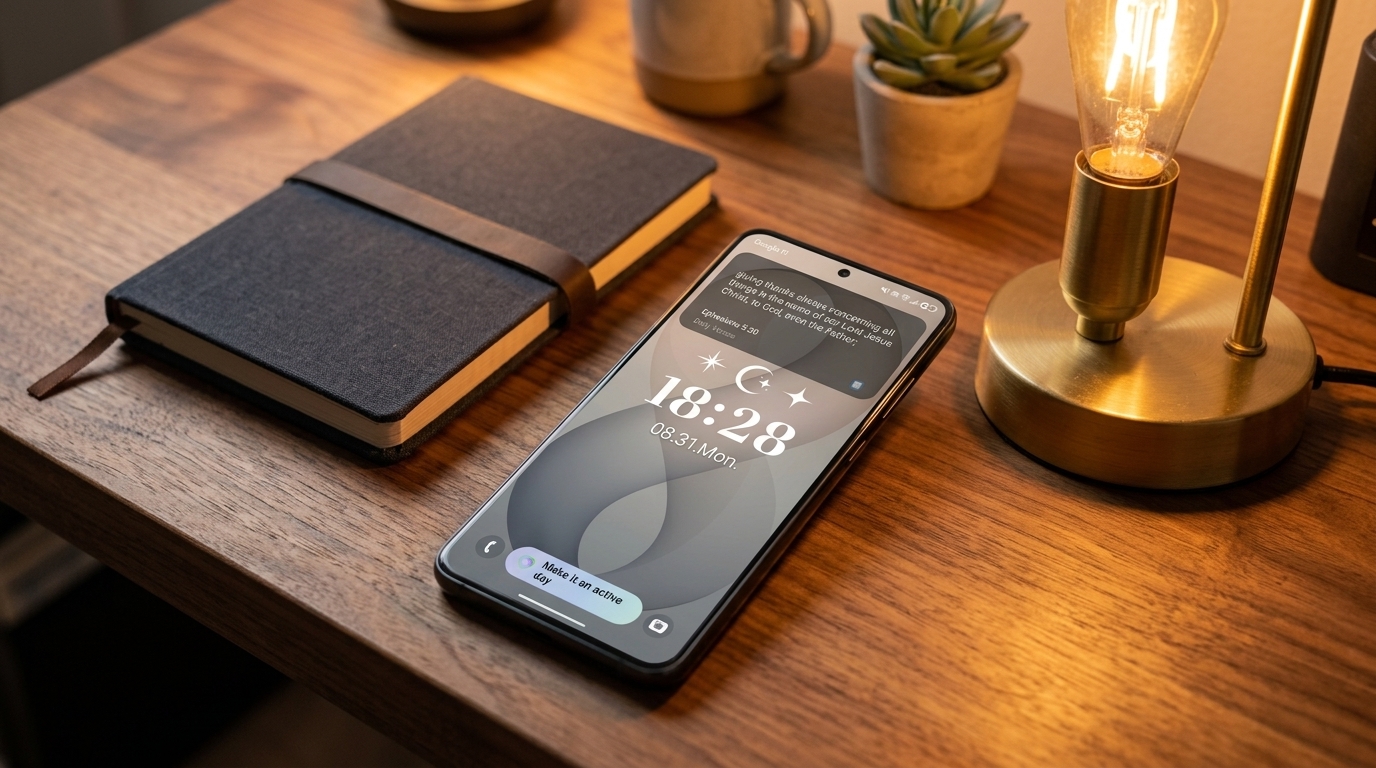
Many people use Bible Clock on the phone they already carry. Others use it on a spare phone or tablet as a quiet Christian clock app for the home.
These releases help both use cases.
On a phone, text size and alignment can make the Home screen feel more personal. On a tablet, they can make the display more readable from a distance. On an old device, they can help the screen feel less like a reused gadget and more like a simple, peaceful place for God’s Word.
That has been one of the main ideas behind Bible Clock from the beginning: Scripture should be visible in ordinary moments. Not only during a dedicated study session. Not only inside a notification. Not only when you remember to open a Bible app.
Sometimes the reminder is enough because it is already there.
A quieter, more personal update
Bible Clock 2.15 is not about changing the purpose of the app. It is about making the existing purpose fit more people and more places.
If your verse display already looked right, you do not need to change anything. Centered alignment and the default text size remain there. But if you have wanted the verse to feel a little calmer, a little smaller, or better placed on the screen, these releases give you that control.
For a Christian clock app, that kind of customization is not just visual. It helps Scripture remain readable, present, and easy to return to throughout the day.
Available now
Bible Clock 2.15 is available now on iOS and Android.
You can also visit the Bible Clock project page or read about the previous update, A Bible Verse Clock App That Lets You Choose Your Own Scriptures.