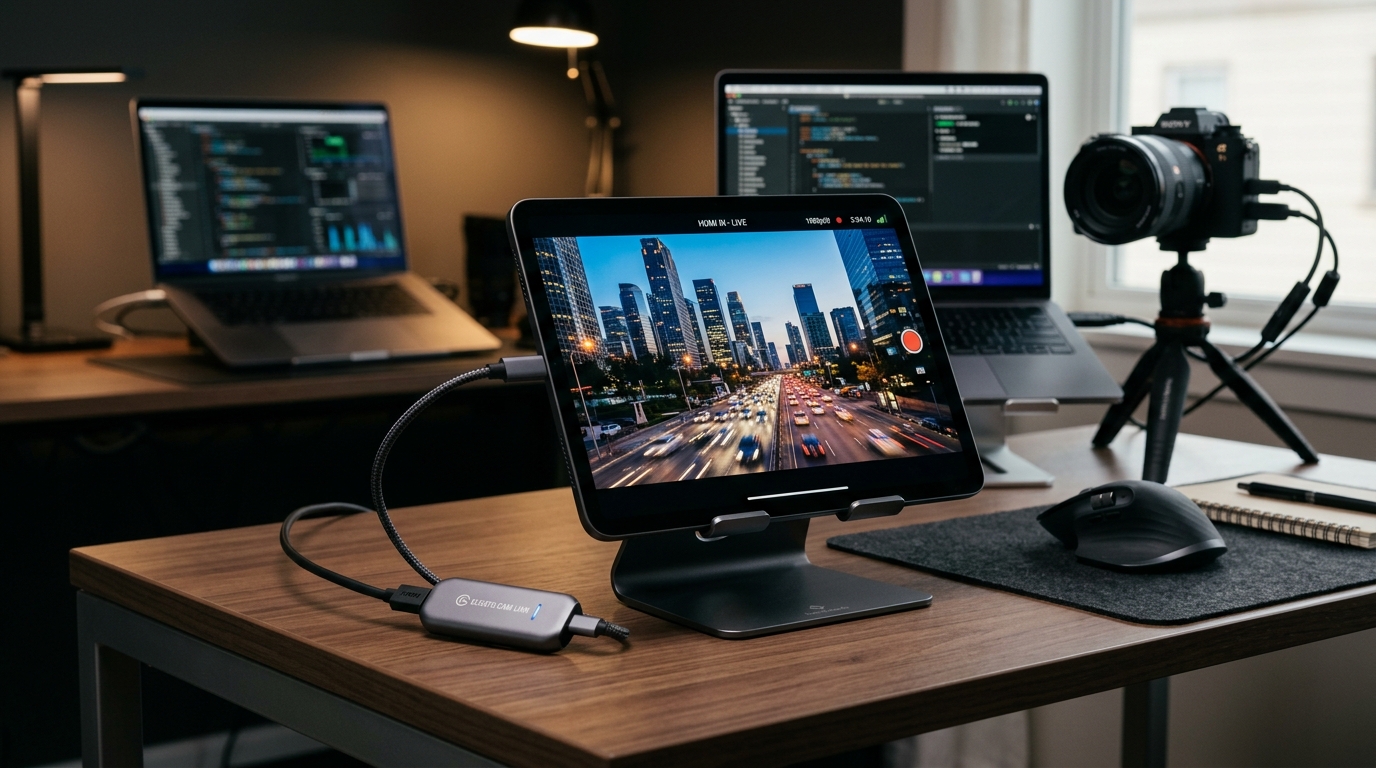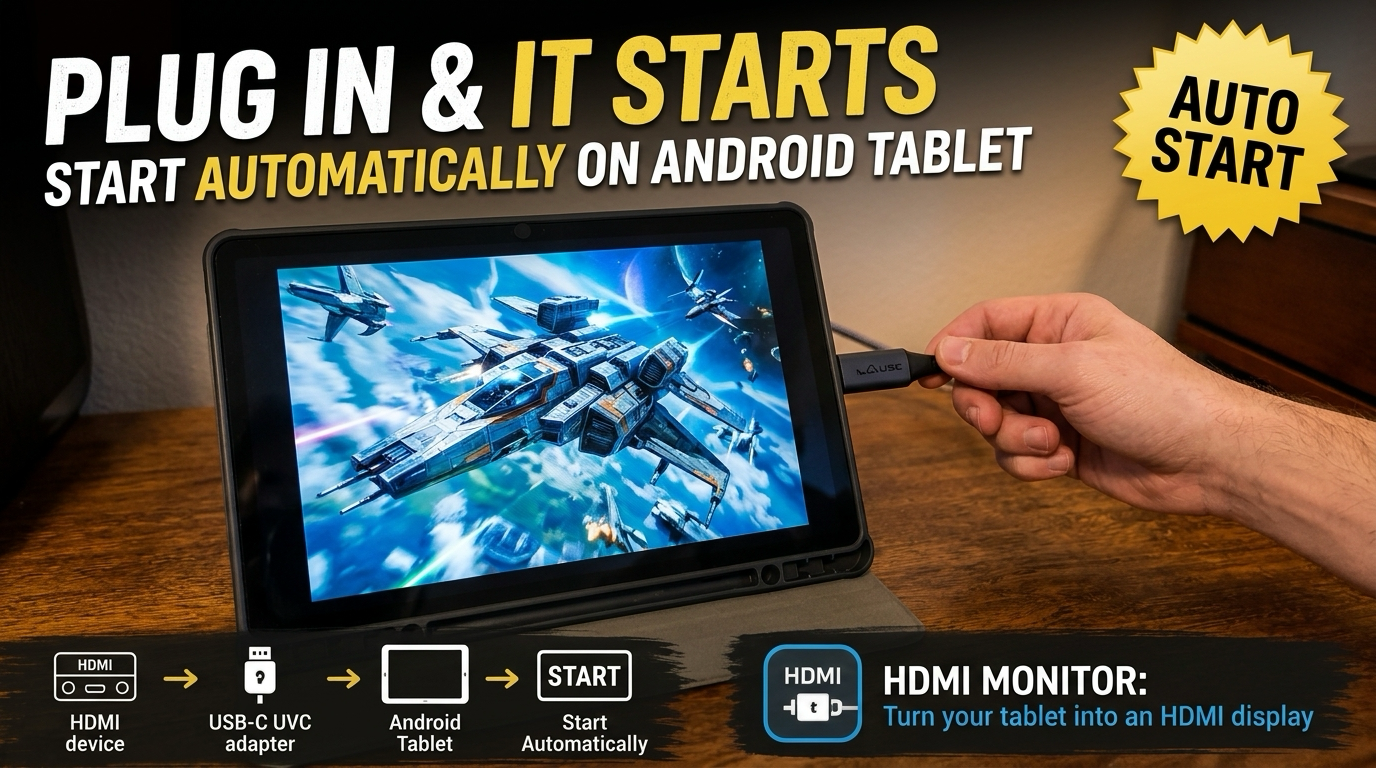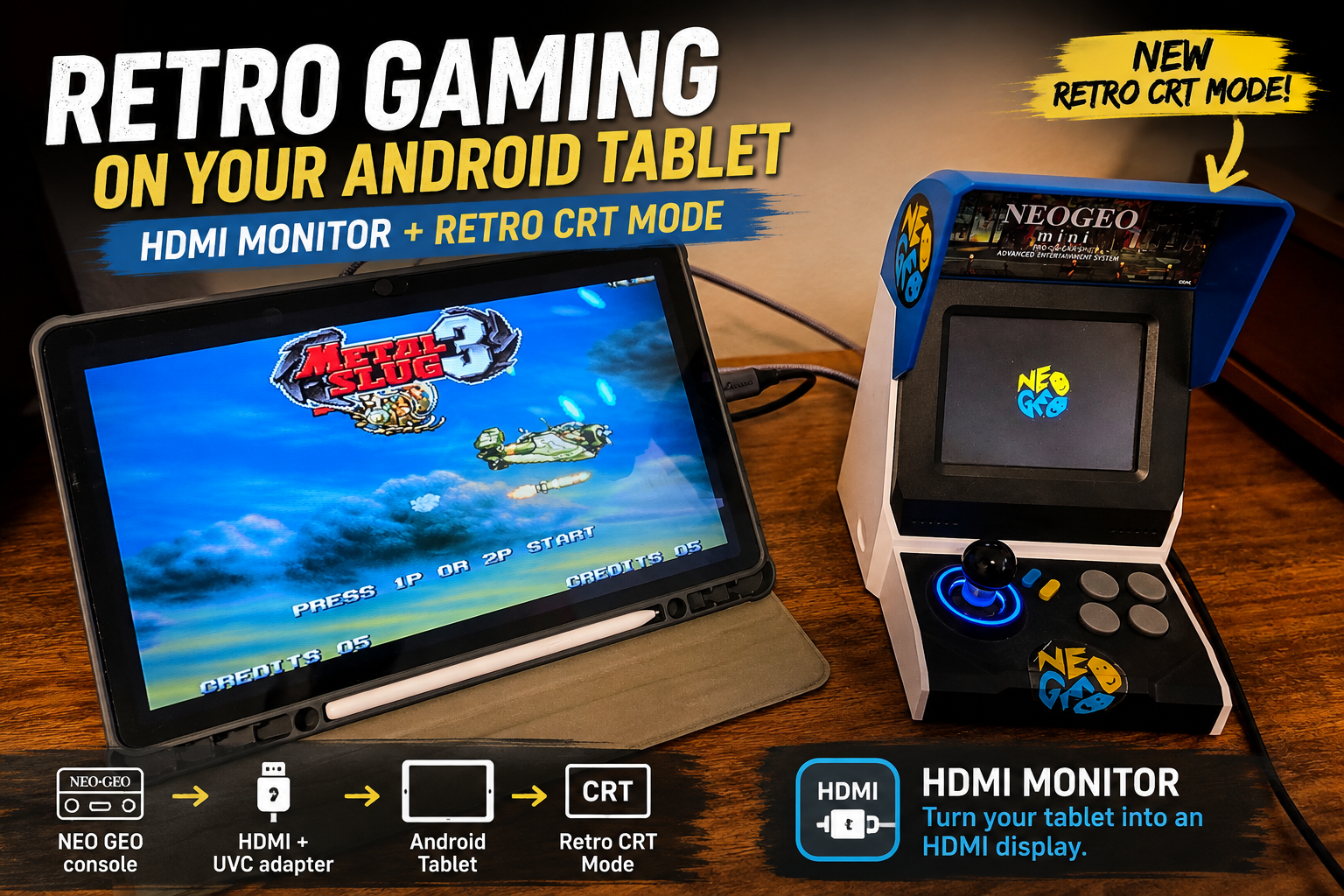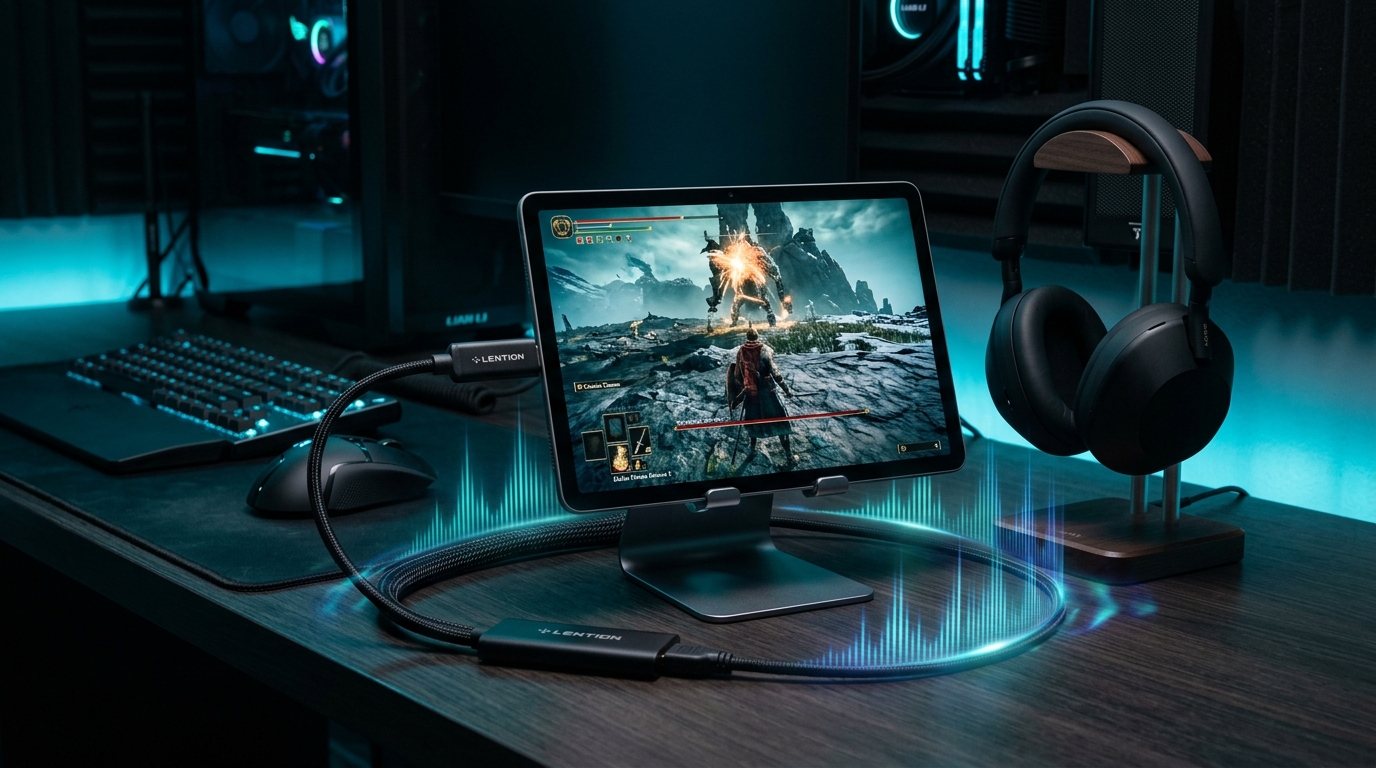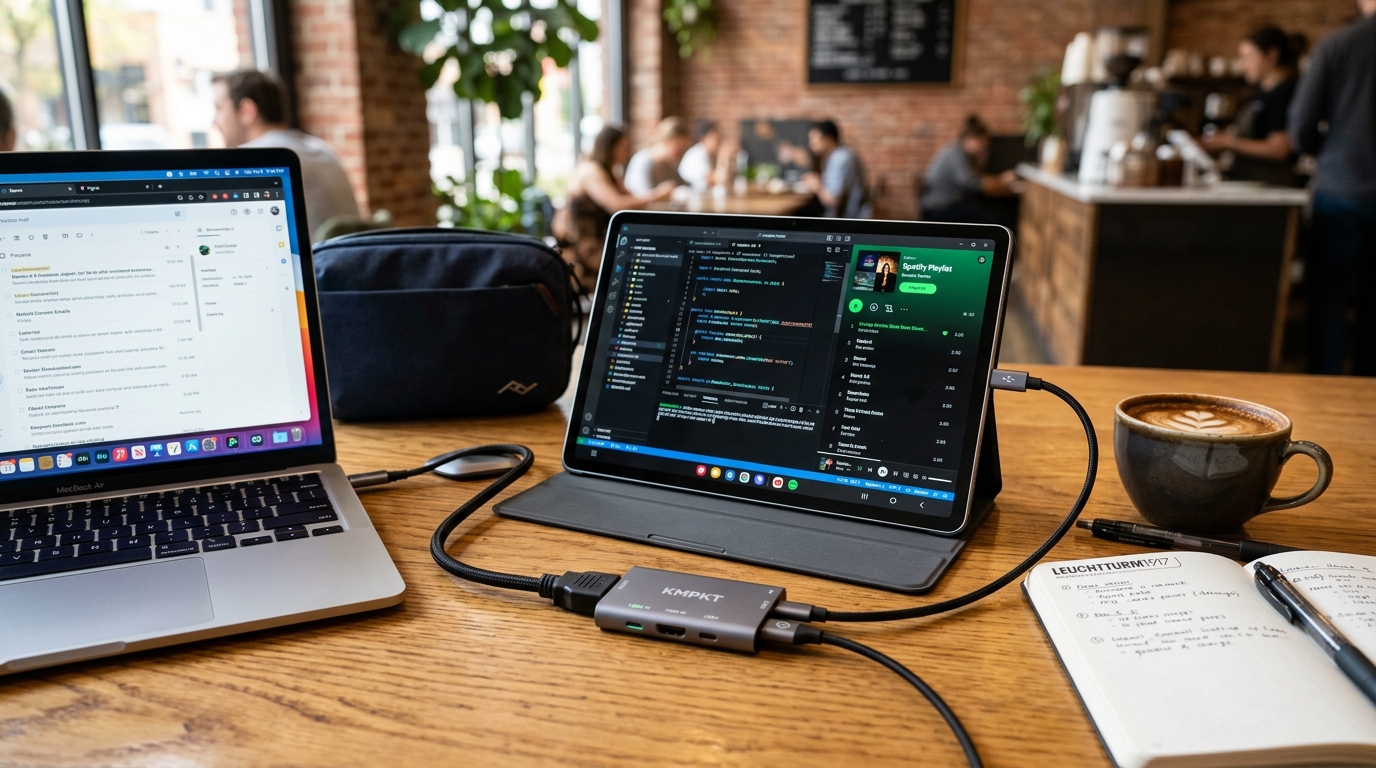
What UVC Video Capture Adapter Did We Use in Our YouTube Shorts for HDMI Monitor?
The exact USB-C UVC capture cards, PD pass-through charging, and tablet setups we recommend for HDMI Monitor.
Keep CodeInFaith in your Google feed
Add us as a preferred source to see more of our latest articles in Google Search.
After sharing our recent YouTube Shorts video demonstrating how to turn an Android tablet into a portable screen with the HDMI Monitor app, one question came up more than any other:
“Which exact UVC video capture adapter did you use in that video?”
If you have not seen the clip yet, here is the original YouTube Short showing the setup in action:
In this post, we break down the exact capture card featured in the video, another high-quality alternative, and our recommendations if you are also considering buying a tablet for this setup.
[!NOTE] Independent Review: None of the products, capture cards, or tablets mentioned in this article are sponsored. All hardware recommendations are based strictly on our own hands-on testing with the HDMI Monitor app.
1. The Exact UVC Capture Card Used in the Video
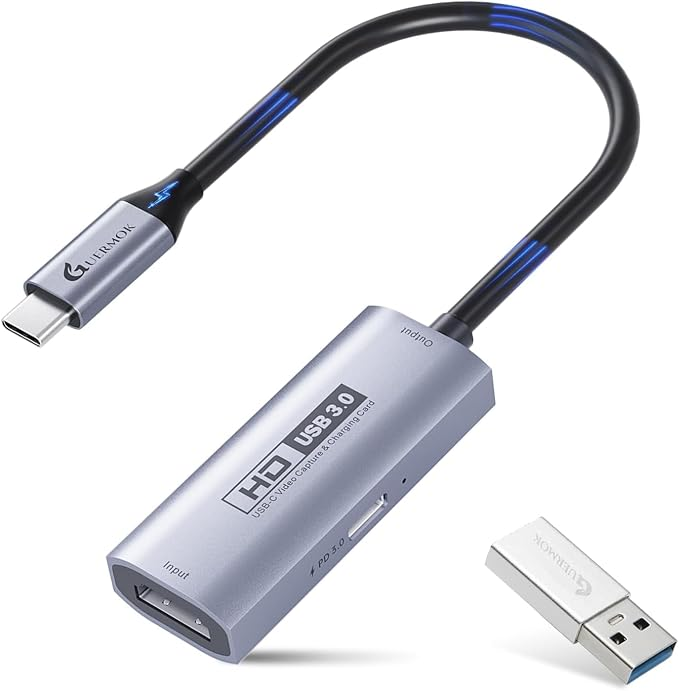
The primary adapter shown in our video is a 4K USB 3.0 HDMI Video Capture Card with 100W PD Pass-Through Charging:
Why this adapter is our top recommendation
- Pass-Through USB-C PD Charging (up to 100W): Most standard video capture adapters occupy the single USB-C port on your tablet, leaving no way to charge your device while using it. This adapter solves that problem completely by providing a dedicated USB-C Power Delivery port on the side, allowing you to power your tablet during long work or testing sessions.
- Crisp Video Resolution: Supports up to 4K video input and outputs smooth 1080P at 60 FPS (or 2K at 30 FPS), delivering low-latency previewing with clear detail.
- Universal Compatibility: Conforms to the standard USB Video Class (UVC) protocol, so no drivers or special software installations are needed on Android—simply plug it in and open HDMI Monitor.
- Included USB-A Adapter: Comes with a compact USB-C to USB-A adapter for connecting to traditional computer ports as well.
- Price: Around $21 USD.
👉 Check price on Amazon: 4K USB3.0 HDMI Capture Card with PD 100W
2. Another Great Alternative: UGREEN 4K Video Capture Card
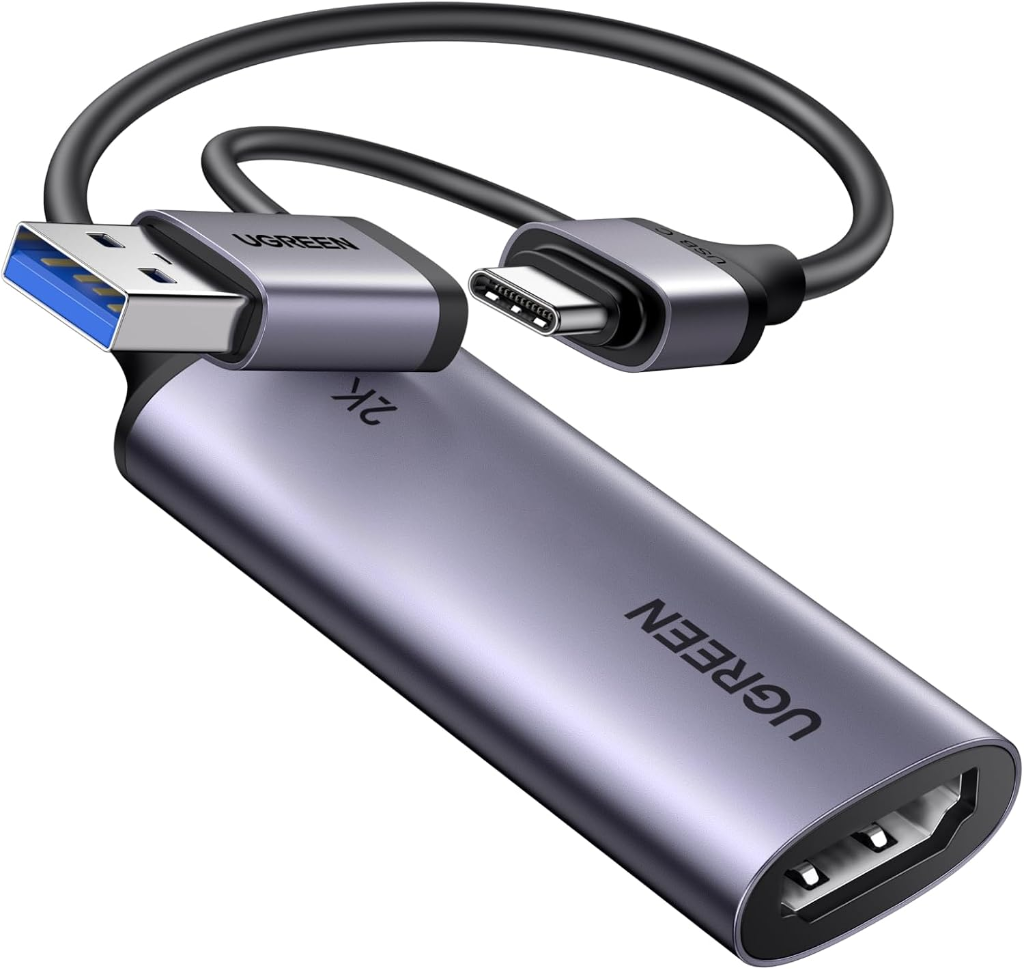
If you do not need pass-through power delivery and want a premium, ultra-compact aluminum capture card from a well-known brand, the UGREEN 2K@30Hz / 1080P@60FPS Video Capture Card is another reliable choice:
Key highlights
- 2-in-1 Dual Connector Design: Built-in hybrid USB-C and USB 3.0 Type-A connector eliminates the need for separate dongles when switching between tablets, laptops, and desktop PCs.
- Reliable Performance: Supports 4K input with 1080P 60 FPS low-latency output for clean real-time monitoring.
- Durable Metal Enclosure: Sleek aluminum shell provides excellent heat dissipation during extended sessions.
- Price: Around $20 to $25 USD.
👉 Check price on Amazon: UGREEN 4K Input Video Capture Card
What About Tablets? Reusing What You Own vs. Buying New
The most cost-effective way to use HDMI Monitor is with a tablet you already own. If you have an older Android tablet sitting in a drawer or on a shelf, giving it new life as a dedicated portable display costs virtually nothing beyond the capture adapter.
However, if you do not have a tablet and are looking to purchase one, here are our top recommendations across different budget levels:
Best Budget Renewed Option: Samsung Galaxy Tab A9+ 11” (64GB, Renewed)
If you want the absolute most screen real estate for your dollar, buying a certified renewed tablet is a fantastic shortcut. The Galaxy Tab A9+ gives you a spacious 11-inch 90Hz display, quad speakers, and great battery life at a fraction of brand-new retail pricing:
👉 Check price on Amazon: Samsung Galaxy Tab A9+ 11” 64GB (Renewed)
Low Budget Brand-New (~$250 USD): Samsung Galaxy Tab A11
If you want an affordable, dependable brand-new Android tablet with modern software support and a solid display for portable monitoring and general daily tasks:
👉 Check price on Amazon: Samsung Galaxy Tab A11
Mid Budget (~$430 USD): Samsung Galaxy Tab S10 FE
If you want a sharper, brighter high-resolution display, premium metal build, longer battery life, and S-Pen stylus support for creative work and productivity alongside HDMI monitoring:
👉 Check price on Amazon: Samsung Galaxy Tab S10 FE
Tablet vs. Dedicated Portable Monitor: Pros and Cons
When building a mobile workspace or travel setup, many people wonder whether they should purchase a dedicated portable USB-C/HDMI monitor or an Android tablet paired with HDMI Monitor.
Here is how the two approaches compare:
| Feature | Android Tablet + HDMI Monitor | Dedicated Portable Monitor |
|---|---|---|
| Primary Function | Multi-purpose computer & portable display | Display only |
| Standalone Use | Runs Android apps, media, reading, notes | Requires connected video source |
| Built-in Battery | Yes, operates wire-free on internal battery | Many budget models lack internal battery |
| Touchscreen / OS | Full touch OS with standalone apps | Usually non-touch or basic touch |
| Initial Cost | Slightly higher if bought new ($250–$430+) | Lower if starting from zero ($70–$150) |
| Value / Utility | High (useful even when not acting as a monitor) | Limited strictly to secondary monitor duty |
Bottom line: While a dedicated portable monitor may be cheaper upfront if you are buying hardware from scratch, a tablet delivers far more versatility because it remains a fully functioning computing device whenever you disconnect the HDMI cable.
How to Set Up HDMI Monitor in 4 Simple Steps
- Install the App: Download HDMI Monitor from Google Play.
- Connect the Hardware: Plug your HDMI source (laptop, mini PC, console, camera, Raspberry Pi) into the capture card using a standard HDMI cable.
- Plug into Tablet: Connect the capture card’s USB-C connector into your Android tablet (and connect your power charger to the PD port if using the PD model).
- Launch & View: Open HDMI Monitor, grant the USB/camera permission prompt, and enjoy your clean fullscreen display.
Summary
With a simple $20–$25 UVC video capture adapter and the HDMI Monitor app, any compatible Android tablet can easily double as a portable external display for work, gaming, travel, and device testing.
- For long work sessions with continuous charging, grab the 4K USB 3.0 Capture Card with 100W PD Pass-Through.
- For an ultra-compact dual-connector option, check out the UGREEN Video Capture Card.
- Learn more about features and updates on the HDMI Monitor project page.