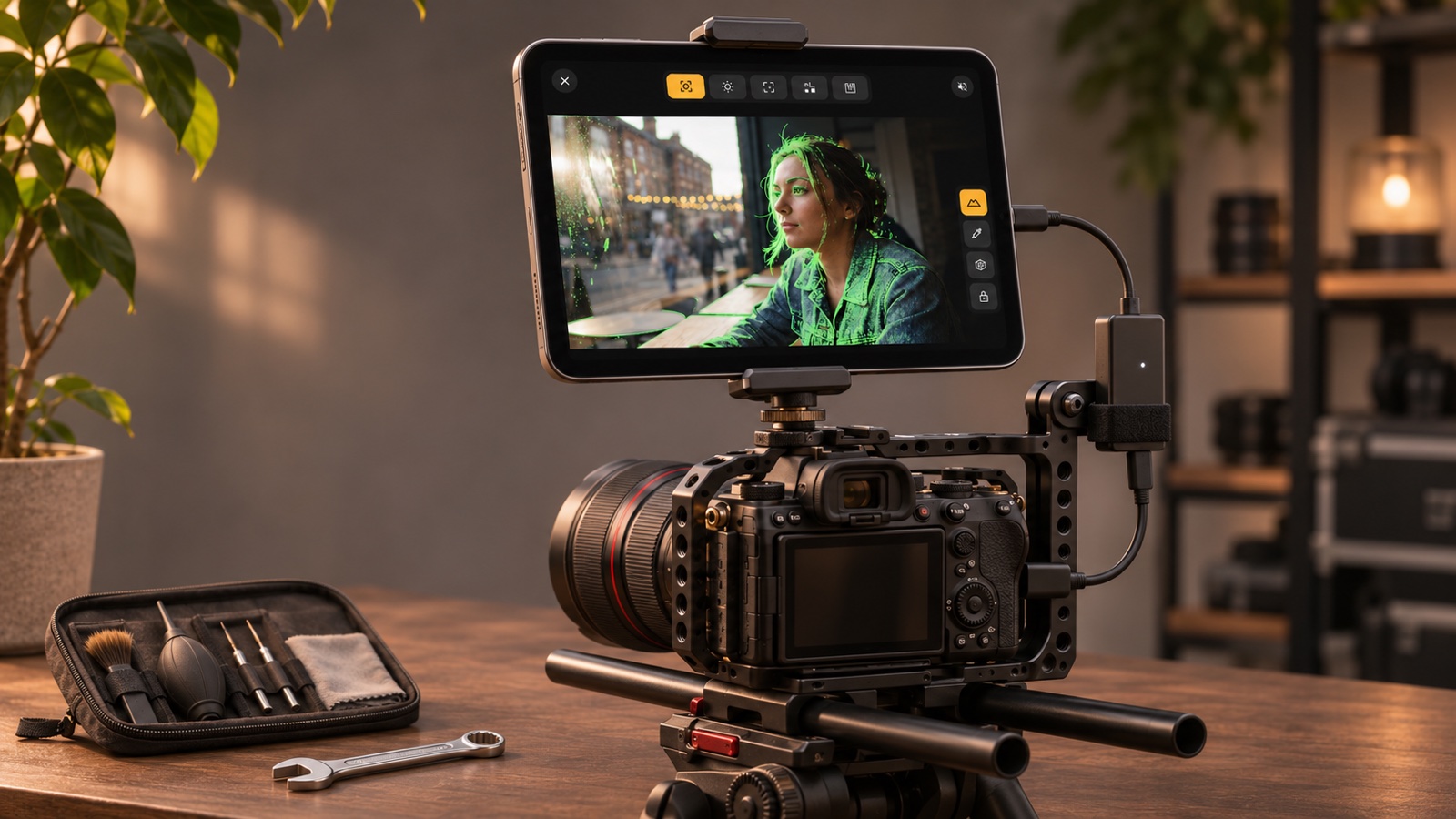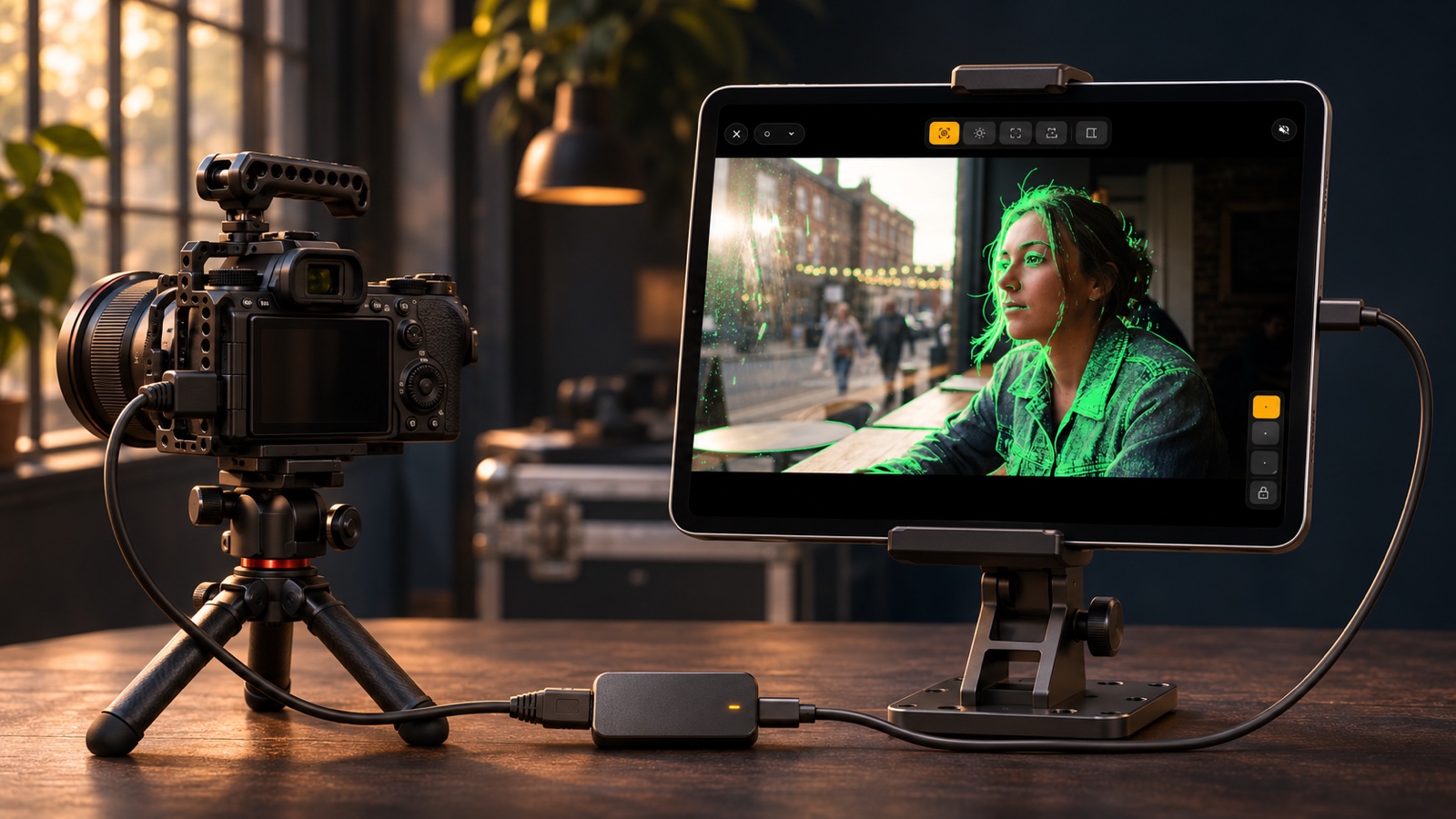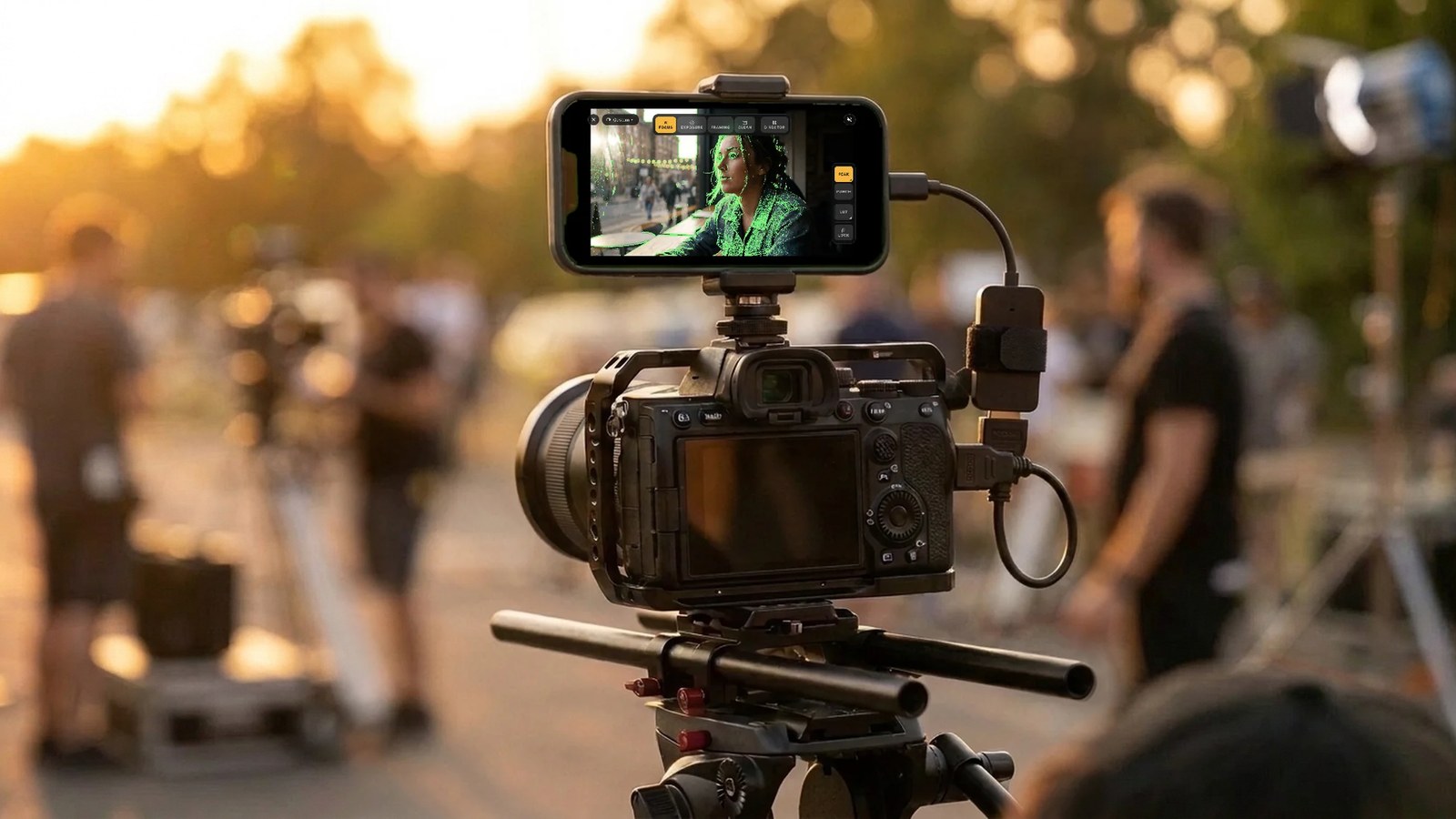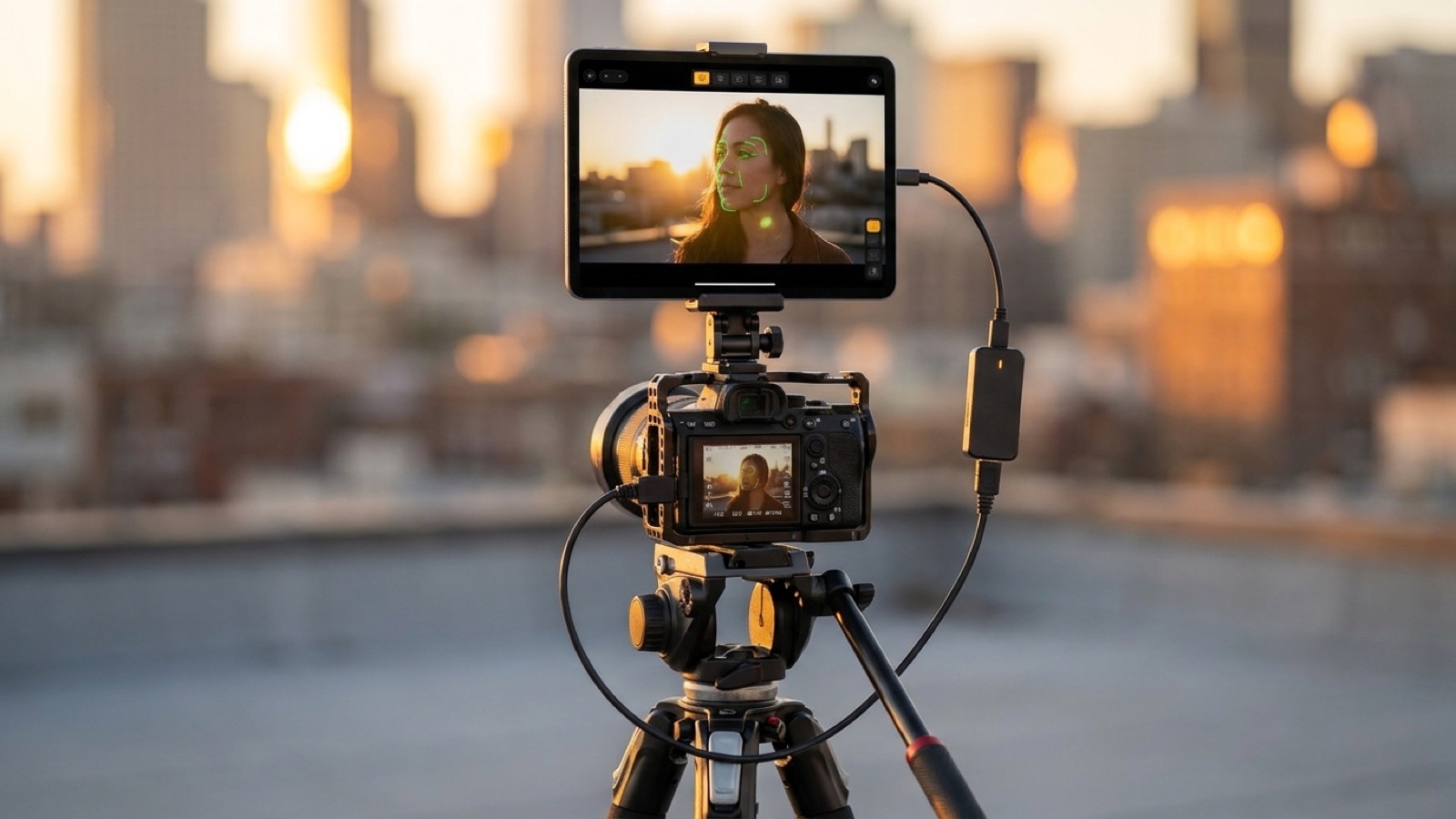
Field Monitor for Camera 0.9.3 Is Out on iPhone and iPad: Update to Get Pro
The Pro purchase now works, and Pro adds clean camera snapshots. If you are on 0.9.2, update before you buy Pro.
Keep CodeInFaith in your Google feed
Add us as a preferred source to see more of our latest articles in Google Search.
Good news for everyone using Field Monitor for Camera on iPhone and iPad: version 0.9.3 is now on the App Store.
Last week we shared that the Pro purchase didn’t work in 0.9.2. Version 0.9.3 fixes it. Thank you for waiting for it.
On 0.9.2? Update before you buy Pro
If you’re still on 0.9.2, the Pro purchase won’t work until you update. It takes a minute:
- Open the App Store and tap your profile picture.
- Find Field Monitor for Camera under available updates and tap Update.
- Open the app and upgrade to Field Monitor Pro as usual.
If automatic updates are turned on, you may already have 0.9.3. When the Field Monitor for Camera listing in the App Store shows Open instead of Update, you’re on the latest version.
Field Monitor Pro is a one-time purchase, not a subscription. It unlocks unlimited monitoring time and every Pro tool.
New in Pro: clean camera snapshots
Want to send a frame to the director, or keep a reference for matching shots later? Tap SNAP to save a still of your camera’s picture to your photo library.
The snapshot is the clean camera frame. You choose how it looks:
- With LUT keeps the LUT you’re monitoring with, so the still looks like what you saw on screen.
- Original saves the frame without the LUT, which is useful when you shoot log and want the untouched image.
The first time you save a snapshot, the app asks for access to your photo library.
Also in 0.9.3
- A new introduction. The first time you open the app, three short pages explain what Field Monitor does, how to plug in your camera and which tools are free or Pro.
- Clearer Pro preview messages. When a short preview of a Pro tool ends, the message that follows is easier to read.
- Corrected LUT colors. On some GPUs, LUT preview could show the wrong colors. That’s fixed.
- Localized permission prompts. Requests for things like photo library access now appear in your language.
- Every language on the App Store. The App Store now lists all the languages the app supports.
Questions about your purchase?
If something still doesn’t look right after updating, or you have a question about buying Pro, let us know through our feedback form. We read every message.
New to Field Monitor? See every tool on the Field Monitor page, or download it and plug in your capture card.
Frequently asked questions
Do I need to update to buy Field Monitor Pro?
Yes. On iPhone and iPad, the Pro purchase does not work in version 0.9.2. Update to 0.9.3 from the App Store, then upgrade to Pro in the app.
How do I check which version I have?
Open the App Store, tap your profile picture, and look for Field Monitor for Camera in the list of available updates. If it is listed there, you are on an older version.
What is new in 0.9.3?
A working Pro purchase, Pro snapshots of the clean camera frame with or without your LUT, a new introduction for first-time users, clearer Pro preview messages, corrected LUT colors on affected GPUs and localized permission prompts.
Is the Android version affected?
No. The Pro purchase issue only affected version 0.9.2 on iPhone and iPad.