

Field Monitor for Camera - Camera Field Monitor App
Turn your phone or tablet into a camera field monitor. Plug in a UVC capture card or USB camera and check focus and exposure with focus peaking, zebras, false color, waveform, vectorscope and LUT preview.
 Field Monitor for Camera
Your phone is your field monitor.
Plug your camera's HDMI out into a UVC capture card, or connect a USB camera, and check focus and exposure on a bigger screen with focus peaking, false color, scopes and LUTs.
Works with a UVC capture card or a USB camera
Coming soon to the App Store and Google Play
For iPad, iPhone, and Android phones and tablets with USB-C.
- Focus peaking
- Zebras
- False color
- Waveform
- Vectorscope
- LUTs
- De-squeeze

Skip the extra monitor
Why buy an external camera monitor when you already carry a great screen?
A dedicated camera monitor can cost hundreds of dollars, and it is one more thing to mount, charge and pack. The phone or tablet in your bag already has a bright, sharp display. Add a UVC capture card and Field Monitor, and it does the job.
-
Spend less
A capture card and the app instead of a separate monitor.
-
Carry less
No extra screen, mount or batteries in your kit.
-
A screen you know
Use the display you already trust, with touch controls.
See the difference
Drag to compare.
The same frame, straight from the app: before and after each tool.
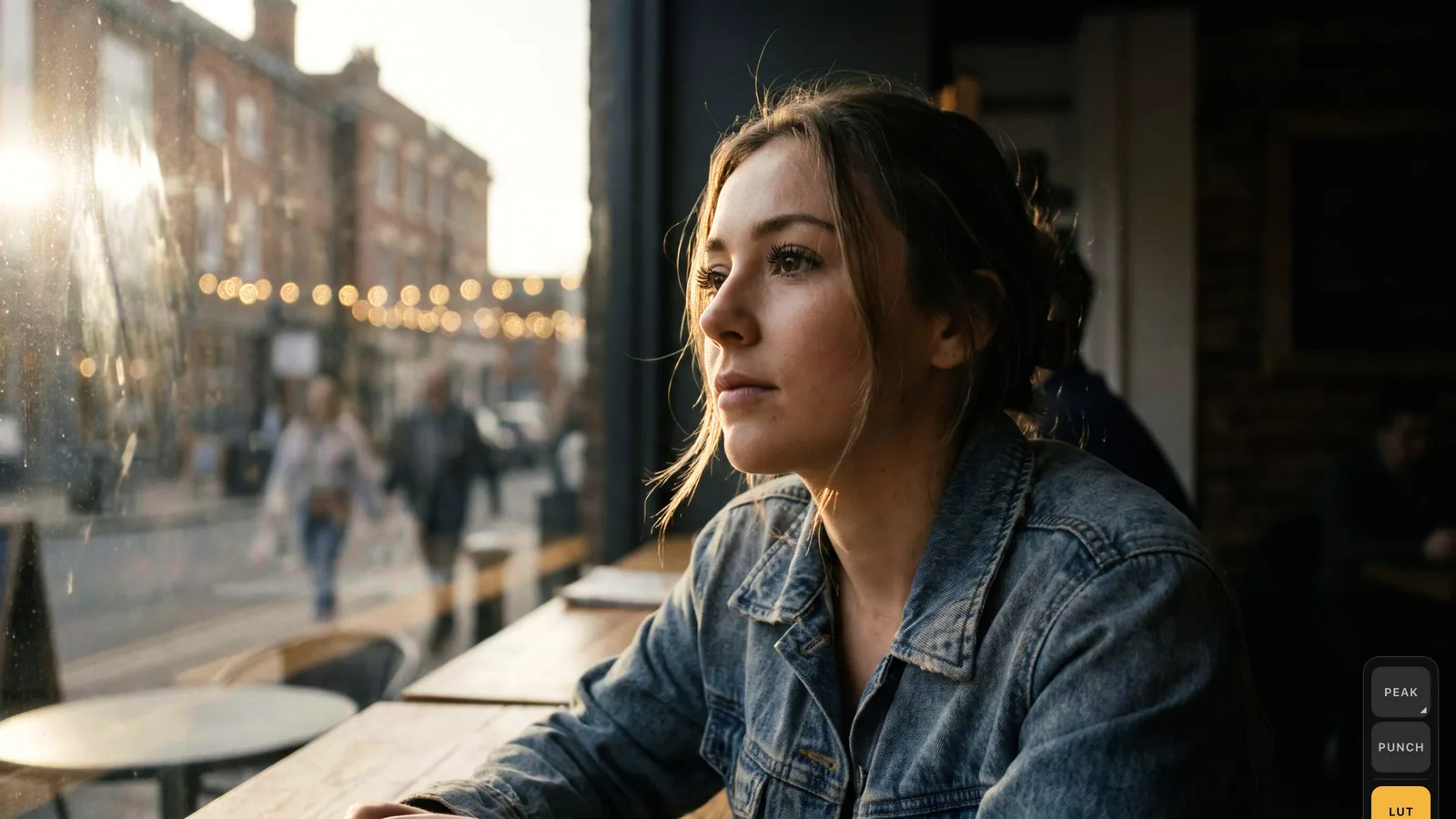
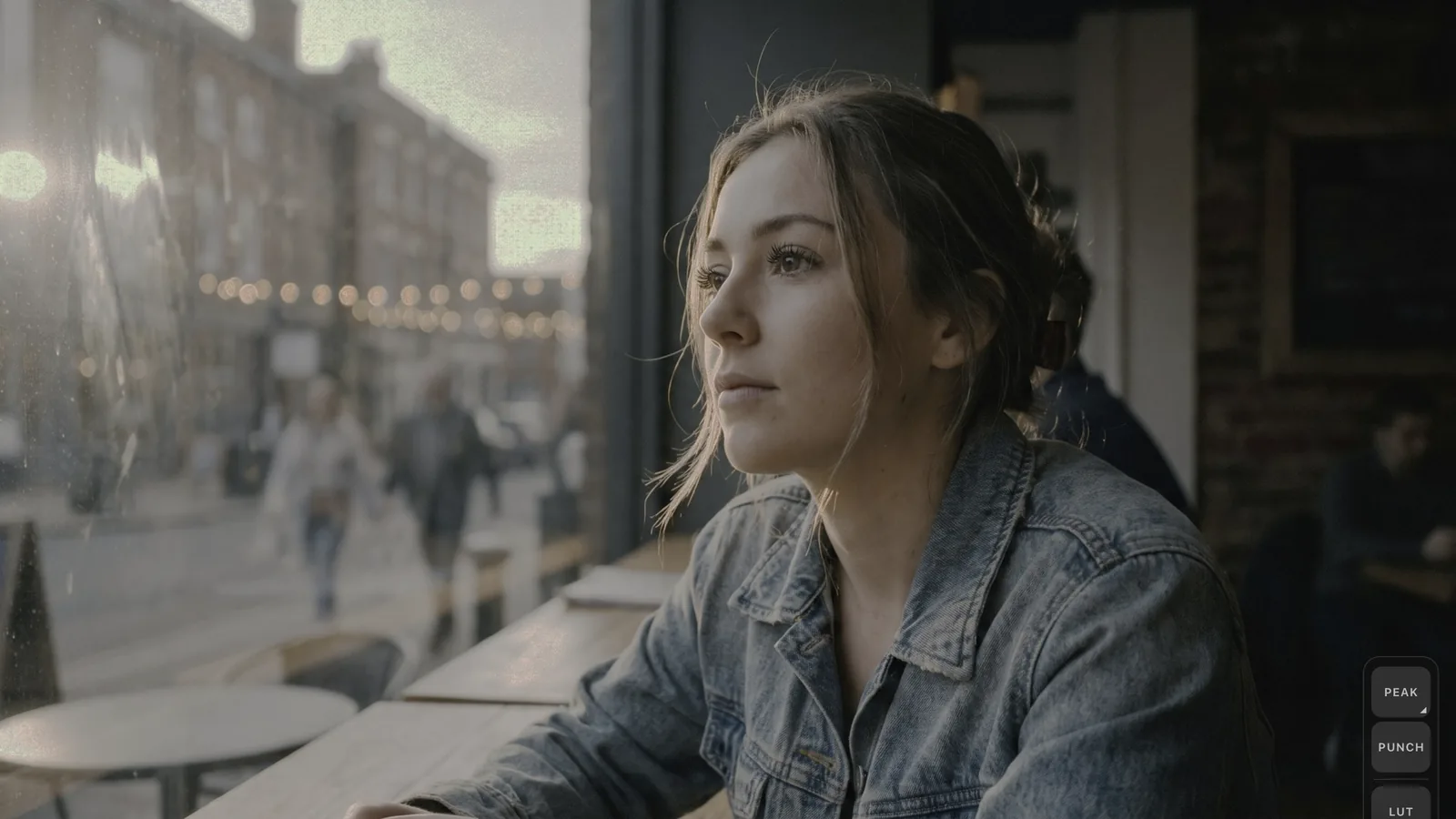
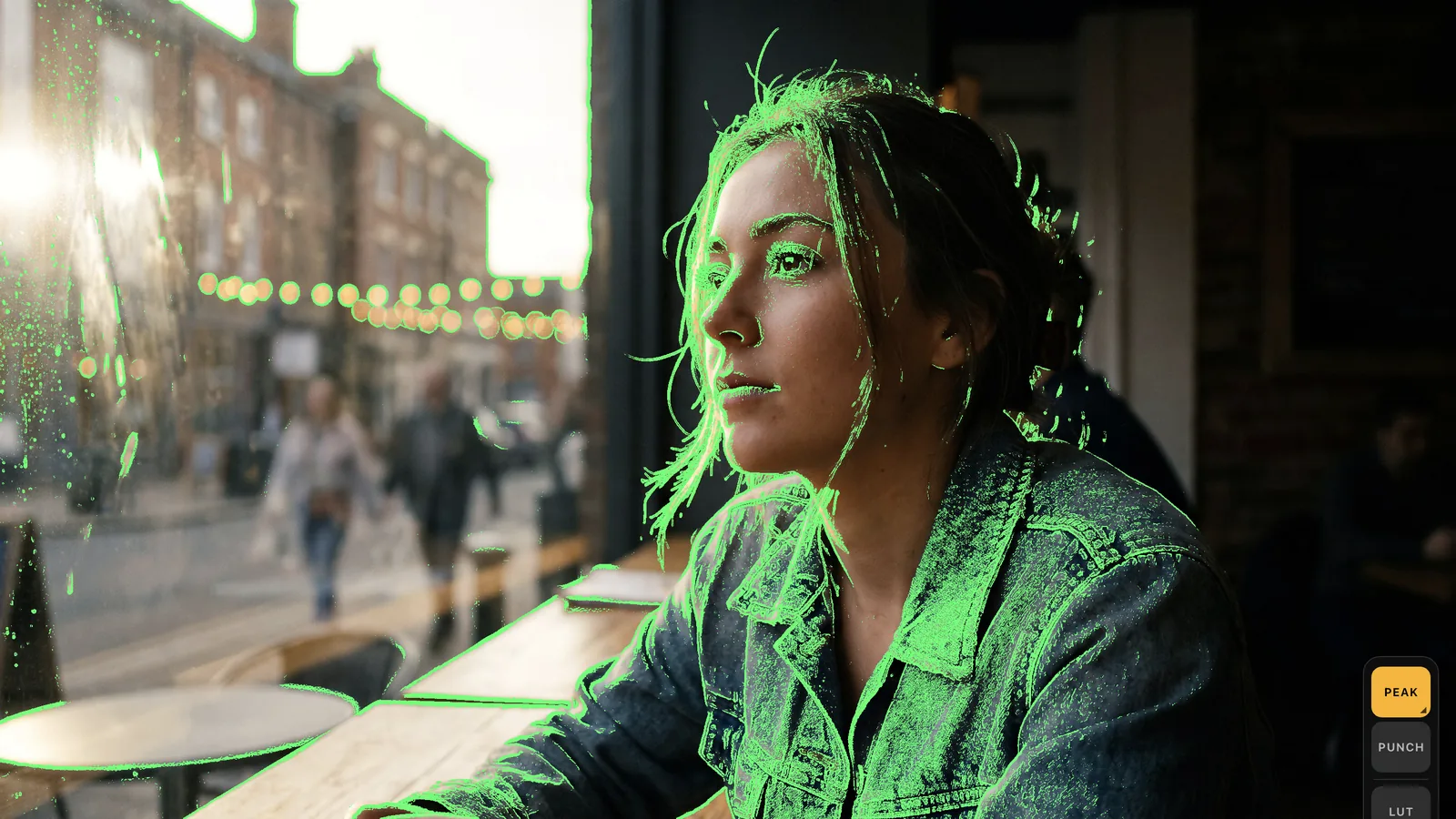
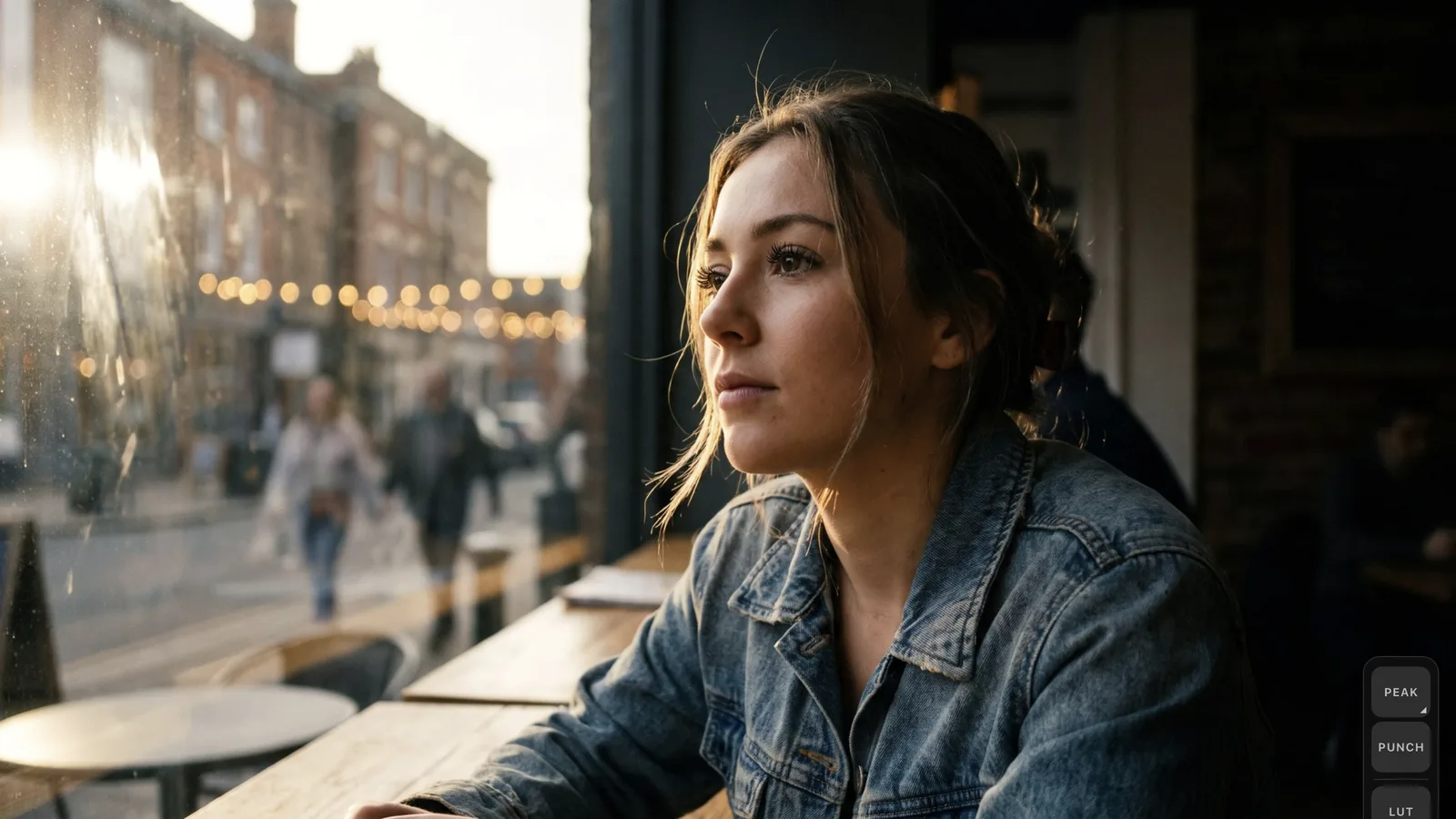
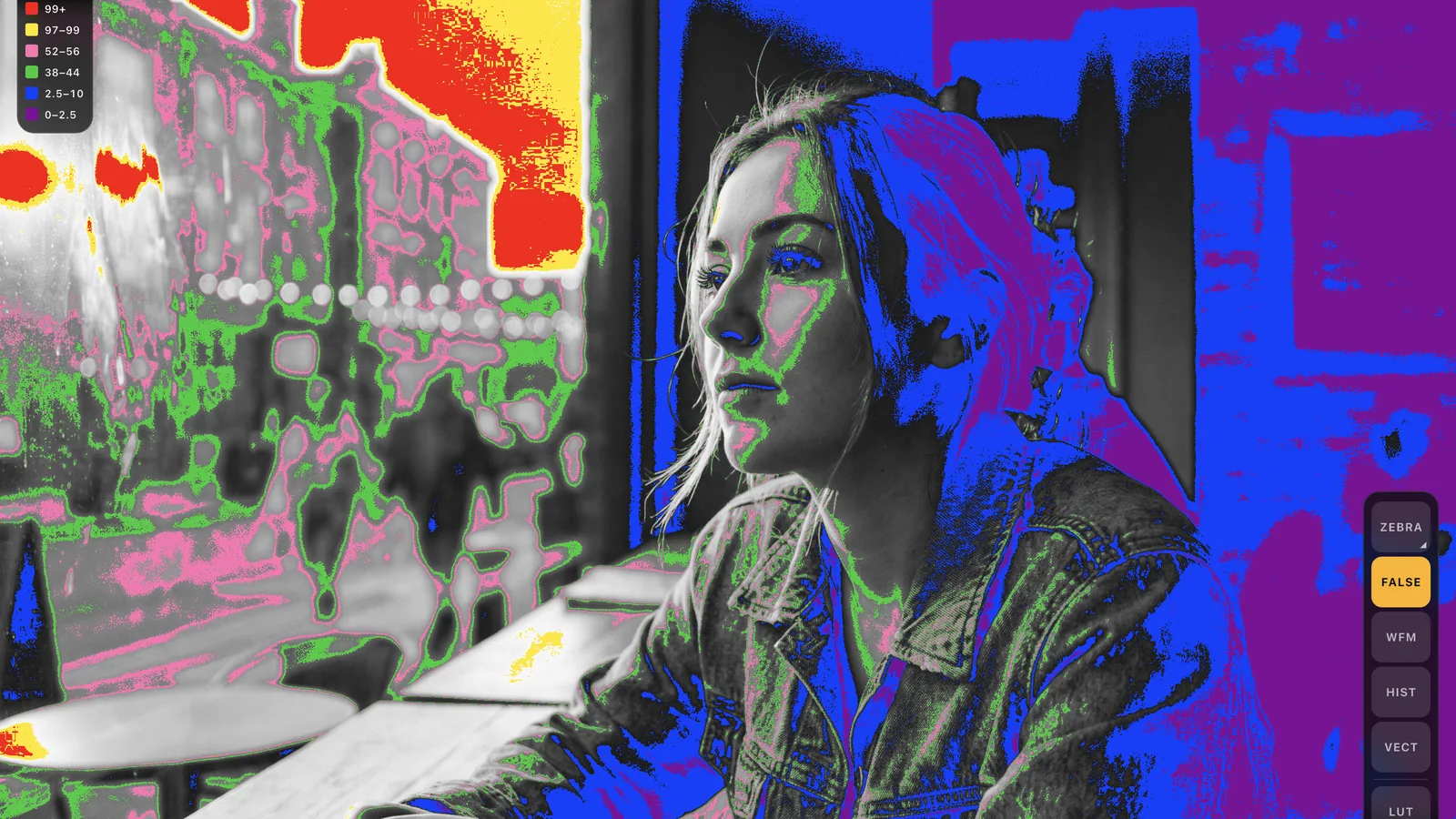
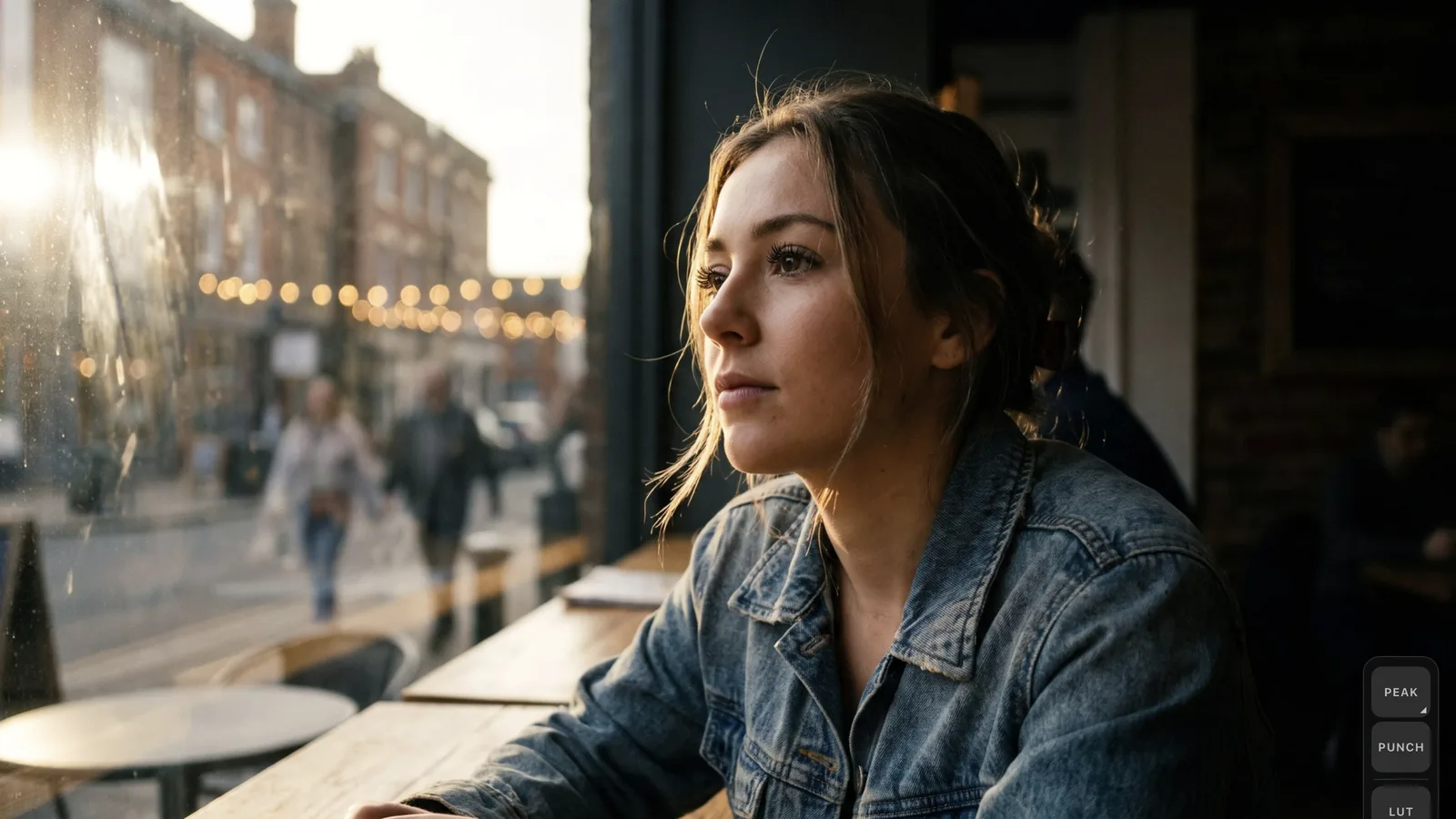
Drag the line, or use the arrow keys.
How it connects
A UVC capture card or a USB camera. That is all you need.
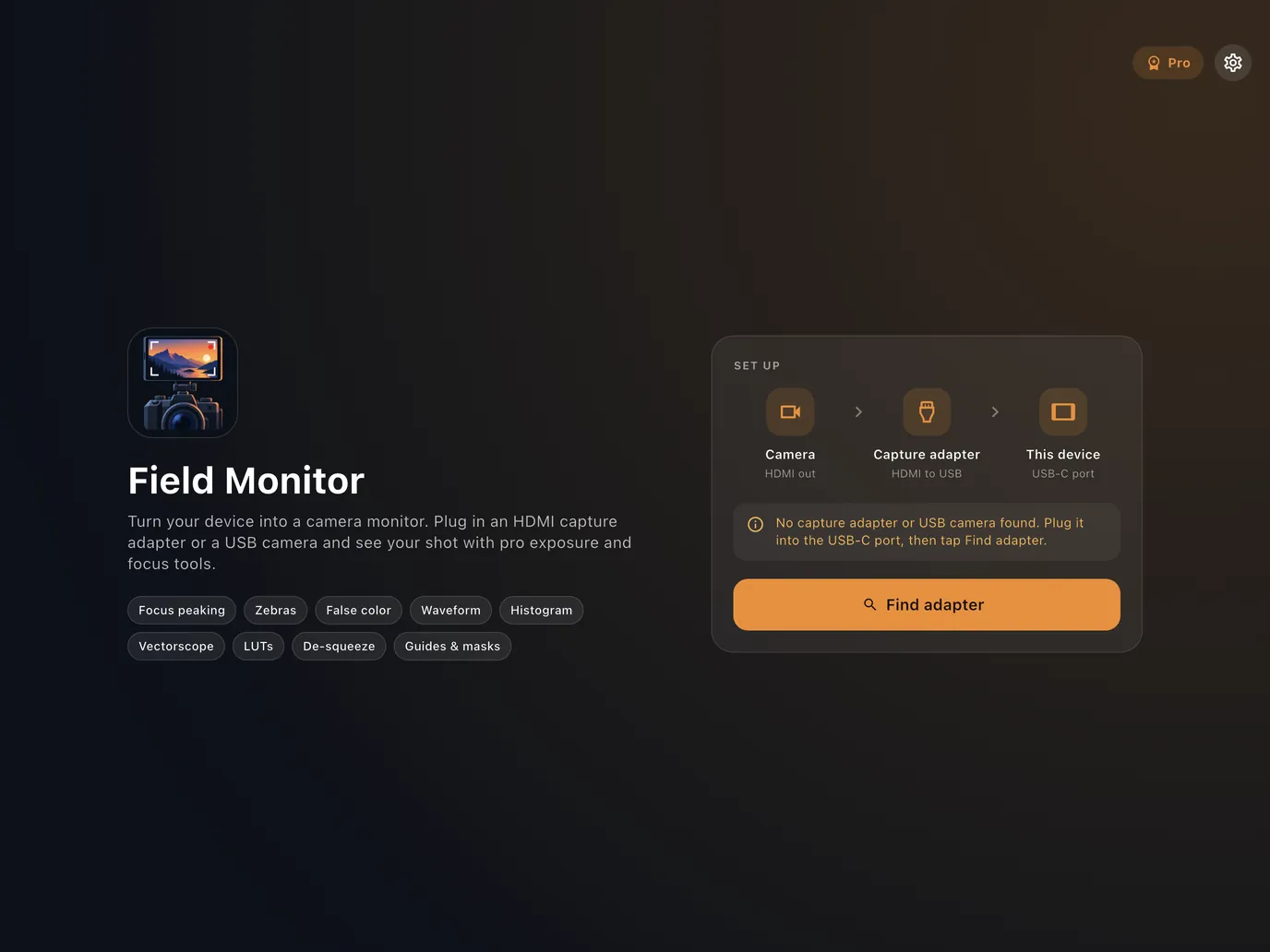
Field Monitor reads the video a UVC capture card or a USB camera sends over USB-C. Plug in, tap Find adapter, and the picture is on screen.
-
Camera
HDMI out from your mirrorless, cinema camera or camcorder.
-
UVC capture card
Brings your camera's HDMI out in over USB. No drivers, no app of its own.
-
Your device
Phone or tablet with a USB-C port that supports USB host.
Using a USB camera? Plug it straight in, no capture card needed.
What you need
- A UVC capture card for cameras with HDMI out, or a USB camera
- A phone or tablet with USB-C that supports USB host (OTG)
- A data-capable USB-C cable or adapter
Field Monitor does not turn a USB-C port into an HDMI input on its own; HDMI needs a capture card. Capture cards, video formats and Android USB support vary by device, and HDCP-protected video may not display.
Monitor modes
The right tools for each moment on set.
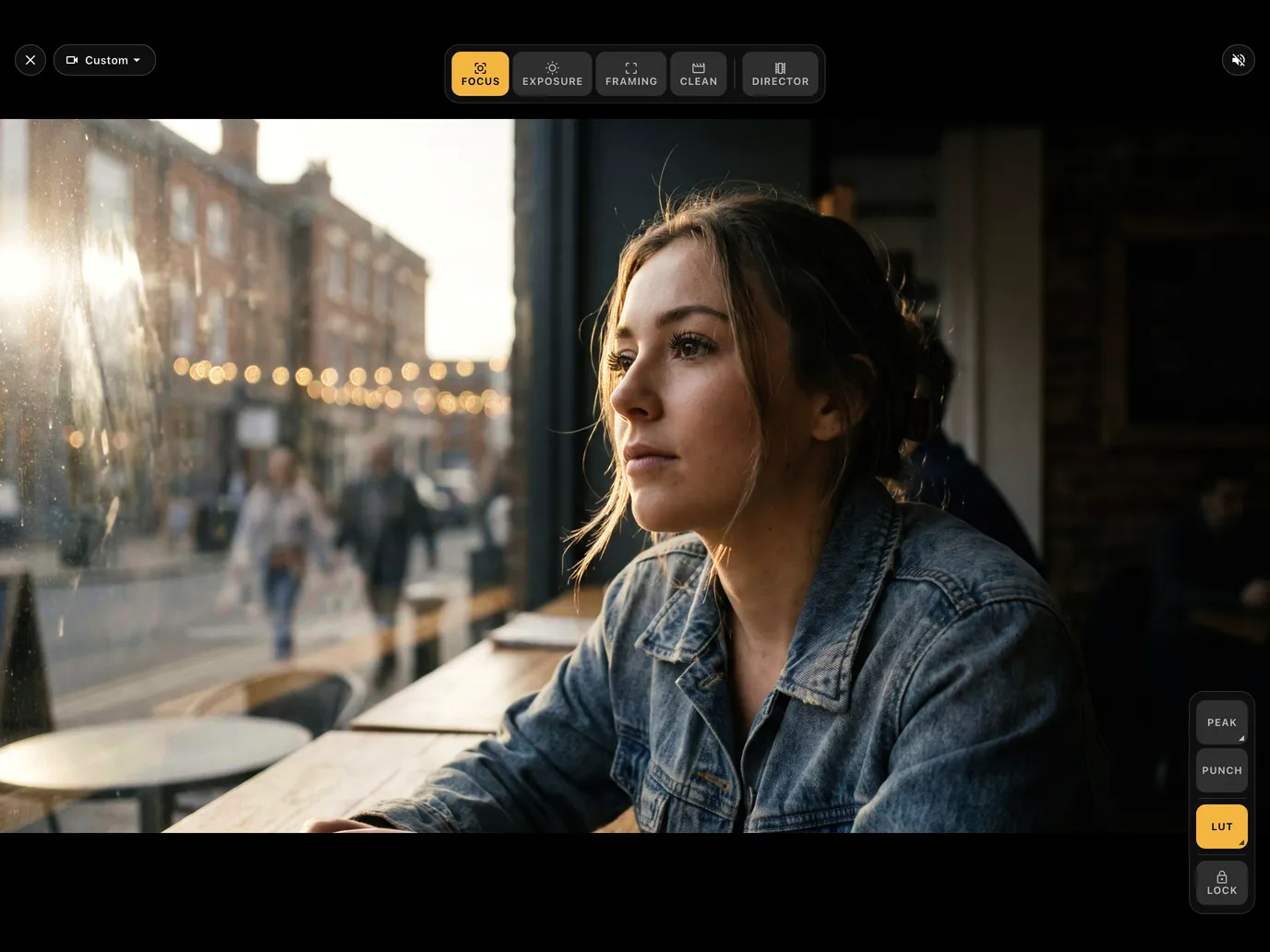
Switch modes from the bar at the top. Each mode keeps only the tools you need for that job, so the picture stays clean.
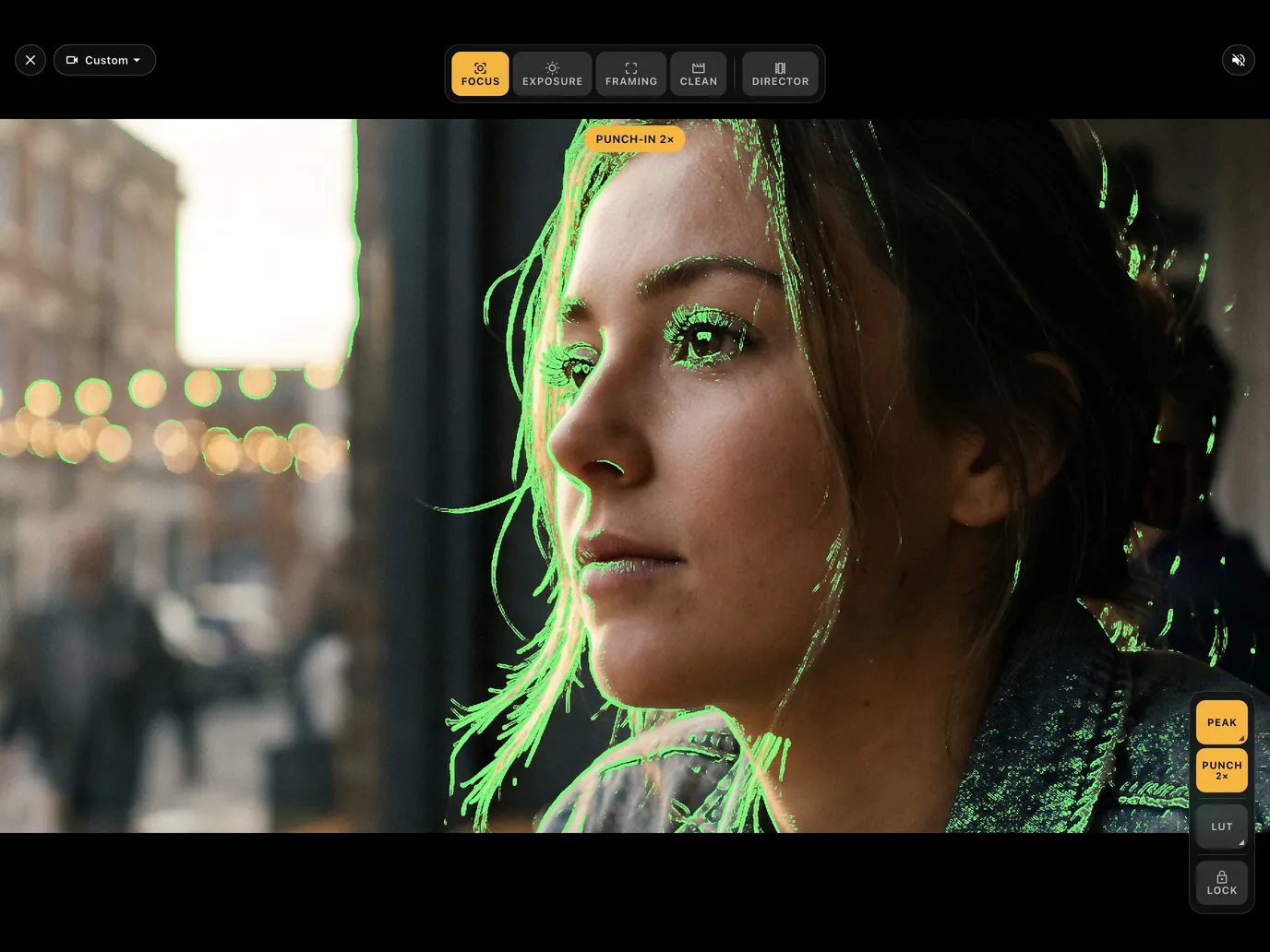
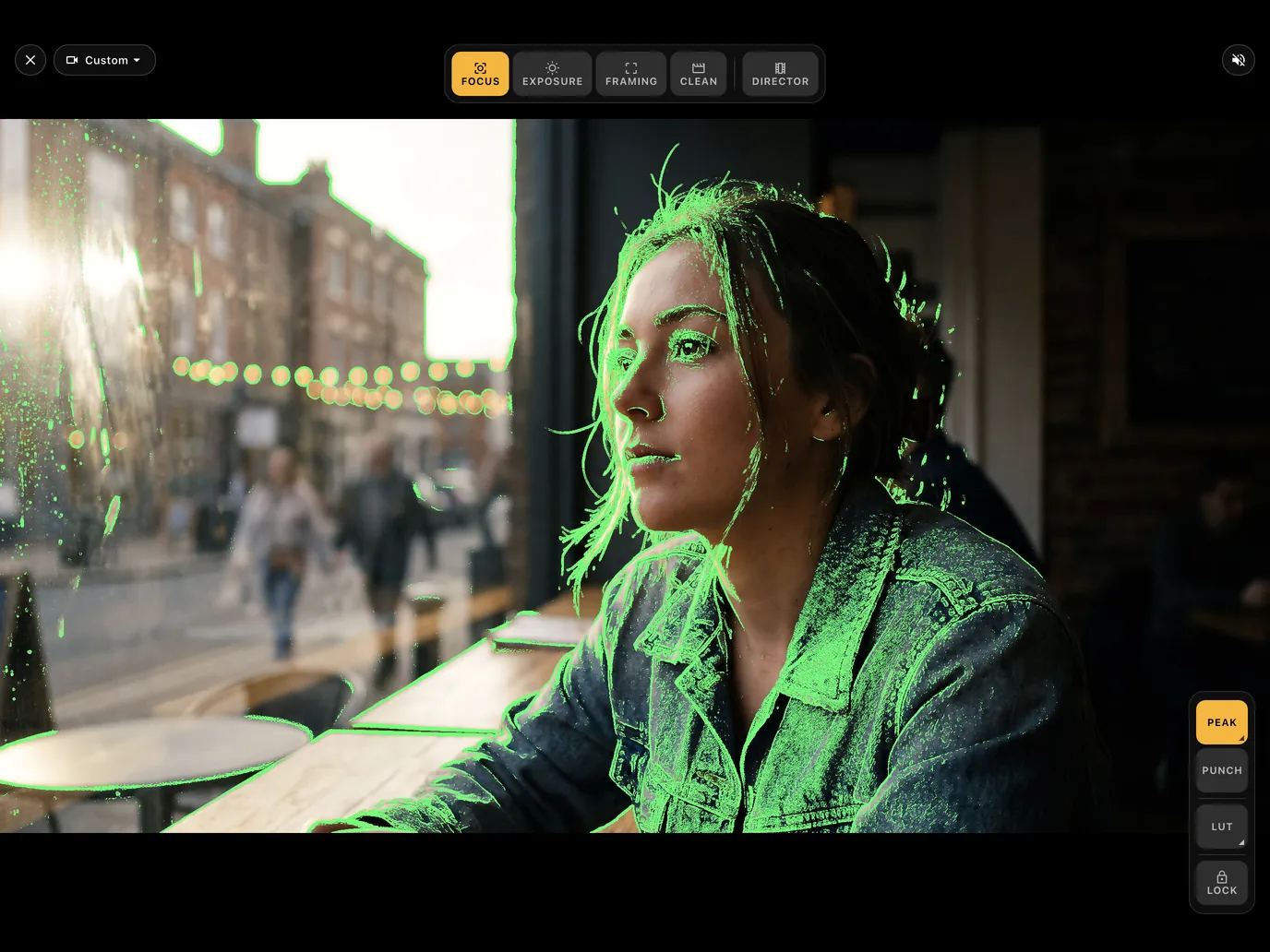
Nail focus before you roll.
Focus peaking outlines the sharpest edges in five colors with adjustable sensitivity. Punch in 2× to check critical focus on eyes and fine detail.
- Focus peaking in 5 colors
- Adjustable sensitivity
- 2× punch-in
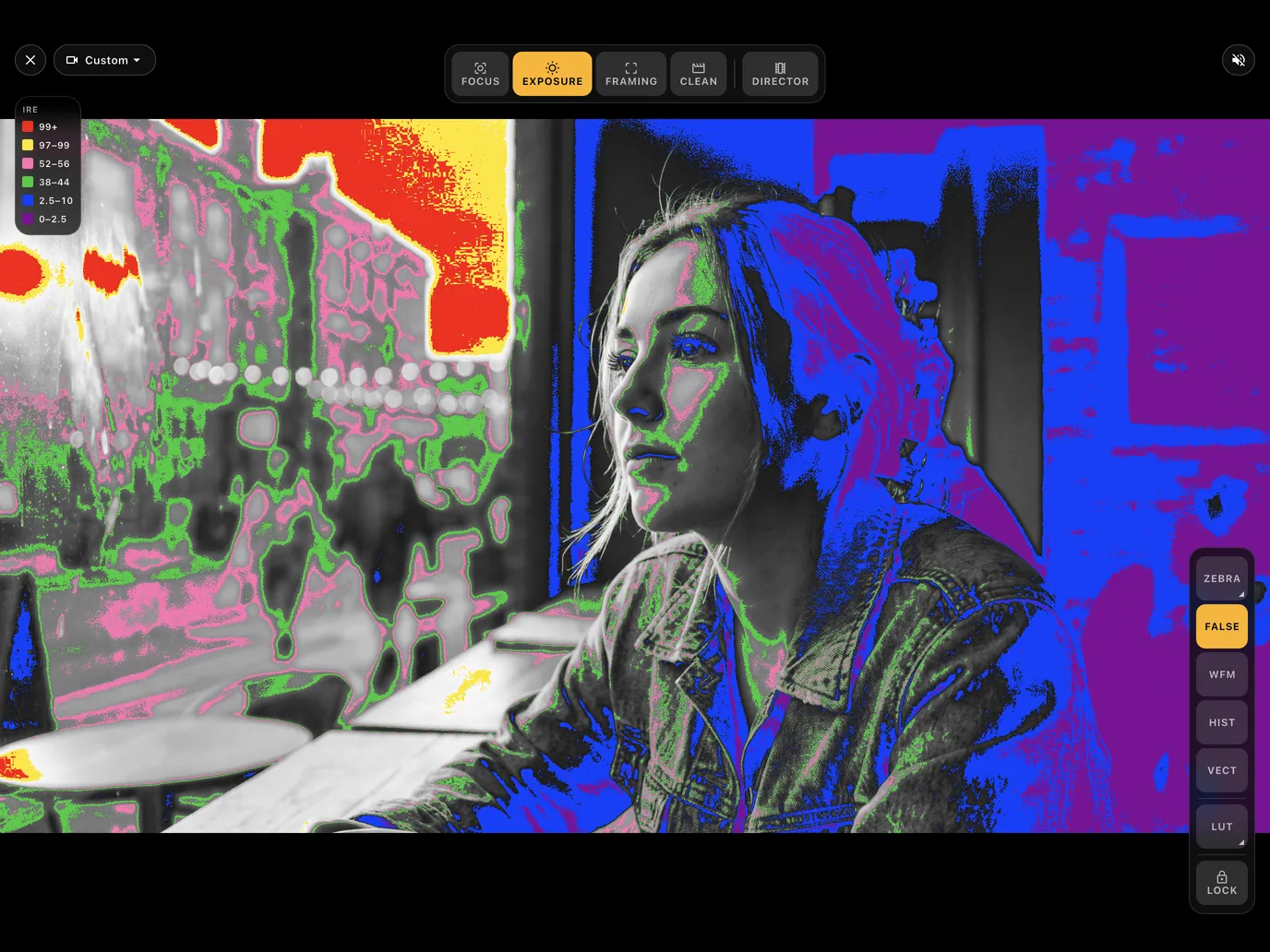
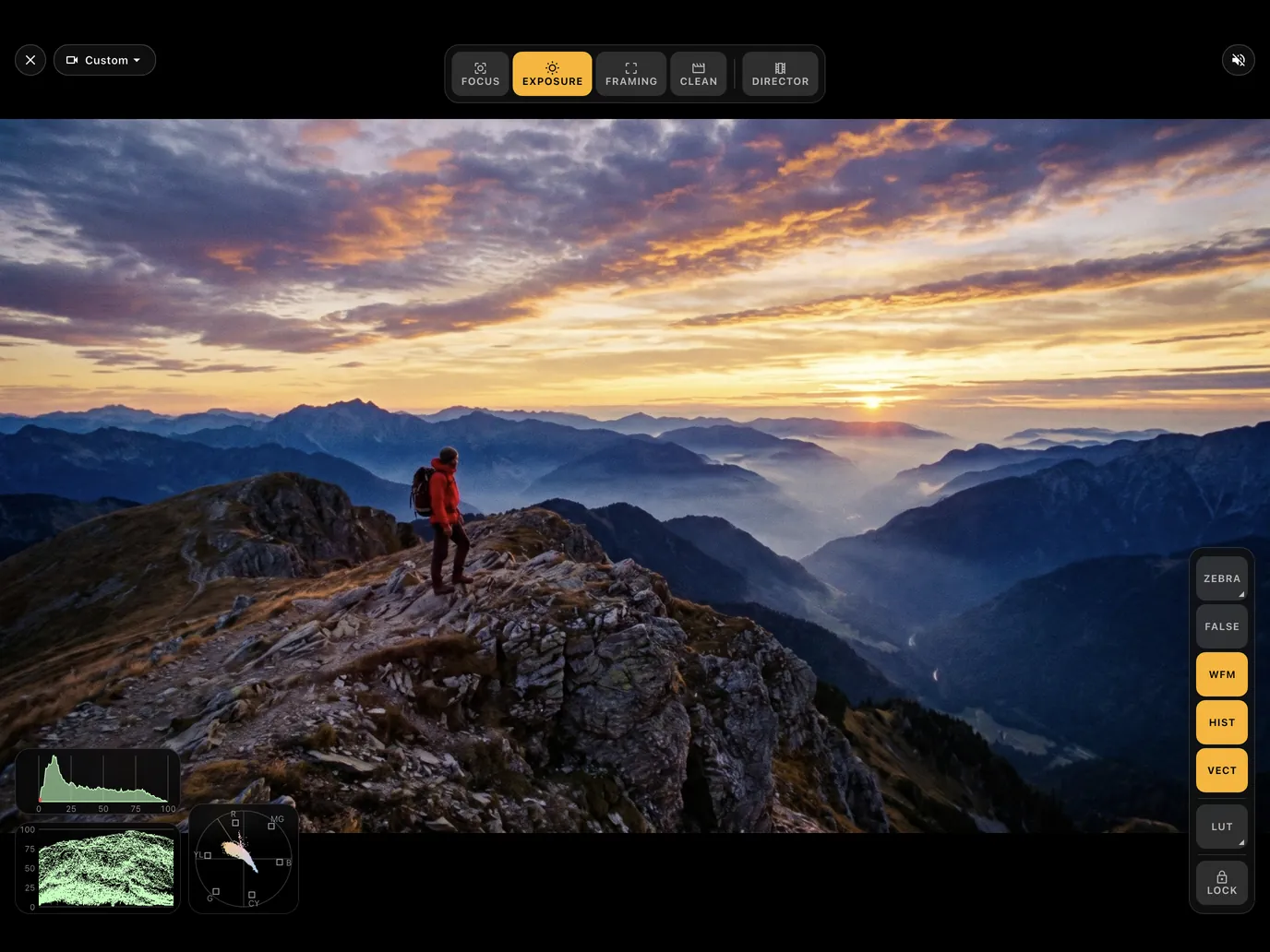
Read exposure like a pro monitor.
Zebras flag clipping. False color maps brightness to colors with an on-screen legend. Tap anywhere for a spot reading, and keep waveform, histogram and vectorscope in a corner.
- Zebras
- False color with legend
- Tap-to-measure spot meter
- Waveform, histogram, vectorscope
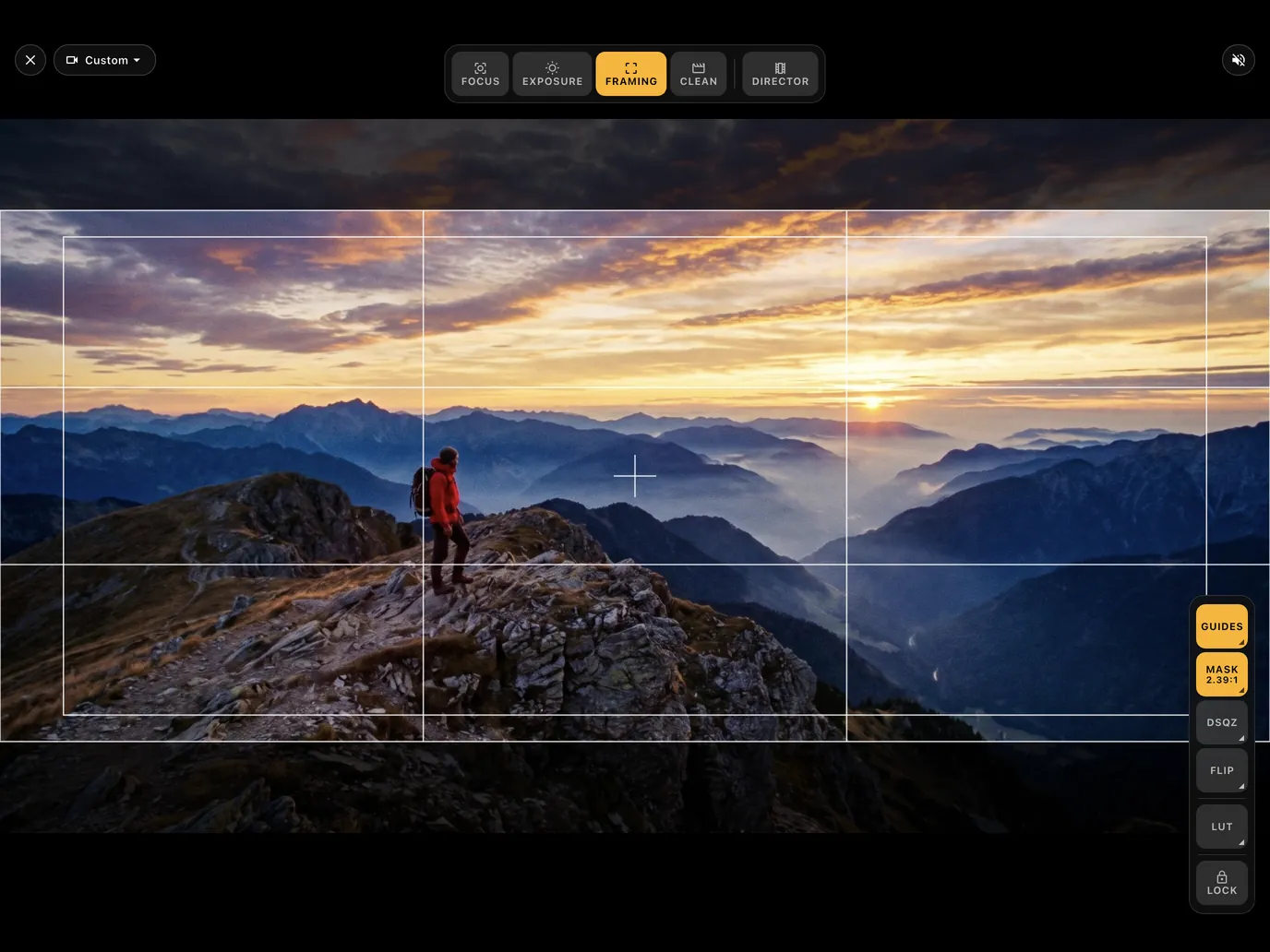
Frame for the final delivery.
Rule of thirds, center cross and safe areas, aspect masks from 16:9 to 2.39:1, anamorphic de-squeeze, and mirror or flip for rigs and gimbals.
- Guides and safe areas
- Masks from 16:9 to 2.39:1
- Anamorphic de-squeeze
- Mirror and flip
Clean
Just the picture, nothing on top.
Director View
A locked, clean picture to hand to a director or client. Two fingers to unlock.
Everything on one screen
Built for filmmakers, not for settings menus.
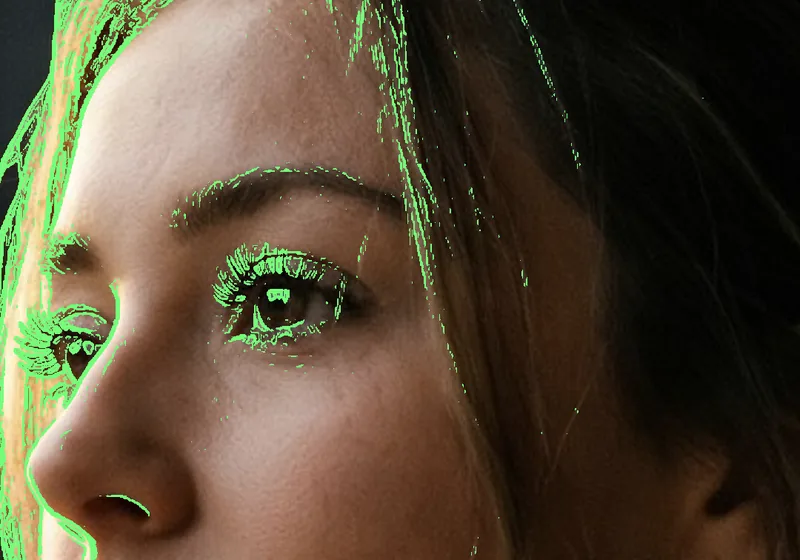
Focus peaking
Five colors and adjustable sensitivity.
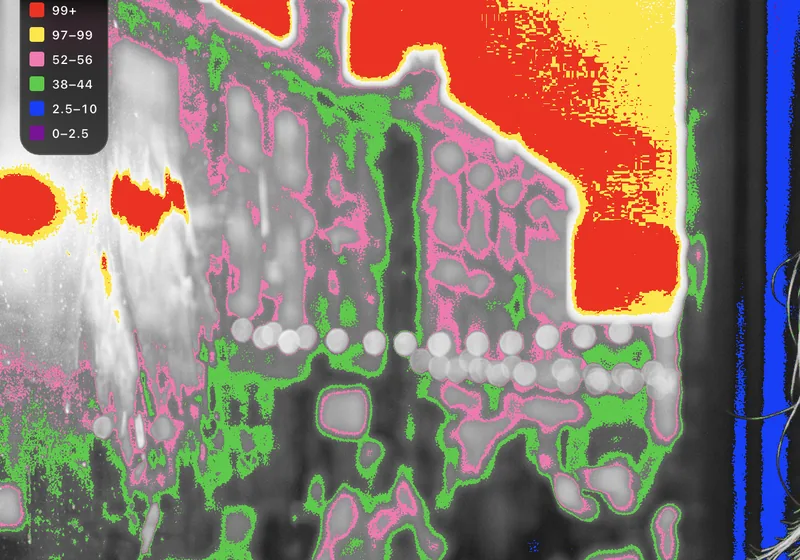
False color
Exposure by color, with an on-screen legend.
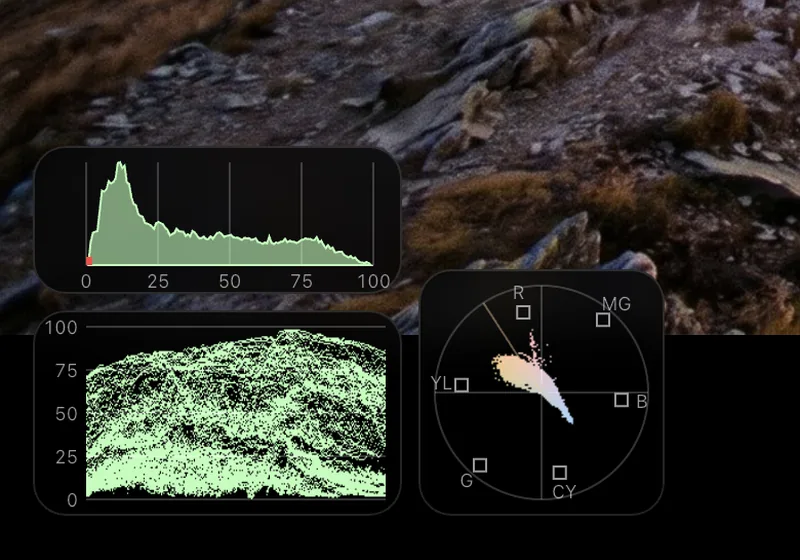
Scopes
Waveform, histogram and vectorscope, live.
And more
-
Punch-in
2× zoom to check critical focus.
-
Zebras
See highlights before they clip.
-
Spot meter
Tap the picture to read a level.
-
LUT preview
See log footage the way it will grade.
-
De-squeeze
Anamorphic preview at the right width.
-
Guides and masks
Thirds, center, safe areas, 16:9 to 2.39:1.
-
Camera profiles
Ready-made setups for log, anamorphic and vertical, or save your own.
-
Audio meters
Listen to the camera's audio with level meters per channel.
-
Remembers your setup
Tools and settings stay as you left them.
LUT preview
Shoot log. Monitor in Rec.709.
Built-in log to Rec.709 LUTs for the most common camera log formats, so the picture on your screen looks like the grade, not a flat gray image.
- Sony S-Log3
- Canon C-Log3
- Panasonic V-Log
- Fujifilm F-Log2
- Nikon N-Log
- DJI D-Log
- ARRI LogC3
- Blackmagic Gen 5
Or load your own .cube files.
Free and Pro
Start free. Buy Pro once.
Field Monitor is free to use with daily monitoring time. Pro is a one-time purchase, not a subscription.
Free
Daily free monitoring time
- Focus peaking and punch-in
- Zebras and spot meter
- Guides and 16:9 masks
- Audio with level meters
Pro
One-time purchase
- Unlimited monitoring time
- False color, waveform, histogram, vectorscope
- LUT preview and your own .cube files
- Anamorphic de-squeeze and all aspect masks
- Director View and saved camera profiles
Questions
Can my phone or tablet show my camera with just a cable?
Not over HDMI alone. Phones and tablets have no HDMI input, so you need a UVC capture card between the camera and the USB-C port. USB cameras plug in directly.
Which capture card should I buy?
Any UVC capture card that works without drivers. These are the small, low-cost HDMI to USB capture cards sold for streaming. Video formats and frame rates vary by card. With a USB camera you do not need one.
Does it work on iPhone and iPad?
Field Monitor is built for iPad, iPhone and Android phones and tablets with USB-C. On Android the port must support USB host (OTG).
Which log formats do the built-in LUTs cover?
Sony S-Log3, Canon C-Log3, Panasonic V-Log, Fujifilm F-Log2, Nikon N-Log, DJI D-Log, ARRI LogC3 and Blackmagic Gen 5. You can also load your own .cube LUTs with Pro.
Is Pro a subscription?
No. Field Monitor Pro is a one-time purchase that unlocks unlimited monitoring time and every Pro tool.
Why is my picture black?
Check that the camera is sending HDMI, that the cable carries data, and that the camera is not outputting HDCP-protected video. Some cameras also need HDMI output turned on in their menus.
A field monitor that is already in your bag.
Field Monitor for Camera is coming to the App Store and Google Play.
Coming soon to the App Store and Google Play
Questions or a capture card to suggest? [email protected]