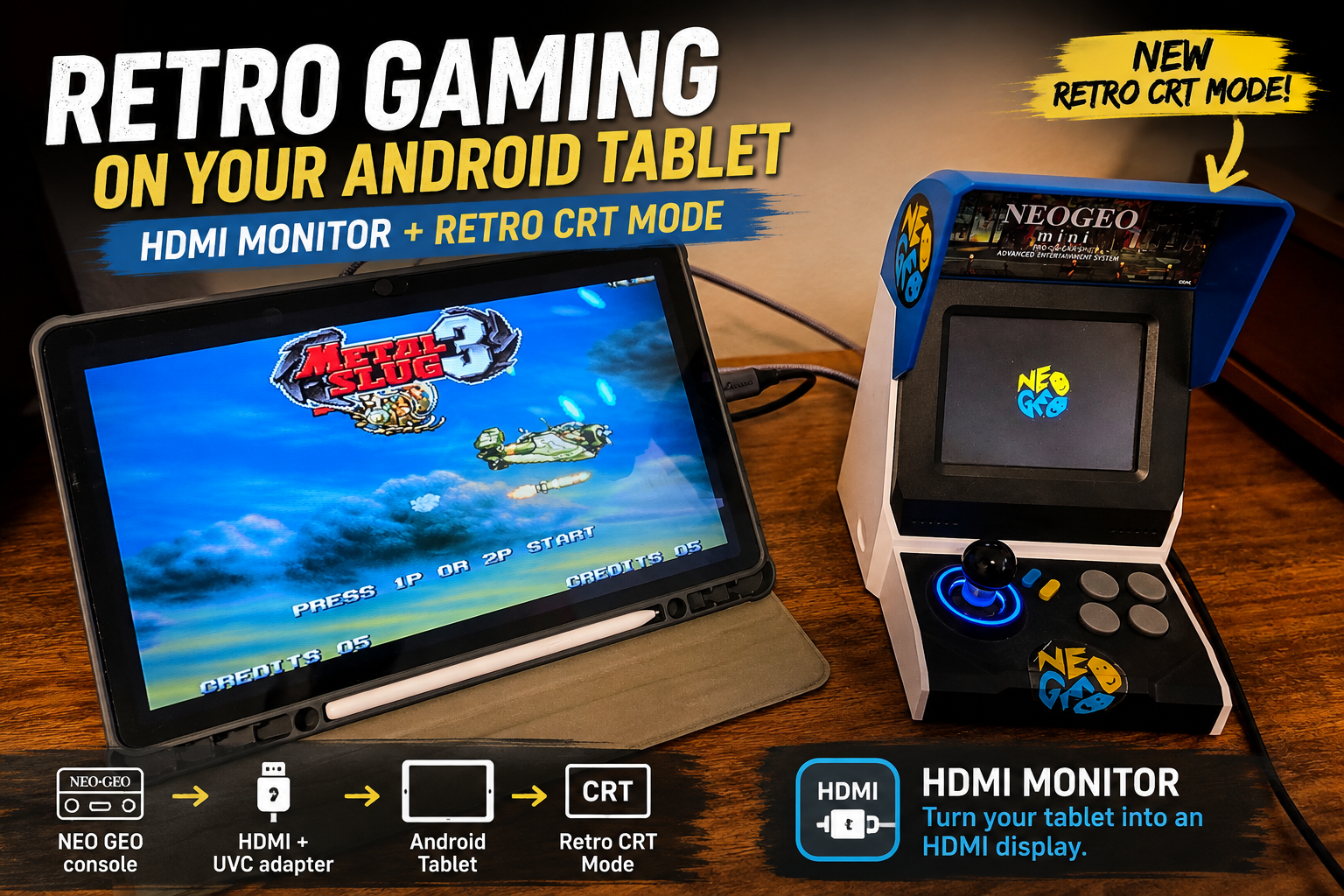
HDMI Monitor 1.5 Adds Retro Game Mode for a Classic CRT Look
Keep CodeInFaith in your Google feed
Add us as a preferred source to see more of our latest articles in Google Search.
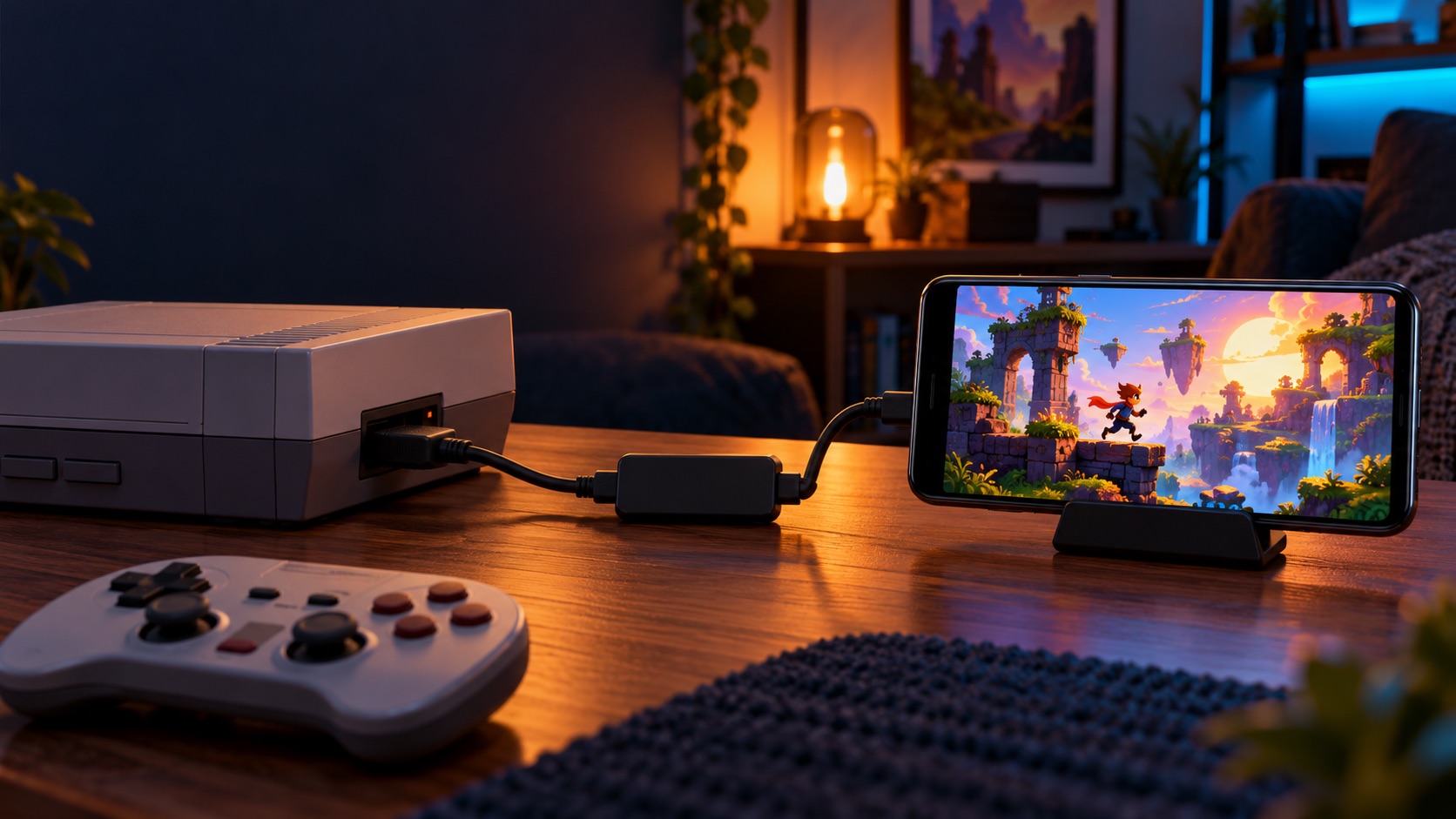
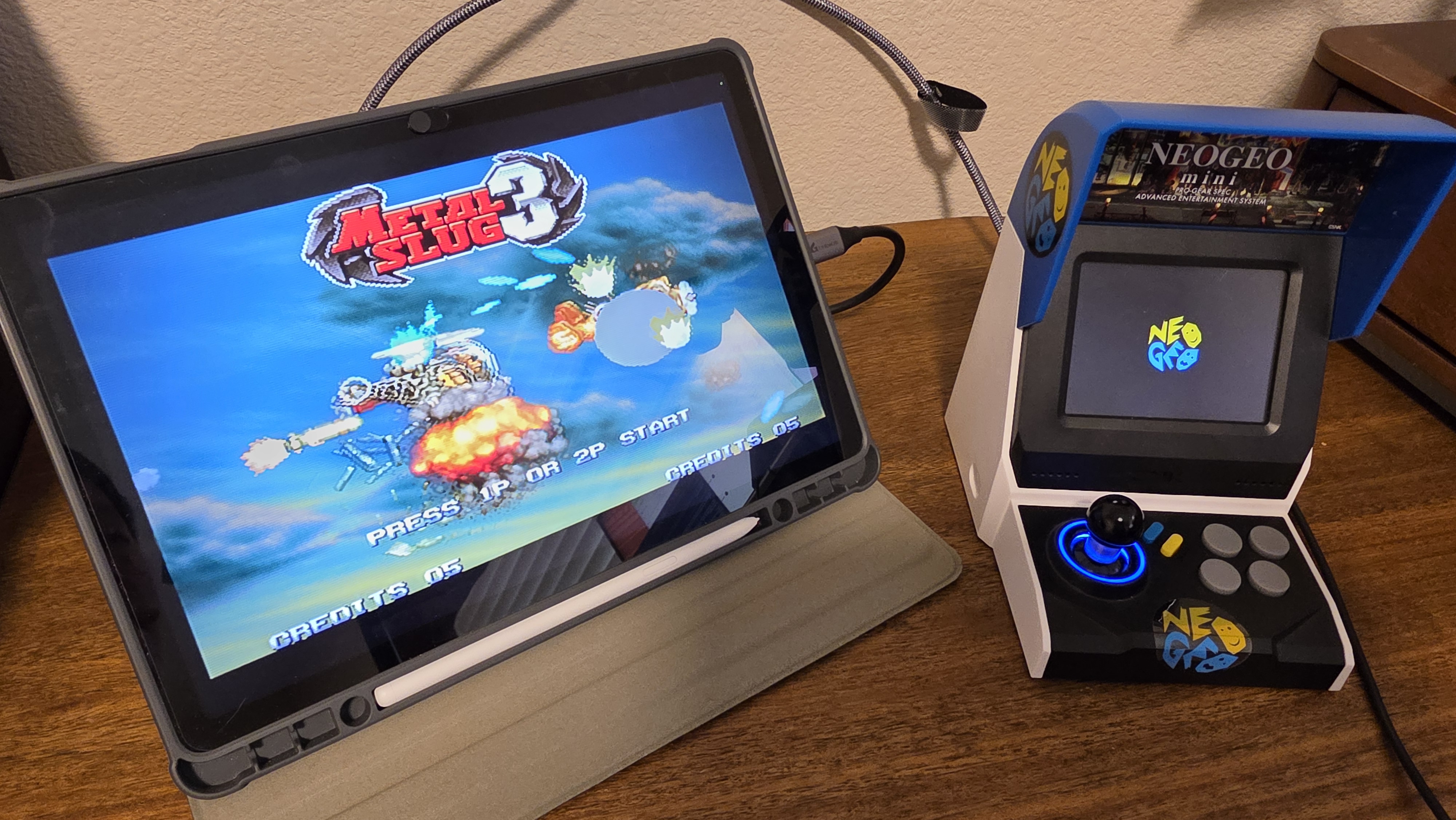
Playing a classic game on a modern tablet display is convenient, but sometimes the picture is a little too clean. The sharp, flat image is technically faithful to the signal, yet it can miss some of the character that made retro games feel at home on a CRT television.
HDMI Monitor 1.5 introduces Retro Game Mode for Pro users: an optional CRT-style treatment for the live HDMI preview on your Android tablet. It adds scanlines, richer color, and subtle screen shading while keeping the same portable setup you already use.
A CRT filter for your portable gaming monitor
Retro Game Mode is designed for the moments when the presentation matters as much as the convenience. Connect a console, handheld dock, mini PC, or other HDMI source through a compatible UVC capture adapter, then use your tablet as the screen with a more classic visual finish.
The effect combines three small details:
- CRT-style scanlines to give the image a familiar display texture
- Richer color for a more vivid live preview
- Subtle screen shading around the edges for added depth
It is a visual preference, not a replacement for the original hardware. If you prefer the cleanest possible output for work, camera framing, or diagnostics, leave it off. When you want a more nostalgic look for retro games, turn it on without changing cables, capture hardware, or the rest of your setup.
Turn it on where you monitor
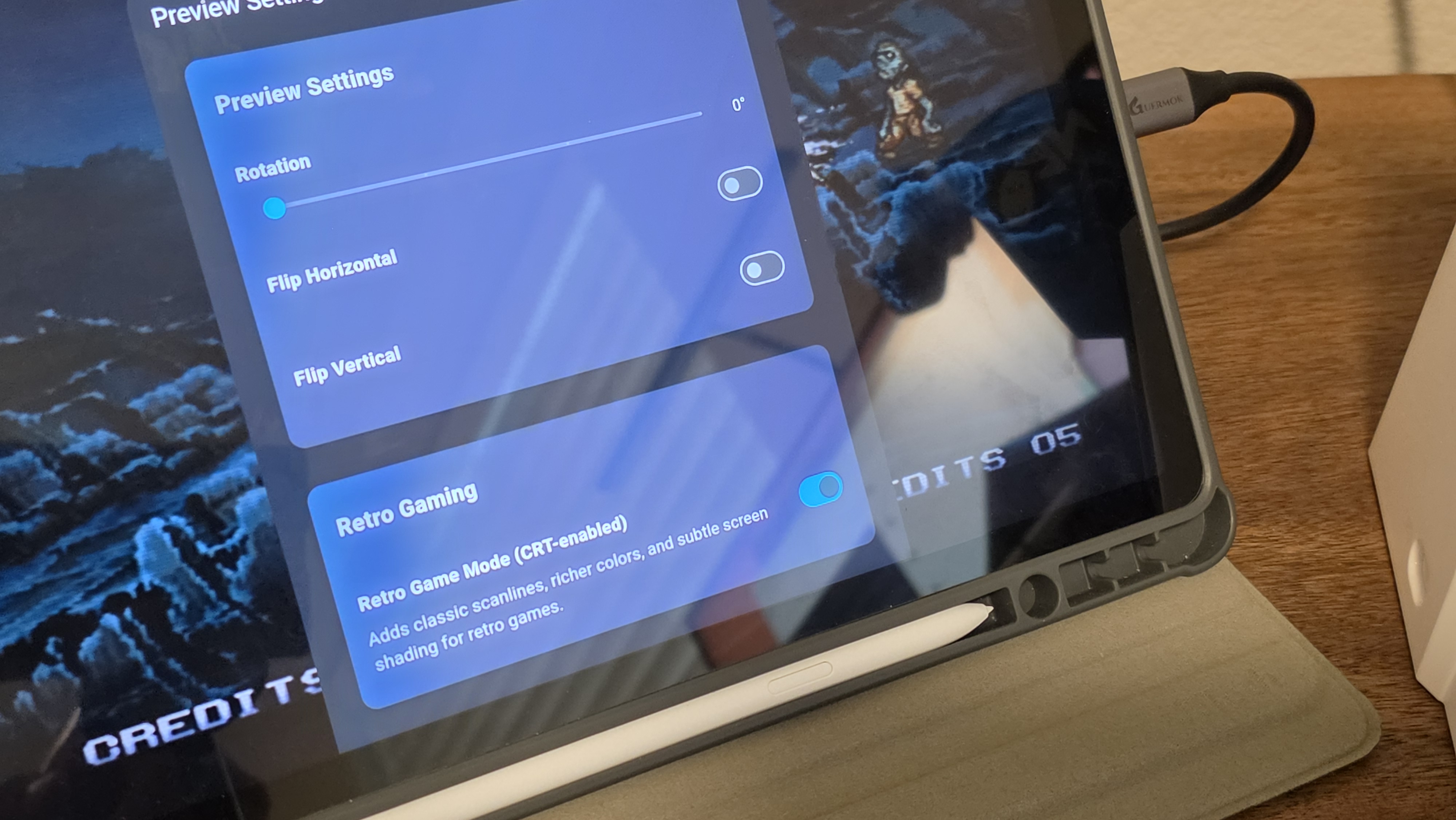
Retro Game Mode is available from the Retro Gaming switch in Settings and from the live preview settings sheet. That means you can decide how the signal should look while you are using HDMI Monitor, instead of committing to one style for every source.
The option is available to Pro users. It stays disabled for non-Pro users, so the standard preview remains straightforward and unchanged unless you choose to unlock the extra visual treatment.
Built for the tablet you already bring
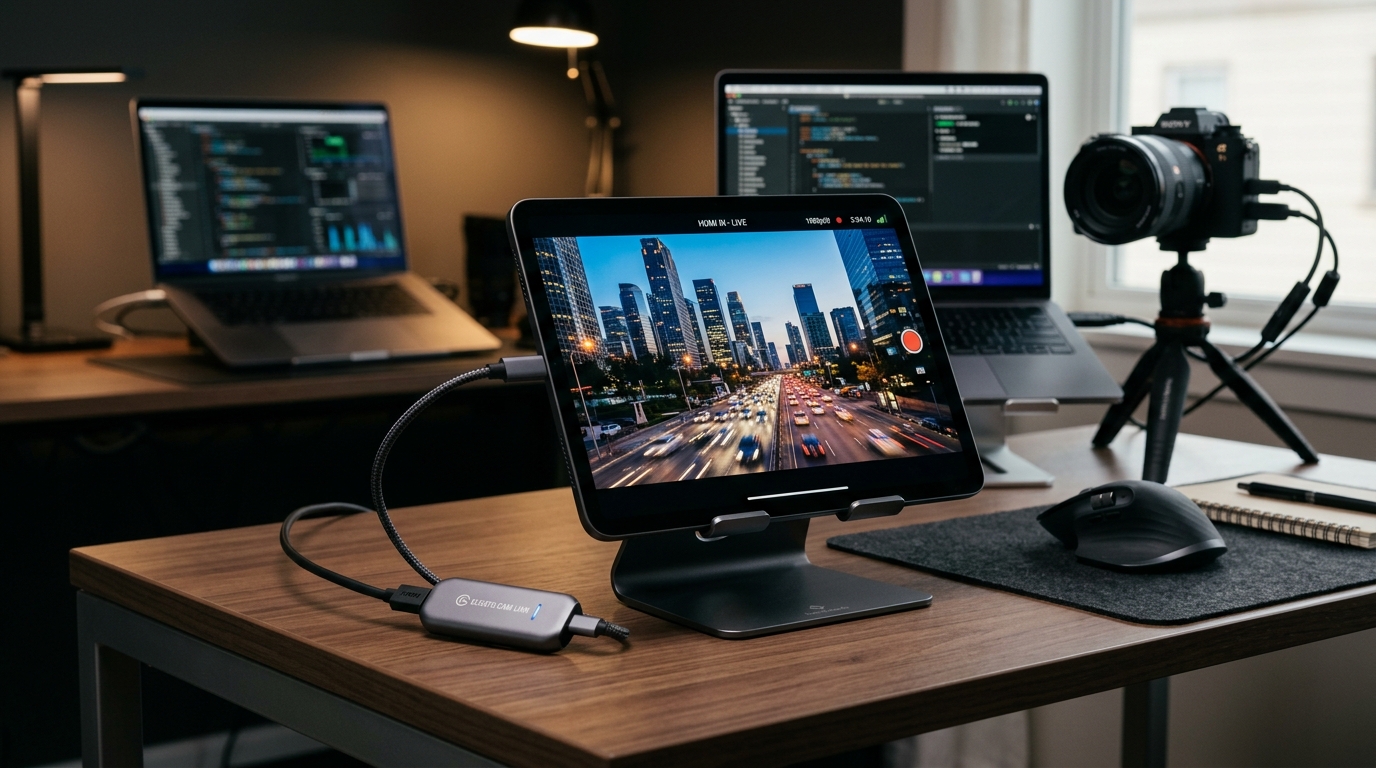
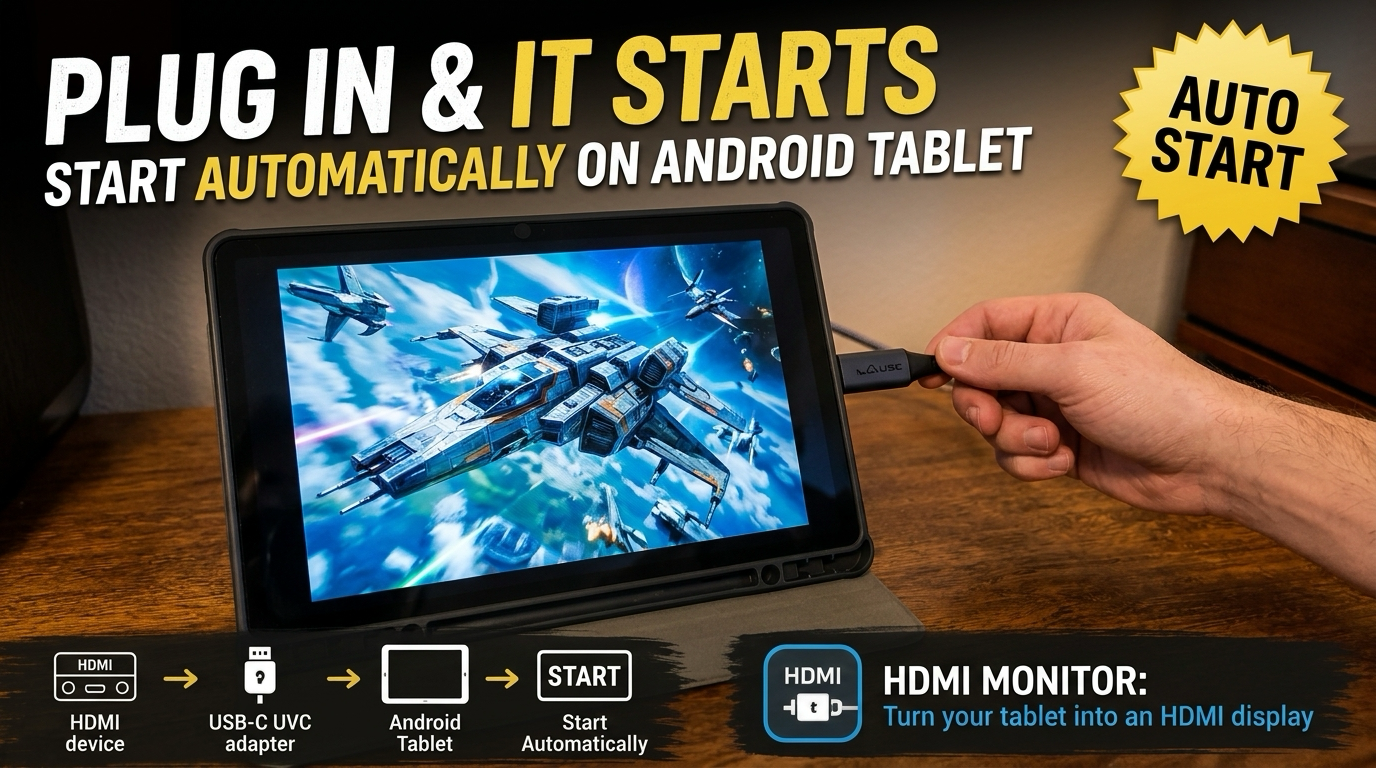
HDMI Monitor remains a practical way to use a compatible Android tablet as a portable HDMI screen. The app works with a compatible USB UVC capture adapter; it does not add direct HDMI input to a tablet’s USB-C port.
For a travel setup, that can mean a tablet, capture adapter, HDMI cable, and your console or source device instead of packing a dedicated display. Version 1.5 gives retro gaming setups a little more personality without making the workflow more complicated.
Update to HDMI Monitor 1.5
Update HDMI Monitor from Google Play to try Retro Game Mode with your next portable gaming session. If you are new to the app, start with a compatible UVC capture adapter and an HDMI source, then open the live preview and choose the look that fits the game.