HDMI Monitor Android App Now Available for Portable HDMI Monitoring
If you have ever looked at the Android tablet already sitting on your desk and thought, “This should be able to do more,” HDMI Monitor was built for exactly that kind of moment.
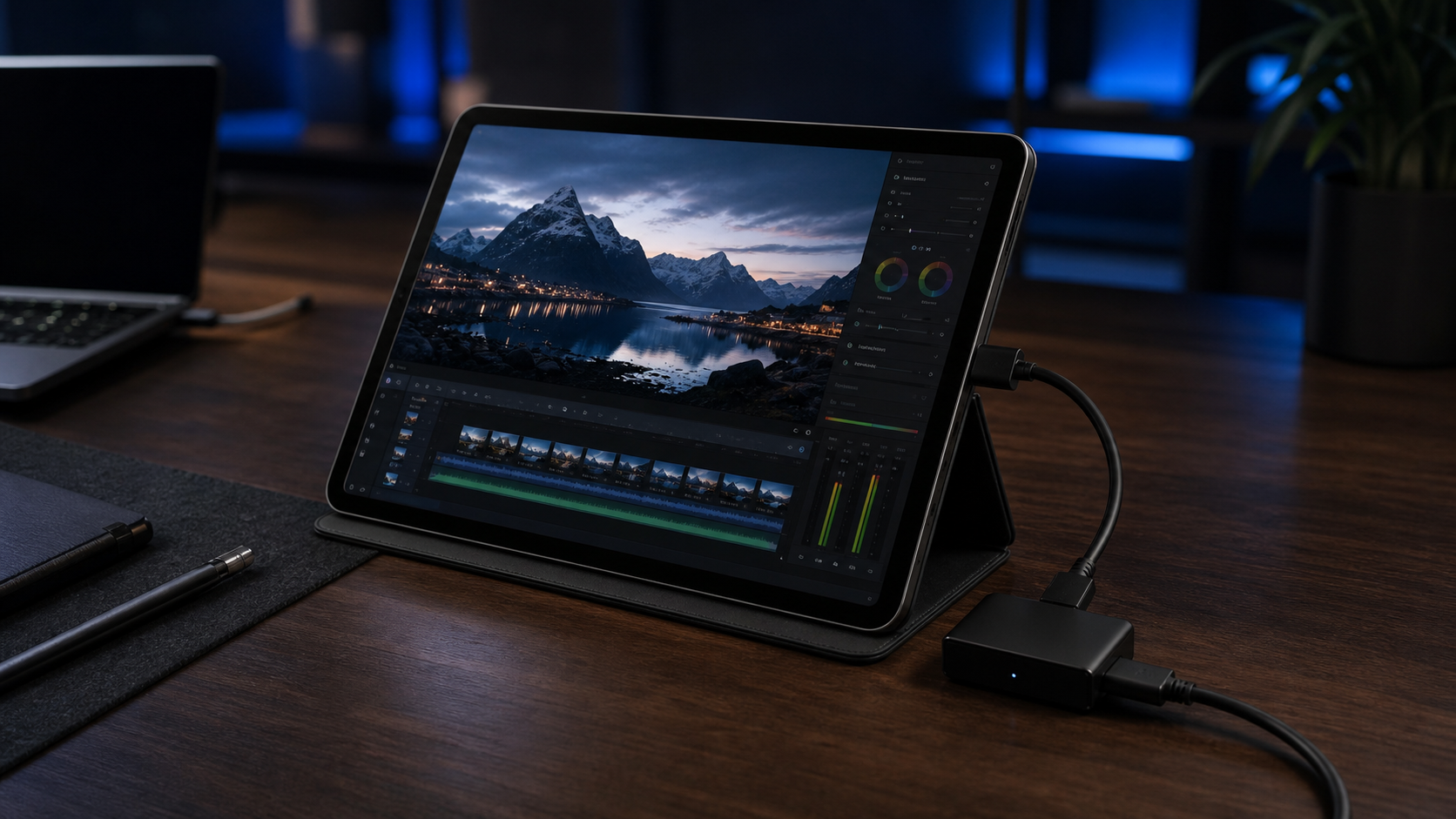
The app is now available on Android, giving you a simple way to use a compatible tablet as a fullscreen HDMI display with the right USB UVC capture adapter. Instead of carrying a separate monitor for every setup, you can turn existing hardware into a more flexible second screen for testing, previewing, and portable work.
What HDMI Monitor Does
HDMI Monitor is an Android HDMI display app designed for people who need a practical monitoring view without a lot of friction.
Connect a supported HDMI source through a compatible UVC capture adapter, grant the needed device permissions, and use your tablet as a clean preview screen. The app also includes practical controls for rotation, flip behavior, aspect presentation, and safe eject before you unplug the hardware.
That makes it useful for more than one kind of setup. You might use it to preview a camera feed, keep an eye on a Raspberry Pi or mini PC, test another device, or create a more portable workstation when you do not want a full-sized external display in your bag.
How the Setup Works
The core idea is simple: the HDMI source runs into a compatible capture adapter, and the adapter connects to your Android tablet over USB.
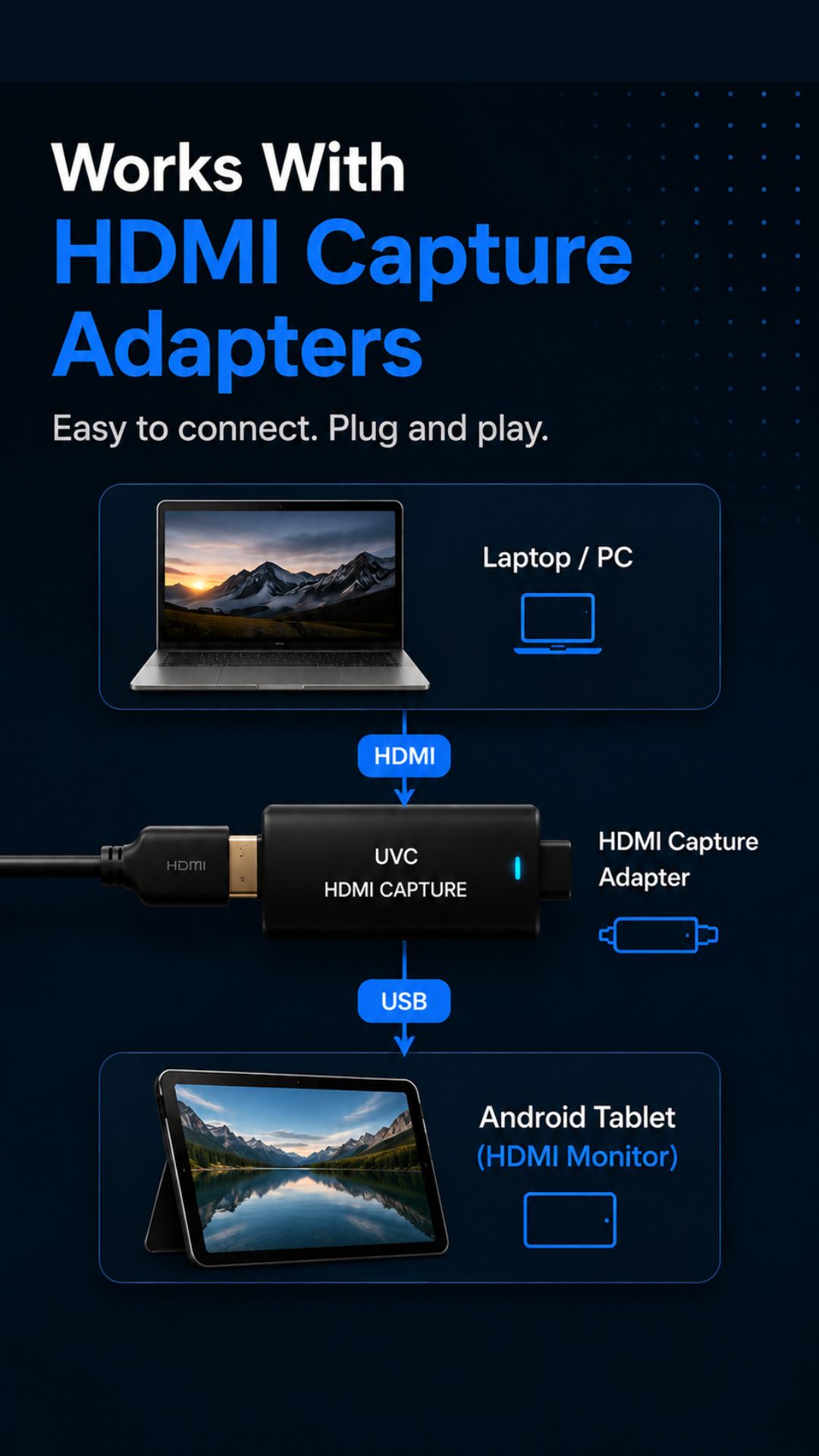
This is not direct USB-C video input. HDMI Monitor is built around compatible UVC HDMI capture adapters, which makes the setup clearer and more predictable for the kind of portable monitoring workflows the app is designed for.
If you already own an Android tablet and a supported adapter, the value is straightforward: you can put gear you already have to work instead of buying another dedicated display for occasional use.
Why We Made It
There are plenty of moments when a small, clean monitor would be helpful, but carrying extra hardware feels like overkill.
Sometimes you just need a quick view of a signal while testing something. Sometimes you want to travel lighter. Sometimes you want a second screen in a hotel room, a coffee shop, or a temporary workspace without rebuilding your whole setup around it.
That was the motivation behind HDMI Monitor. We wanted something focused. No bloated workflow. No unnecessary complexity. Just a practical way to turn an Android tablet into a useful HDMI viewing surface when the situation calls for it.
A Better Fit for Portable Work
One of the most appealing parts of this release is how well it fits the kind of improvised setups people actually use.
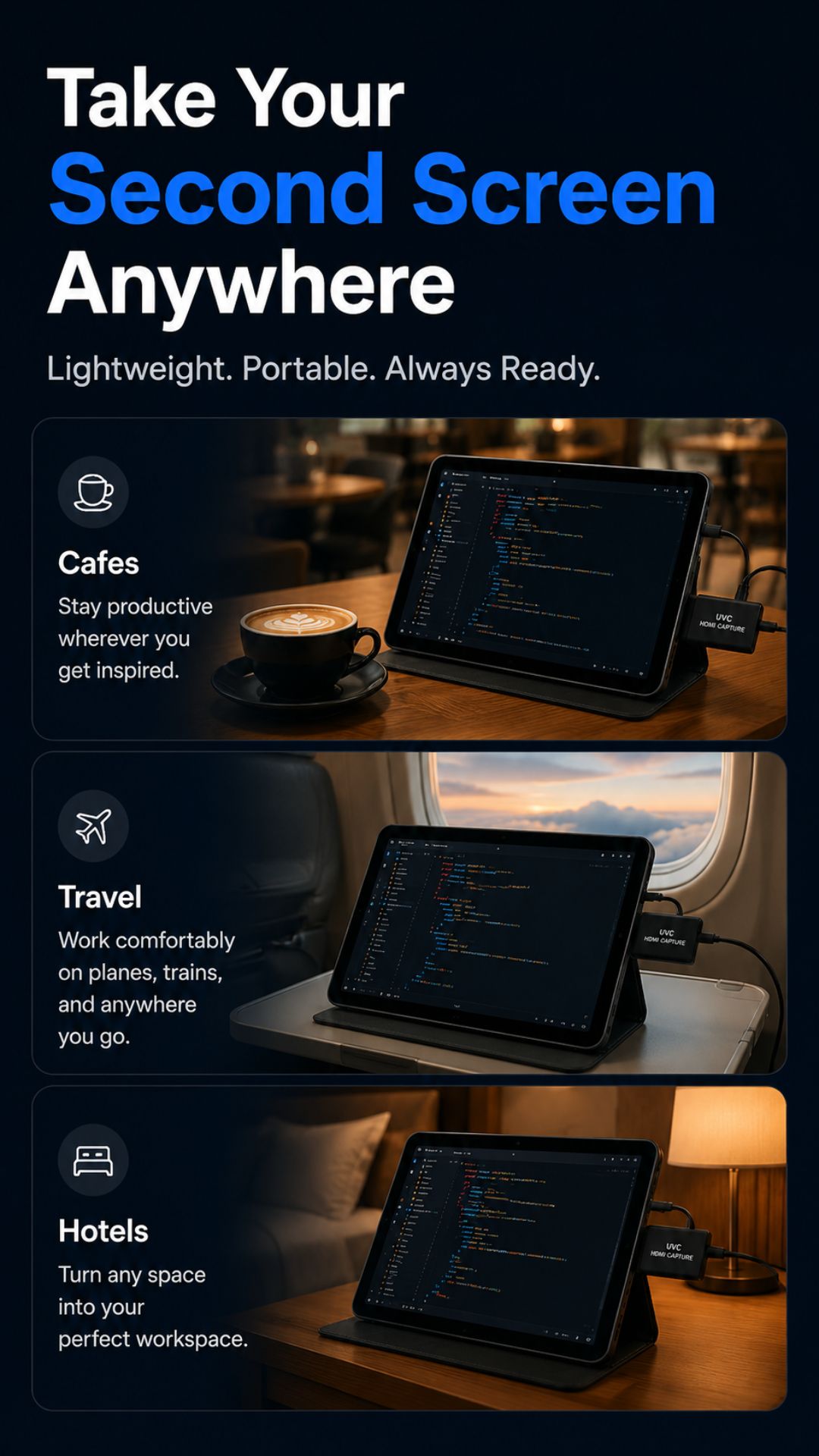
If you work across different desks, travel with a tablet, build side projects on the go, or regularly test hardware in temporary environments, HDMI Monitor gives that tablet a clear job to do.
It is also helpful for creators, developers, tinkerers, and camera operators who want a focused fullscreen preview on Android instead of a cluttered workaround.
What You Can Expect at Launch
The first Android release is centered on the essentials:
- Compatible USB UVC HDMI capture adapter support
- Fullscreen preview on Android tablets
- Preview adjustments for rotation, flip behavior, and aspect handling
- Safe eject support before disconnecting hardware
- Local signal handling during normal use
If you want a deeper look at the product page, screenshots, and current app details, see the HDMI Monitor project page.
Download HDMI Monitor for Android
HDMI Monitor is now available on Google Play.
If you already have the tablet, the missing piece might just be the right adapter.