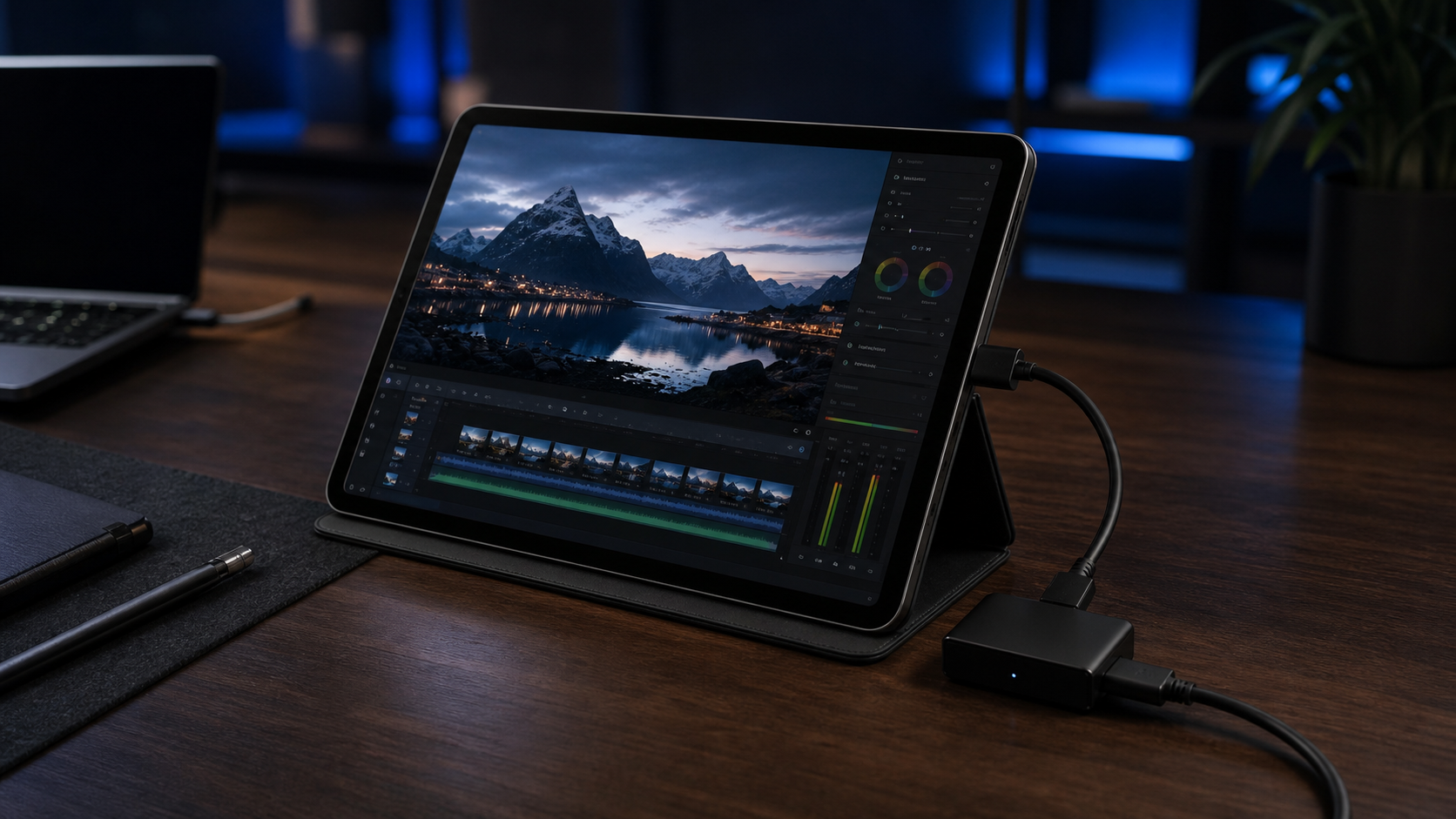
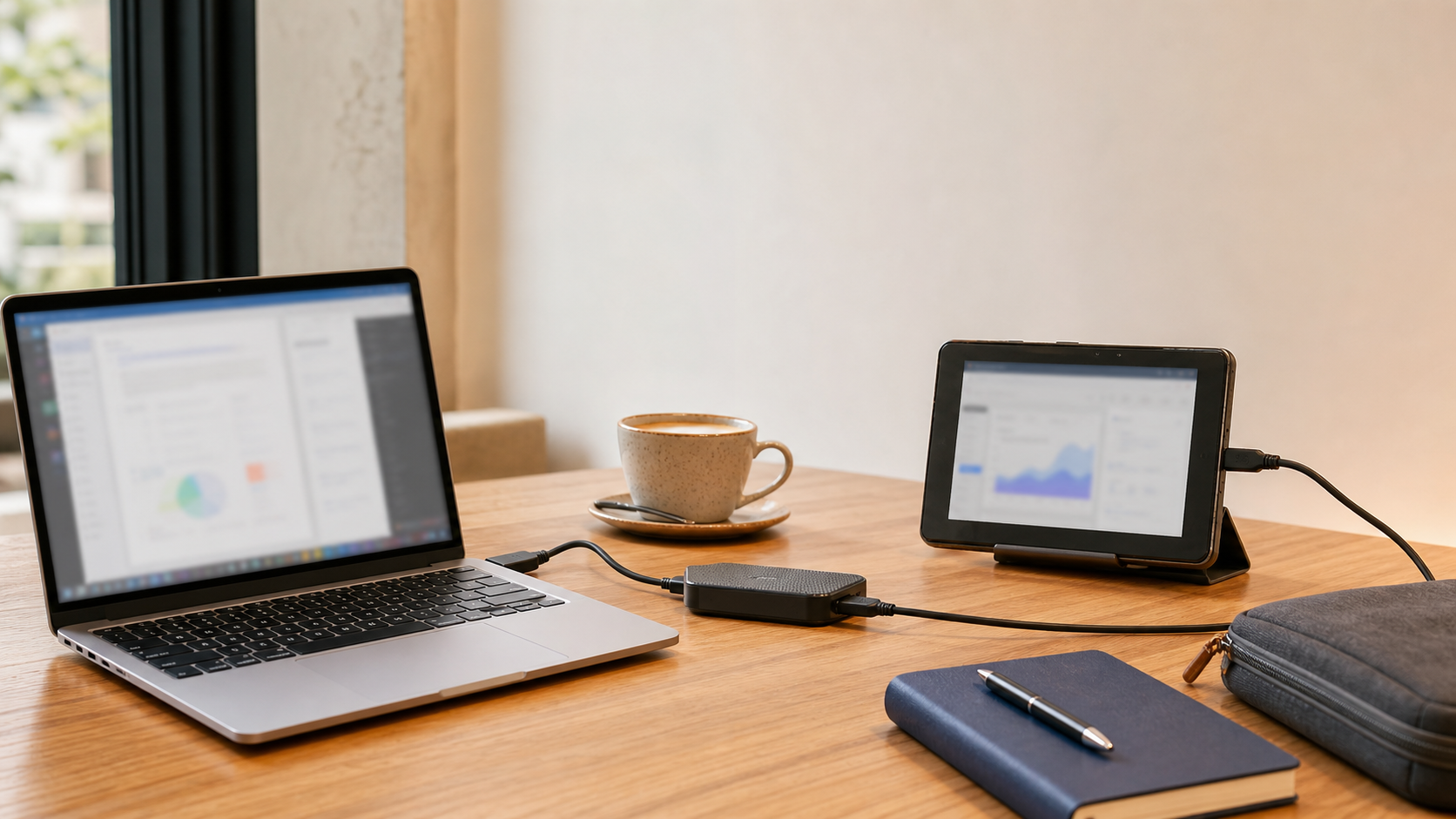
Need an Extra Monitor? Turn Your Old Android Tablet Into a Portable HDMI Monitor
If you work remotely, travel often, or bounce between temporary desks, you already know the problem: one screen rarely feels like enough.
Portable monitors exist, but they add cost, take up bag space, and can feel awkward when you are trying to work from a coffee shop, hotel room, client site, or shared table.
Meanwhile, a lot of people already have an older Android tablet sitting at home doing almost nothing.
That is the gap HDMI Monitor was built for.
If you are looking for a practical way to use an old Android tablet as a portable HDMI monitor, you only need three things:
- An Android tablet
- An HDMI cable and a compatible USB UVC capture adapter
- The HDMI Monitor app
For many people, the only missing hardware is the adapter. Compatible UVC HDMI capture adapters are usually much cheaper than buying a separate portable display, often landing around the $15 to $25 range depending on the model.
Why people want an old tablet HDMI monitor setup
The appeal is simple: reuse hardware you already own.
An older tablet can become a useful viewing screen for:
- laptop or mini PC testing
- Raspberry Pi setups
- camera previewing
- console monitoring
- travel workstations
- temporary desk setups when carrying a dedicated monitor feels excessive
This matters most when space is limited. In a cafe or shared workspace, a slim tablet on a small stand is often easier to manage than opening a second full monitor and rearranging the entire table.
What HDMI Monitor actually does
HDMI Monitor is an Android app that helps you use a compatible tablet as a clean fullscreen HDMI viewing display through a supported USB UVC capture adapter.
That means your HDMI source connects into the adapter, and the adapter connects to the tablet over USB.
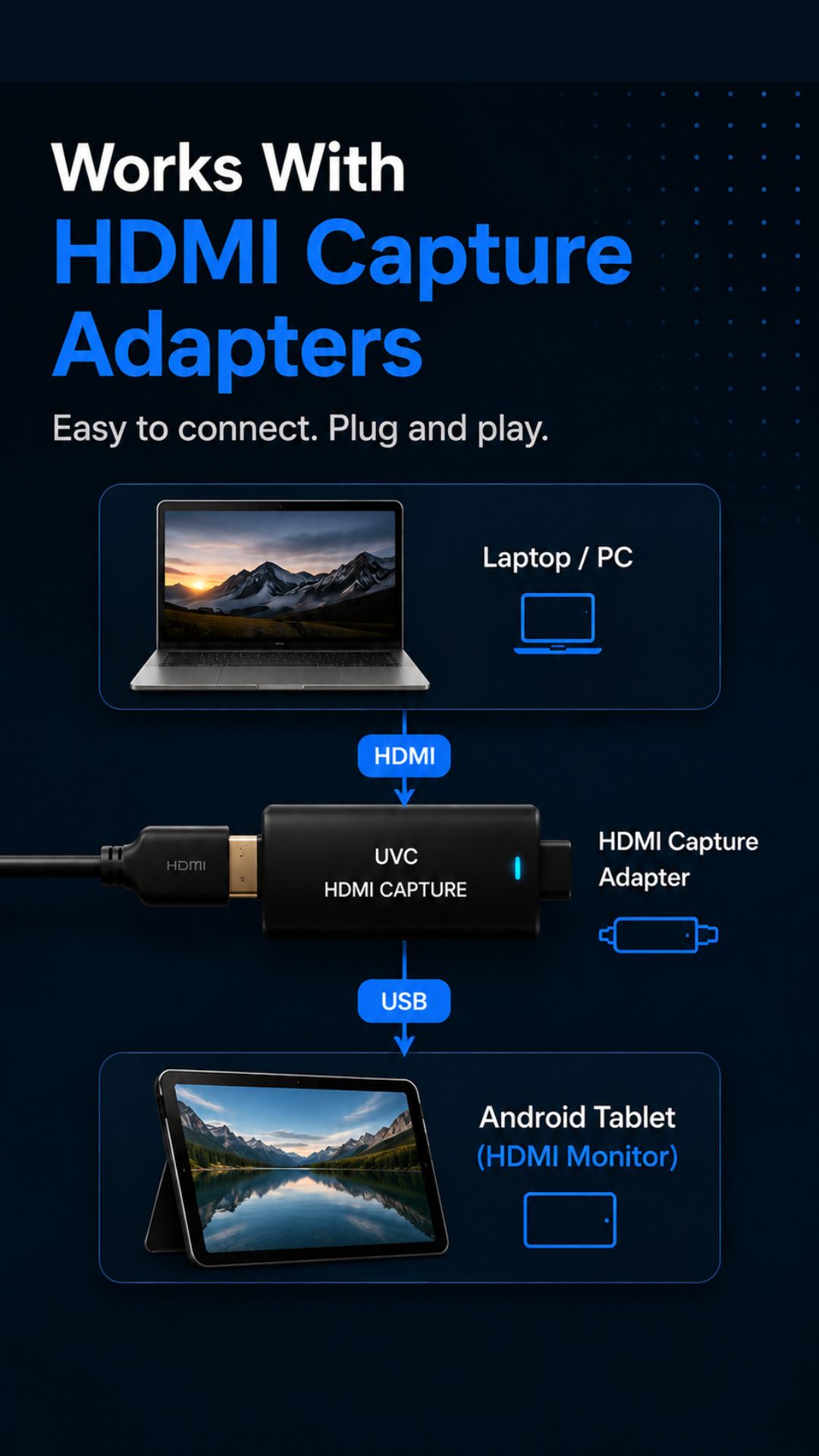
The app is designed around supported capture hardware, not direct USB-C to USB-C video input. That makes the setup more specific, but it also makes the intended workflow much clearer.
Once connected, you can use HDMI Monitor for a focused fullscreen preview and adjust practical settings such as rotation, flip behavior, aspect handling, and safe eject before disconnecting hardware.
What you need to get started
If you want to turn an old Android tablet into a portable HDMI monitor, the setup is refreshingly small:
- an Android tablet with USB support
- a compatible USB UVC HDMI capture adapter
- an HDMI source device
- an HDMI cable
- the HDMI Monitor app installed from Google Play
If your tablet still has decent battery health and a bright enough screen, it can become a very practical piece of travel gear instead of dead weight in a drawer.
Why this beats buying more gear for some people
This will not replace every desktop monitor setup, and it is not meant to.
But for lightweight workflows, it solves a real problem:
- you do not have to buy a separate portable screen right away
- you get value from hardware you already own
- the setup packs smaller for short trips
- it works well for temporary signal monitoring and field testing
That is especially appealing if you only need an extra viewing screen occasionally rather than every single day.
A better fit for remote work and travel
One reason this idea resonates is that modern work is less tied to one permanent desk than it used to be.
People work from coffee shops, hotel rooms, church offices, shared studios, classrooms, and client spaces. In those places, a compact setup matters.
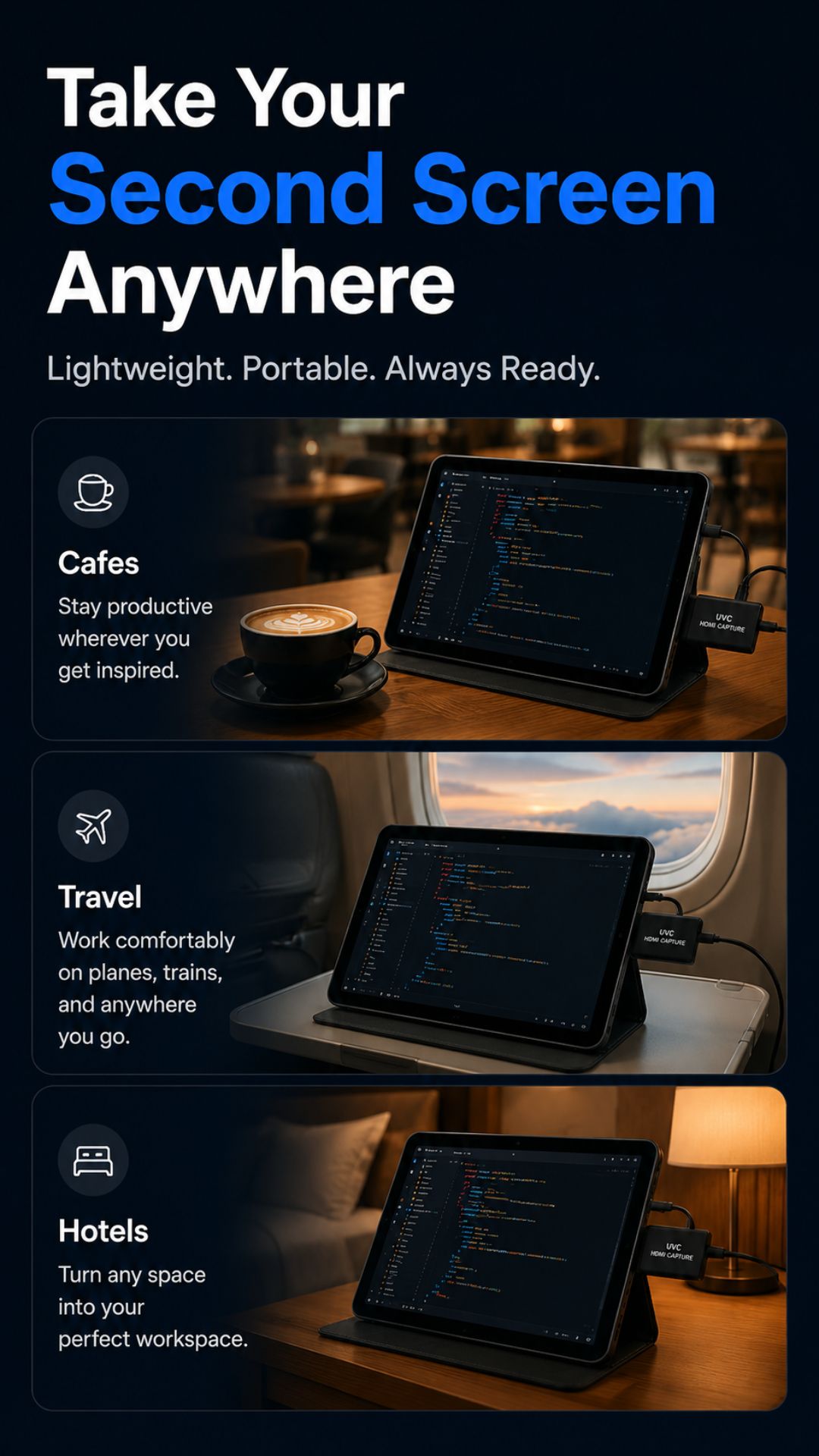
Using an old tablet as an HDMI monitor makes a lot of sense when you want something more capable than a phone screen without turning a simple outing into a full desk build.
How to set up your old tablet as an HDMI monitor
If you are ready to try it, the basic process looks like this:
- Charge the Android tablet and clear out apps you no longer need.
- Install HDMI Monitor from Google Play.
- Connect your HDMI source to the capture adapter.
- Connect the adapter to your tablet.
- Grant the required USB or camera permissions if Android prompts you.
- Open the signal in HDMI Monitor and adjust the preview settings for your setup.
- Use safe eject in the app before unplugging the adapter.
For a cleaner experience, it also helps to turn on Do Not Disturb and reduce unnecessary notifications before a work session.
Who this setup is best for
This kind of portable HDMI monitor setup is especially useful for:
- developers testing compact hardware
- creators who need a quick camera preview
- tinkerers working with Raspberry Pi or mini PCs
- travelers building temporary workstations
- anyone who has an unused Android tablet and wants a low-cost second viewing screen
If that sounds like your workflow, this is one of the simplest ways to give that old tablet a real job again.
Try HDMI Monitor
If you want the full product details, screenshots, and feature overview, visit the HDMI Monitor project page.
Download HDMI Monitor on Google Play
Final thought
The internet changed where people work. The hardware sitting around our homes has changed too.
If you already own an unused Android tablet, there is a good chance you are closer to a portable HDMI monitor setup than you think. With the right capture adapter, one HDMI cable, and HDMI Monitor, that old device can become a practical tool for work, testing, and travel.