Bible Clock 2.3.0: Home Screen Widgets for iPhone & Android


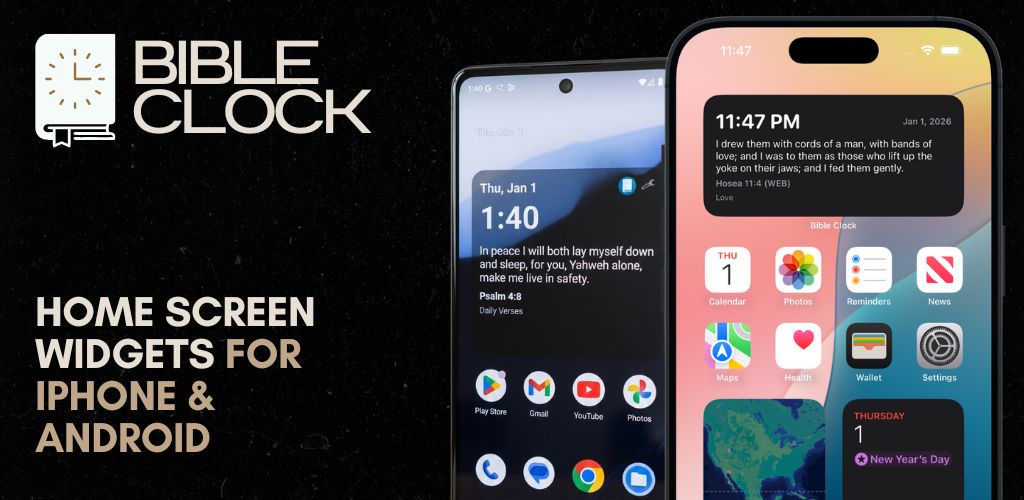
Bible Clock 2.3.0 is here with a big upgrade to one of our most-loved features: the Home Screen widget.
If you’ve been looking for a Bible verse widget that looks beautiful, updates reliably, and keeps Scripture visible throughout your day—this update is for you.
What’s New in 2.3.0
🧩 Better Home Screen widgets (Android + iOS)
Bible Clock widgets are designed to help you see the time and God’s Word together—without opening the app.
In 2.3.0, we improved the widget experience on both platforms:
- Cleaner widget layout: time/date + verse + reference + collection
- More reliable updates: the widget refreshes when new verse data is written
- Android-like verse rotation (iOS): iOS can rotate verses from your selected collection (Android-style behavior)
- Per-widget customization (iOS): customize each widget’s clock style and font size
iPhone Home Screen Widget (iOS)
⚙️ Edit Widget: choose a clock style + font size
On iOS, Bible Clock now supports per-widget settings using Apple’s Widget configuration UI.
You can long-press the widget and tap Edit Widget to customize:
- Clock Type
- Digital
- Analog (Simple)
- Analog (Modern)
- Analog (Filled)
- Font Size
- Normal
- Large
- Largest
This means you can place multiple Bible Clock widgets on your Home Screen—each one styled differently.
🔄 iOS verse rotation (Android-like behavior)
If you’re using Bible Clock Pro and have a verse collection selected, the iOS widget can rotate through cached verses from that collection. This helps keep the widget feeling fresh throughout the day.
Android Home Screen Widget
🛠️ Widget customization + refresh behavior
On Android, the widget continues to support configurable styles and update behavior, including:
- Clock display options (digital styles + analog)
- Refresh scheduling (based on your chosen interval)
- Font size scaling for better readability
If you love using Bible Clock as a “Scripture glance” widget, Android remains the most customizable experience.
How to add the Bible Clock widget
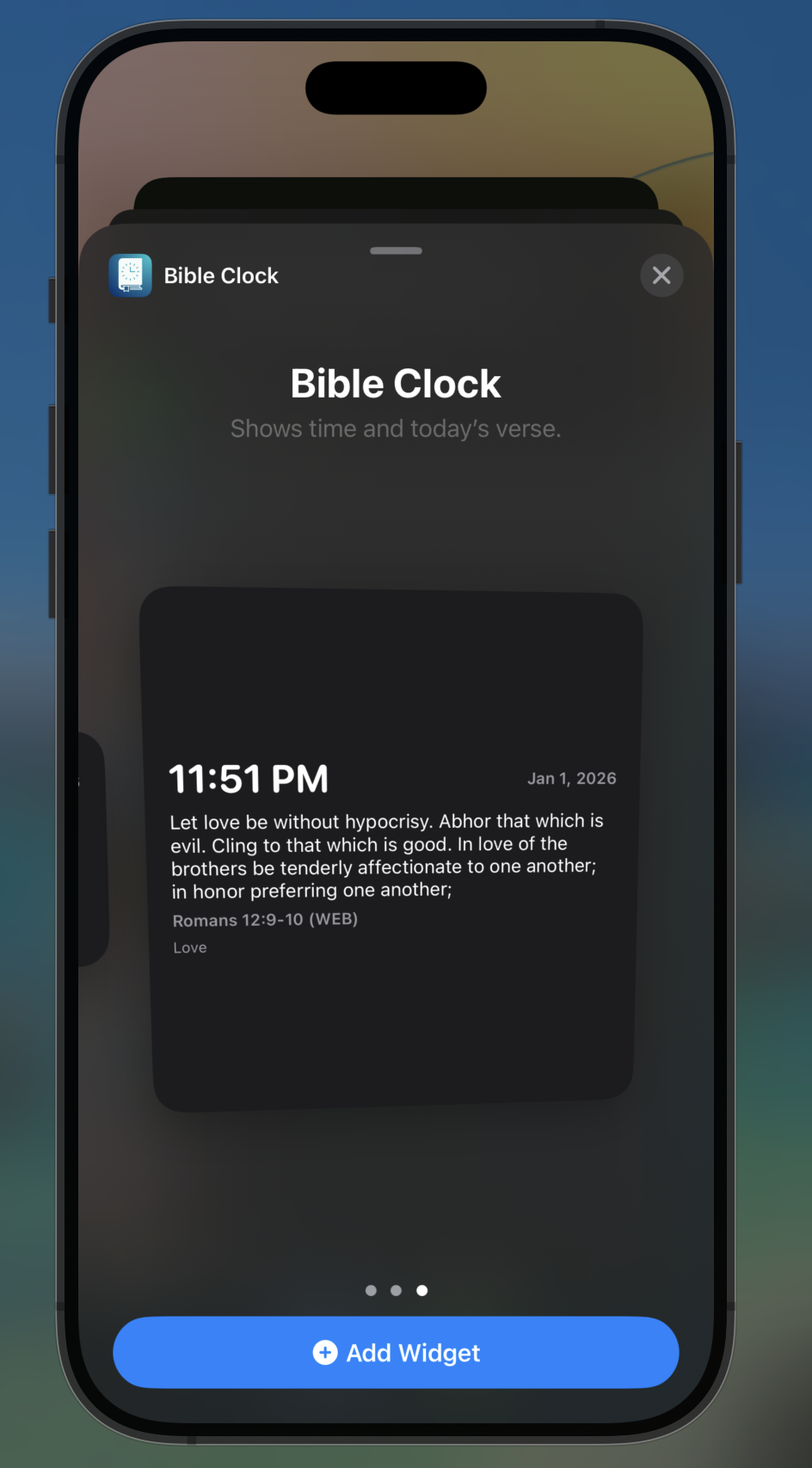
On iPhone (iOS)
- Long-press an empty space on your Home Screen
- Tap the + button
- Search for Bible Clock
- Add the widget
- Long-press the widget → Edit Widget to customize clock type and font size
On Android
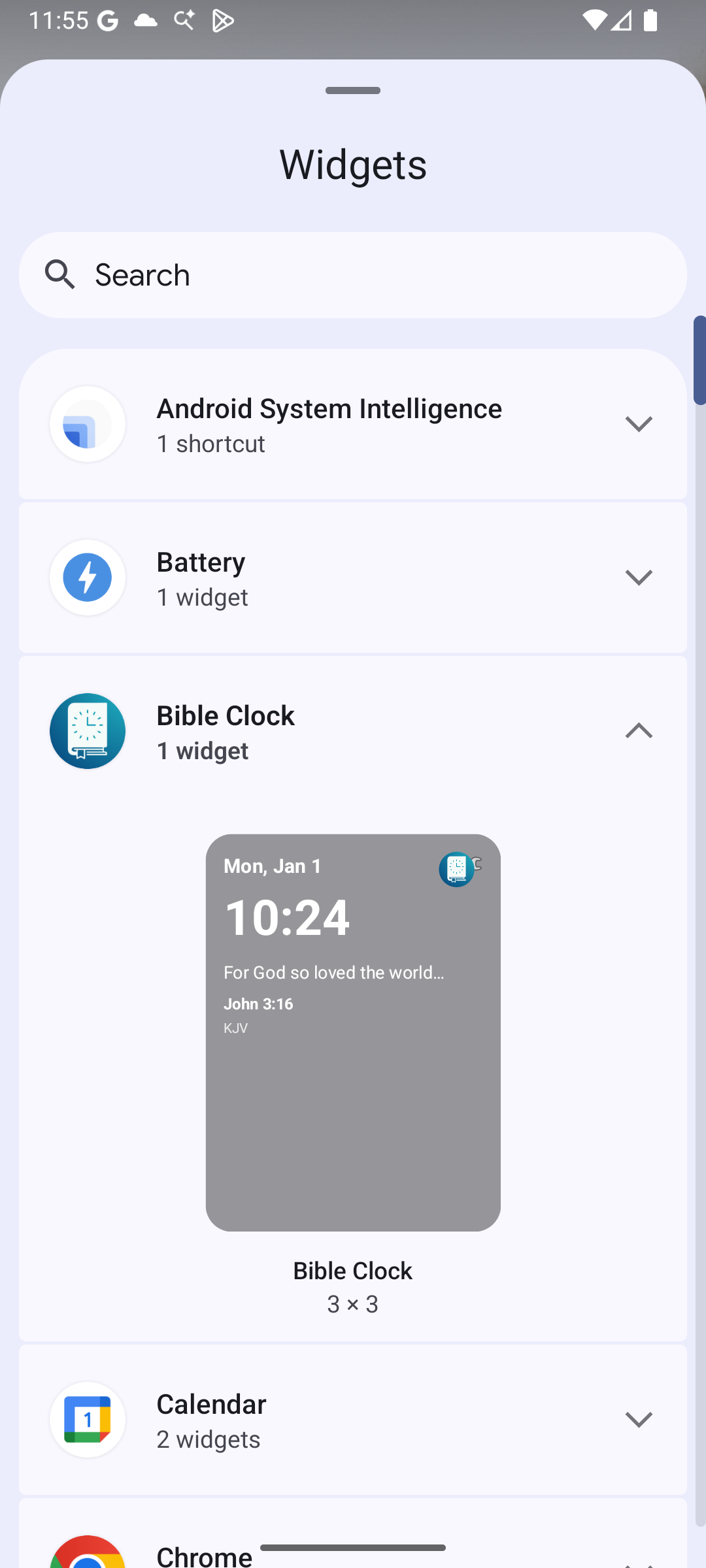
- Long-press an empty space on your Home Screen
- Tap Widgets
- Find Bible Clock
- Drag it onto your Home Screen
- Tap the widget’s settings (if available) to adjust style and refresh interval
Pro notes
Widgets support Pro gating.
- If you’re on Bible Clock Pro, the widget will show verse content and can rotate through your selected collection.
- If you’re not Pro, the widget may show upgrade messaging depending on your current selection.
Get the Update
Bible Clock 2.3.0 is available now on the App Store and Google Play.
Update today and try the refreshed Home Screen widgets—then tell us what widget styles you’d like next.
If you’re enjoying Bible Clock, a quick review helps more people discover a beautiful Bible verse widget for their Home Screen.
More Posts