Stamp Your Pic - GPS & Timestamp Camera
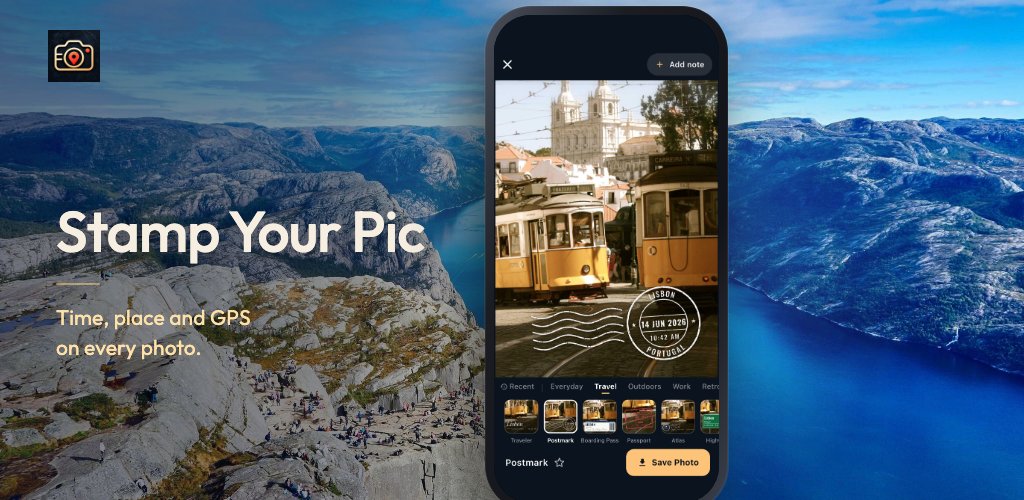
Stamp Your Pic prints the time, place, address and GPS coordinates onto your photos. Swipe through 58 stamp designs on your own photo and save the one you like. No third-party ads, no subscription, and your photos stay on your phone.
 GPS & timestamp camera
Every photo, stamped with when and where.
Stamp Your Pic prints the time, place, address and GPS coordinates right onto your photo. Take the picture, swipe through 58 stamp designs on it, and save the one you like.
iPhone version coming soon.
- No third-party ads
- No subscription
- No account
- Photos stay on your phone









Tap a design, or swipe the photo.
“Then Samuel took a stone, and set it between Mizpeh and Shen, and called the name of it Ebenezer, saying, Hitherto hath the LORD helped us.”
1 Samuel 7:12
How it works
Shoot. Swipe. Save.
-
Take the photo
The moment is locked in at the shutter: time, place, GPS, altitude and compass heading.
-
Swipe through stamps
Every design is drawn live on your own photo, so you see exactly what you will save.
-
Save the one you like
The stamped photo goes to your gallery at full resolution, ready to send or file.

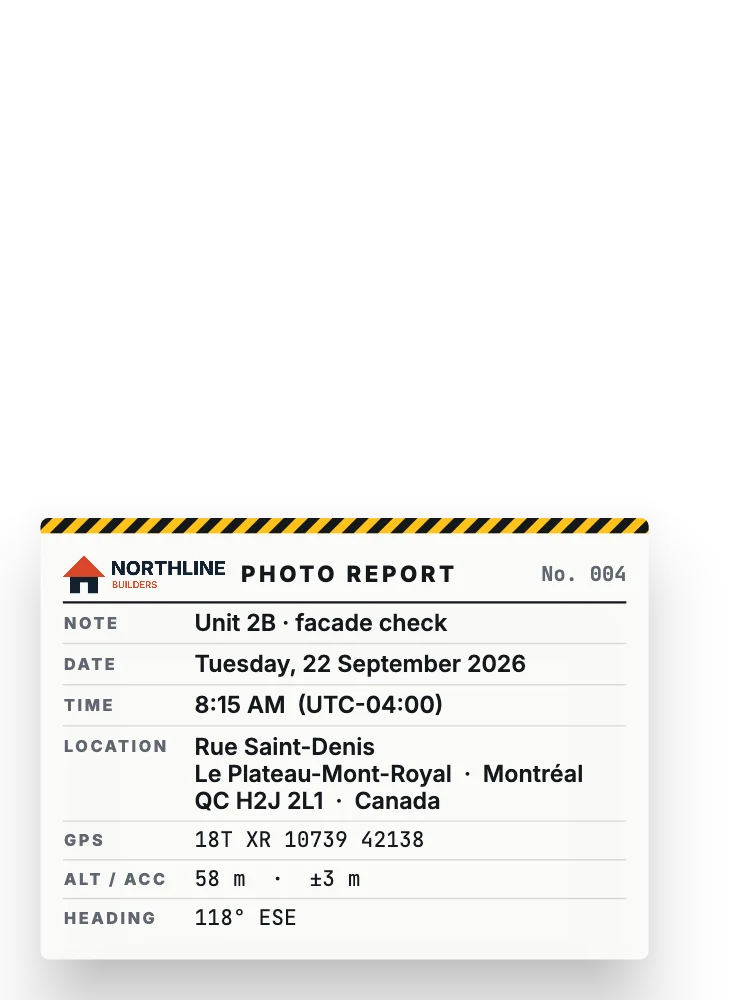
What a stamp can show
Everything about the moment, in one corner.
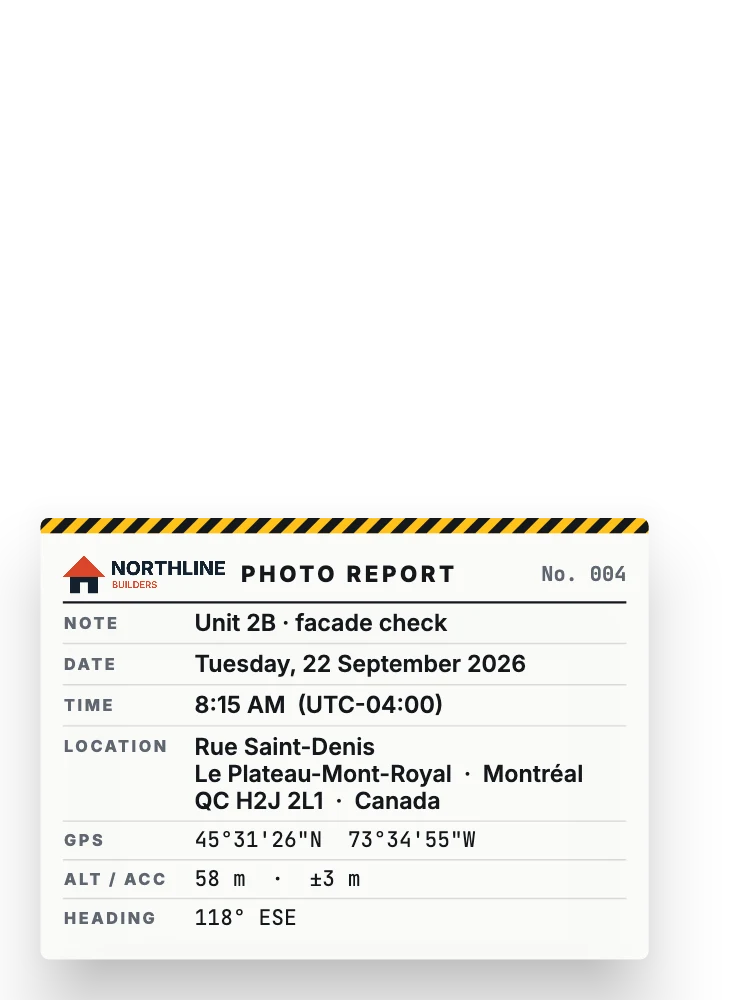
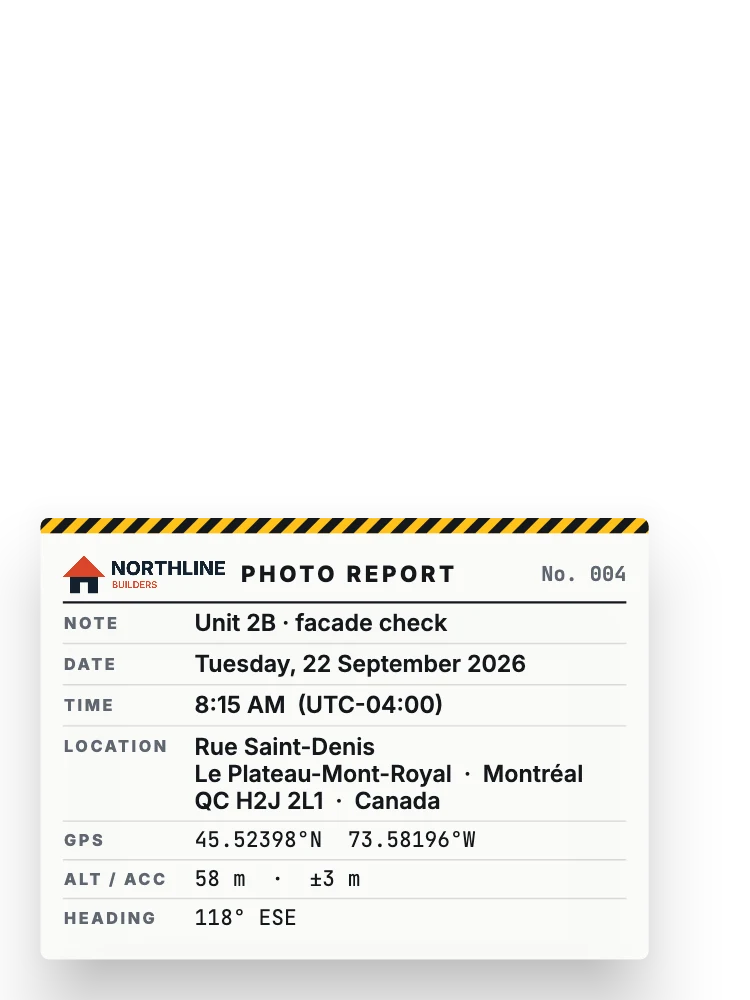
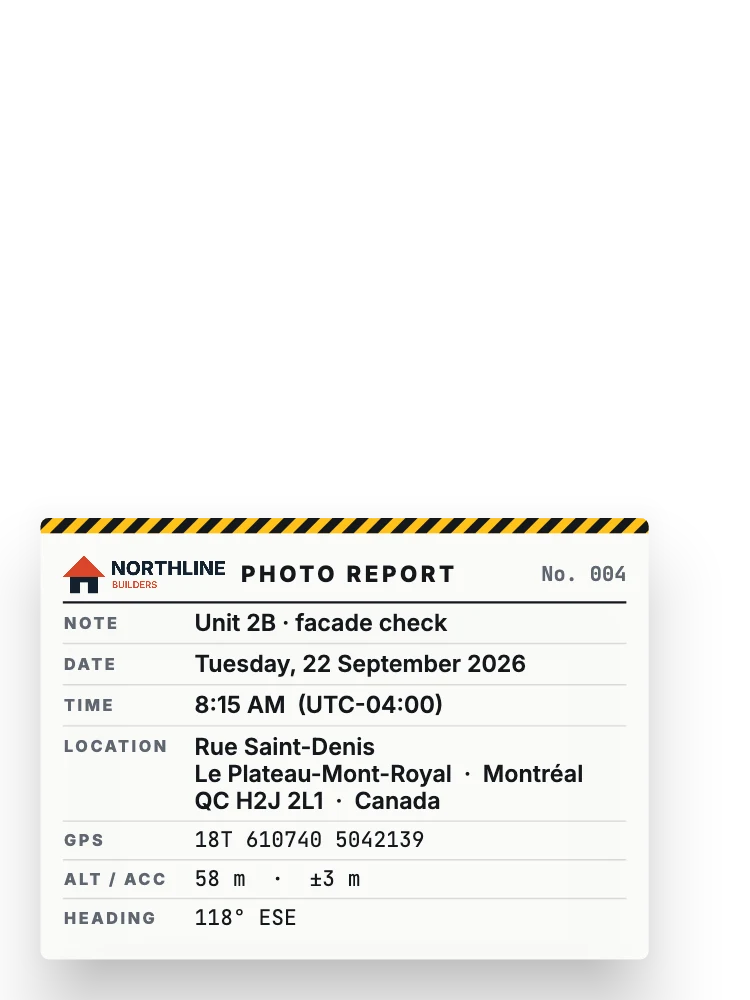
Pick the details you need. Work stamps can carry your company logo, and every stamp can show your own note.
- Date and time In the local time zone where the photo was taken.
- Place and address Town, country or the full street address.
- GPS coordinates DMS, decimal degrees, UTM or MGRS.
- Altitude and accuracy In metres or feet.
- Compass heading Which way the camera was pointing.
- Your note Such as “Lot 14 roof” or “Job #2231”.
- Your logo On the Work stamps, with Pro.
58 designs · 7 collections
A stamp for every kind of photo.
Star your favorites and find the ones you used last in one tap.





Everyday
Clean clocks, calendars and sticky notes for any photo.
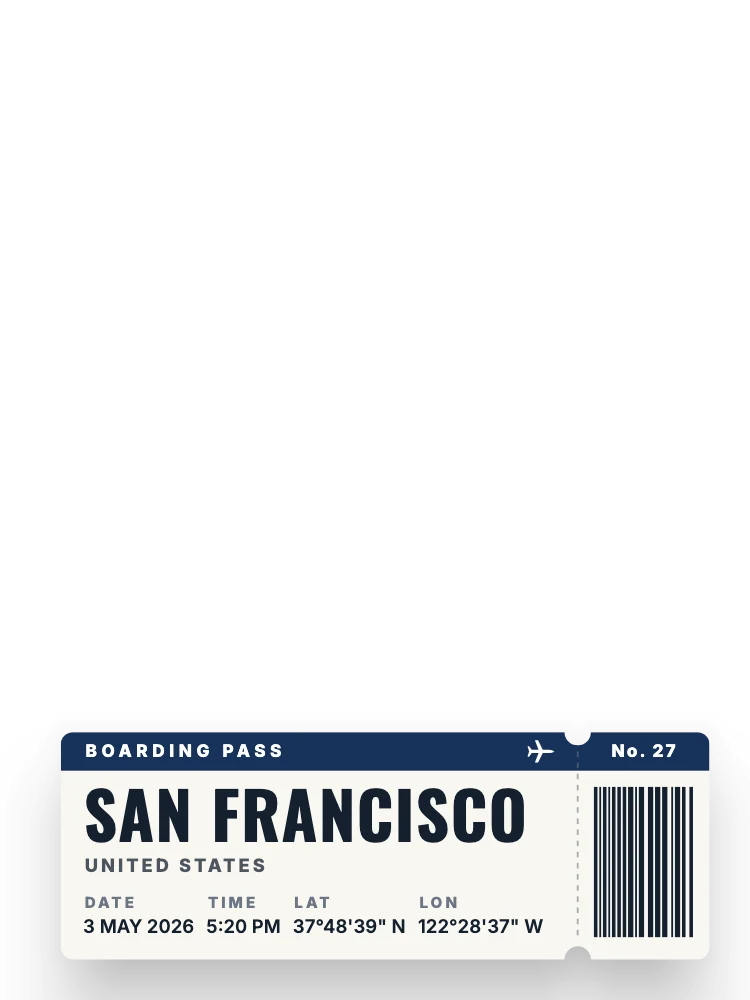



Travel
Boarding passes, postcards, road signs and luggage tags.





Outdoors
Summit elevation, topo maps, compass headings and park patches.
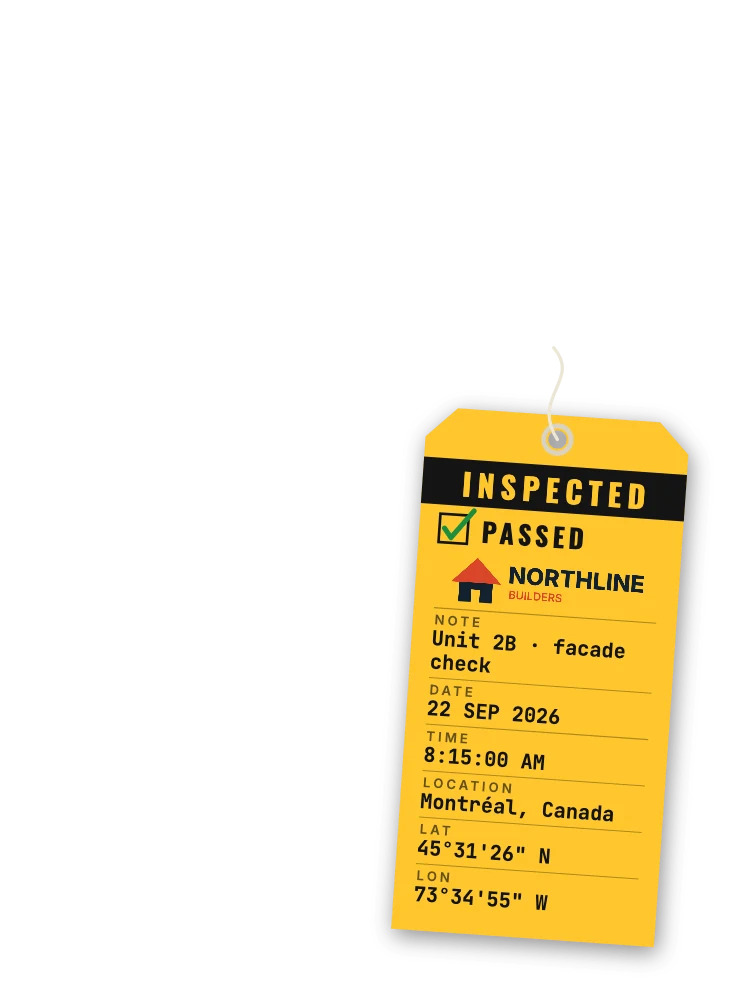
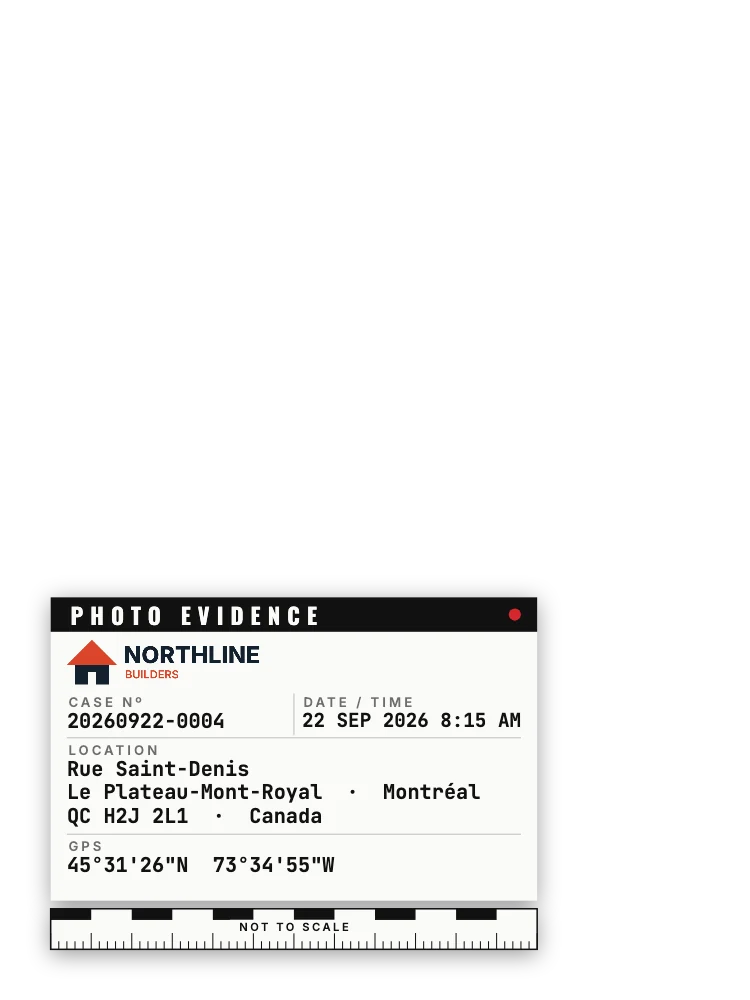
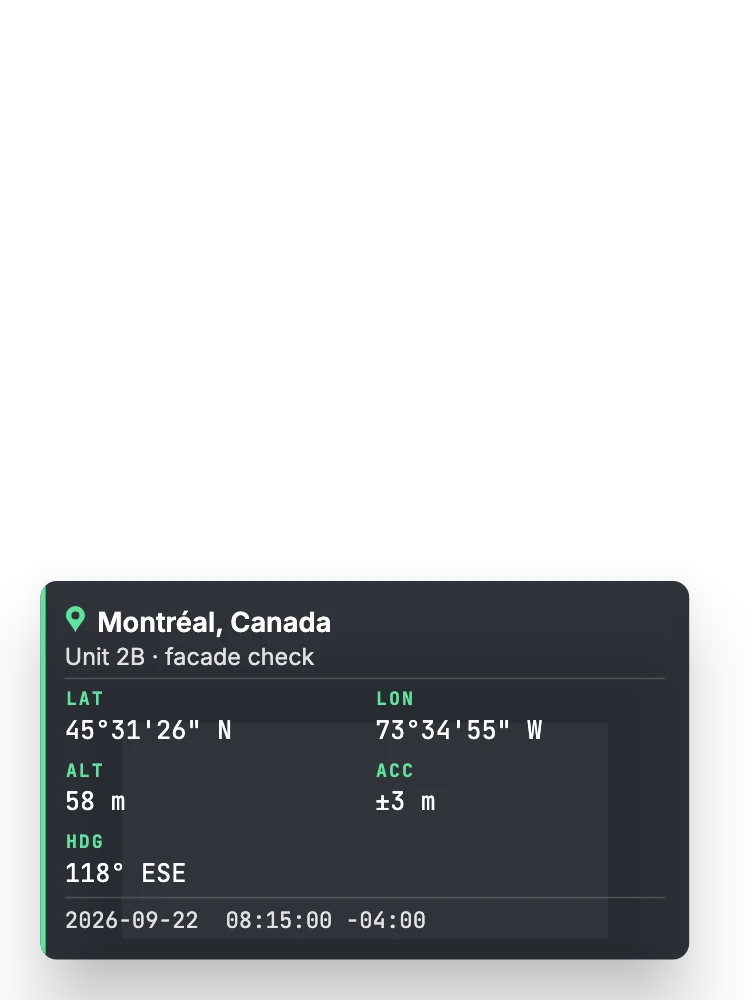
Work
Photo reports, inspection tags and evidence labels, with your logo.




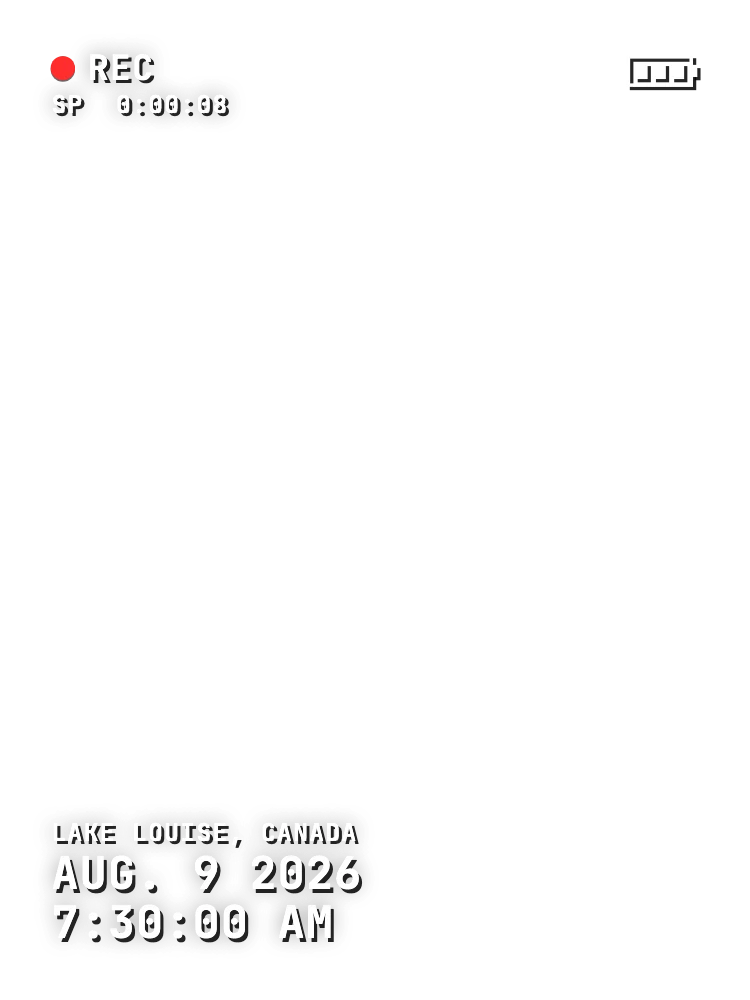
Retro
Instant prints, film edges, neon and camcorder date stamps.




Moments
Marquees, wax seals and scrapbook notes for days to remember.




Church
Mission trips, baptisms, prayer walks and a Bible verse of the day.
Made for
Proof for work. Memories for everything else.
-
Job sites and inspections
Contractors, inspectors, delivery drivers and field teams get photo proof of when and where, with a note and their logo.
-
Trips and adventures
Turn every stop into a souvenir: a boarding pass at the bridge, a summit badge at the top of the trail.
-
Church and ministry
Mark mission trips, serve days, baptisms and VBS, or pair a photo with a Bible verse of the day.
Your data
Your photos stay yours.
No account, no uploads, no third-party ads. Stamp Your Pic works on your phone.
- Never uploaded Your photos stay on your device and are never uploaded to a server.
- Place names from your phone To show a place name, the coordinates go to your phone’s built-in geocoding service (Apple or Google).
- You choose the EXIF The saved photo keeps its capture time. GPS is written into the file only if you turn it on.
- Light analytics only Crash reports and basic usage, such as which design was saved. Never your photos, location or notes.
A proper camera, too
- Zoom
- Tap to focus and expose
- AE/AF lock
- 4:3, 16:9 or 1:1
- Grid
- Self-timer
- Full or smaller photo size
- Stamp a photo from your gallery
- Favorites and recent stamps
- Metres or feet
- 8 languages
Pricing
Free to start. Pro once, for life.
No subscription and no third-party ads, on either plan.
Free
$0
- 4 stamp designs
- 2 saves a day
- Every camera feature
- No third-party ads
Lifetime Pro
One-time purchase
- All 58 designs, and every future design
- Unlimited saves
- Your logo on Work stamps
- Pay once, keep it forever
Questions
Does it need an internet connection?
No. Time, GPS, altitude and heading come from your phone. A connection only adds the place name and street address.
Can I stamp a photo I already took?
Yes. Pick it from your gallery and the app uses the date and GPS saved in the photo.
Can I add my company logo?
Yes, with Lifetime Pro. Your logo appears on the Work stamps, such as Site Report and Inspection Tag.
Is the original photo kept?
You can turn on a setting to save the unstamped original next to the stamped copy.
Is Pro a subscription?
No. Lifetime Pro is a one-time purchase that also includes every design added later.

Stamp Your Pic
Remember when and where, on every photo.
A camera that writes the moment onto the picture. No third-party ads, no subscription, no account.
iPhone version coming soon.