
Bible Clock 2.2.0: Digital Picture Frame with Google Photos
We’re excited to announce Bible Clock 2.2.0, featuring seamless Google Photos integration! Now you can easily import your favorite photos from Google Photos to use as beautiful backgrounds for your daily scripture.
What’s New in 2.2.0
📷 Google Photos Integration
Building on the custom photo backgrounds feature from 2.1.0, we’ve added direct Google Photos integration:
- One-Tap Import: Sign in with your Google account and browse your entire Google Photos library
- Easy Selection: Use Google’s native photo picker to select exactly the photos you want
- Seamless Sync: Import photos directly from your cloud library without leaving the app
- Works Everywhere: Access your Google Photos on any device where you use Bible Clock
How It Works
Importing photos from Google Photos is simple:
- Go to Settings → Advanced Options → Background Mode → My Photos
- Tap the “Google Photos” button
- Sign in with your Google account (one-time setup)
- Select photos from your Google Photos library
- Your selected photos are downloaded and ready to use as backgrounds
Why Google Photos?
Many of our users store their precious memories in Google Photos. This integration means:
- No Manual Transfers: No need to download photos to your device first
- Access All Your Photos: Browse your entire Google Photos library
- Cross-Device Convenience: Set up Bible Clock on a new device without transferring photos
- Always Available: Your cloud photos are just a tap away
Privacy & Security
We take your privacy seriously:
- Your Photos Stay Yours: Photos are downloaded locally to your device
- No Server Storage: We never upload or store your photos on our servers
- Secure Authentication: Uses Google’s official sign-in for secure access
- Read-Only Access: The app can only read photos you explicitly select—nothing else
Perfect for Picture Frame Mode
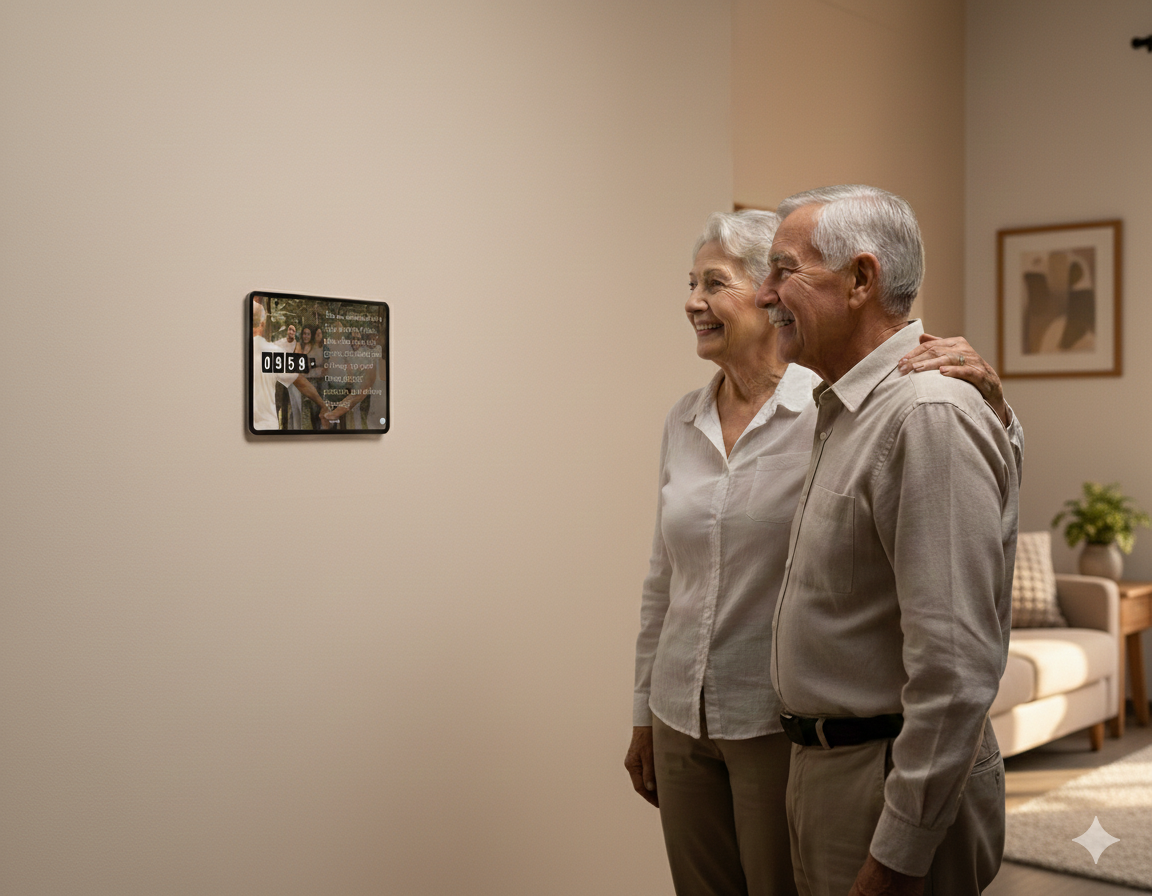
Combined with our existing features, Google Photos integration makes Bible Clock the perfect digital picture frame:
- Family Photos + Scripture: Display cherished memories alongside daily verses
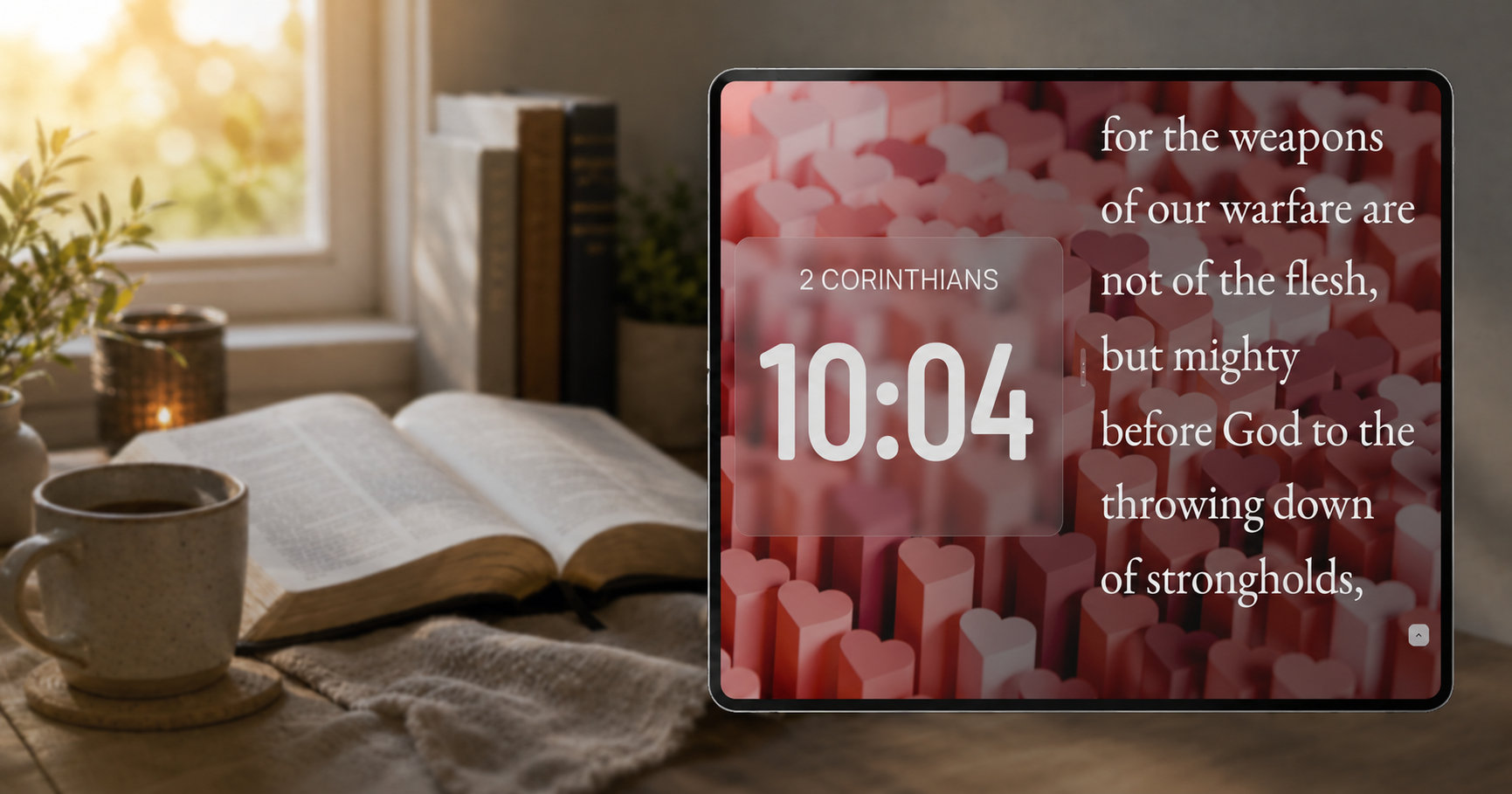
- Rotating Backgrounds: Automatically cycle through your selected photos
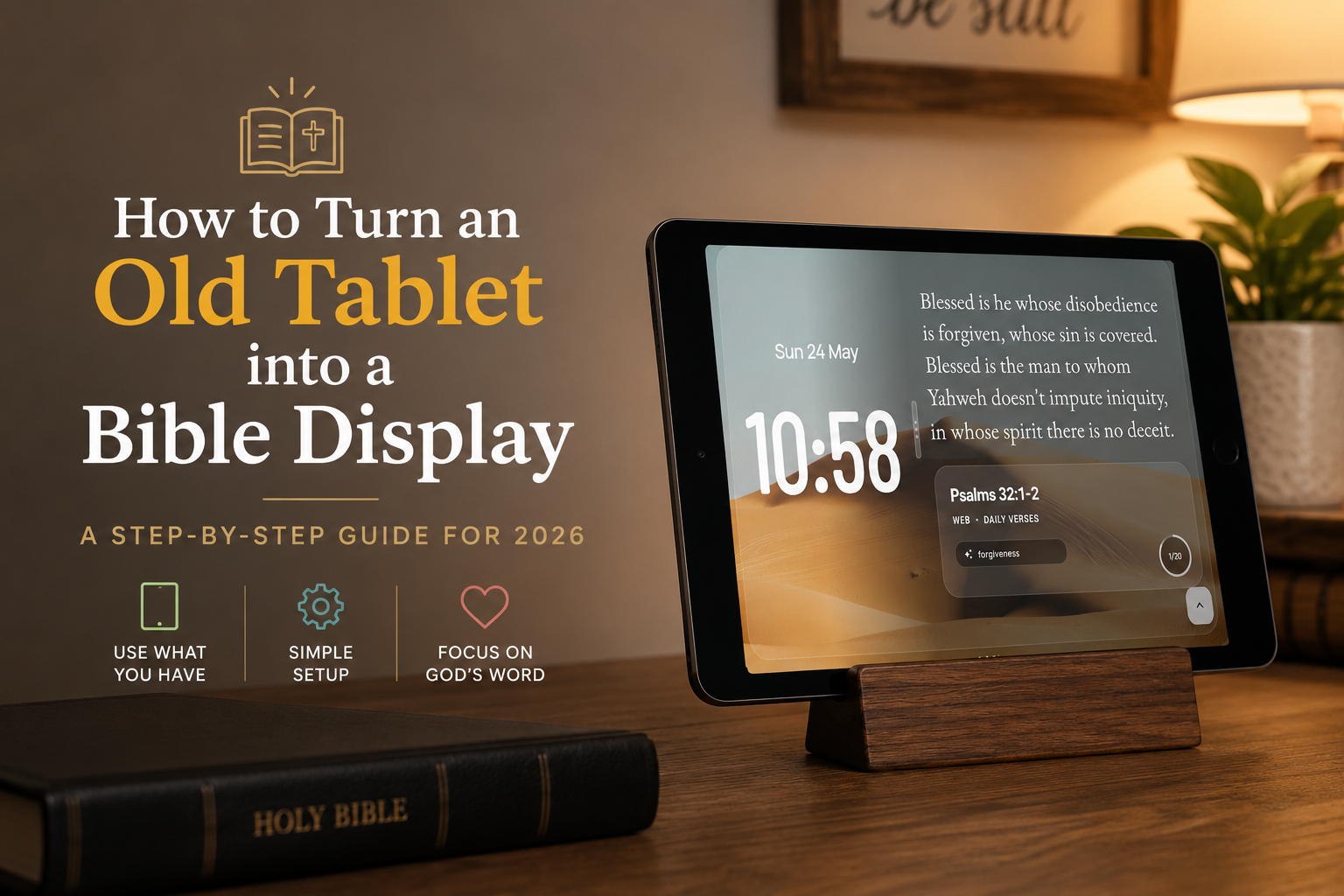
- Old Device Revival: Turn an unused tablet into a beautiful scripture display
- Gift Ready: ❤️ Easily set up a personalized Bible Clock for loved ones ❤️
Get the Update
Bible Clock 2.2.0 is available now on the App Store and Google Play. Update your app today to start using your Google Photos!
We’d love to hear how you’re using the Google Photos feature! Share your feedback and let us know what you’d like to see next. Thank you for being part of the Bible Clock community.