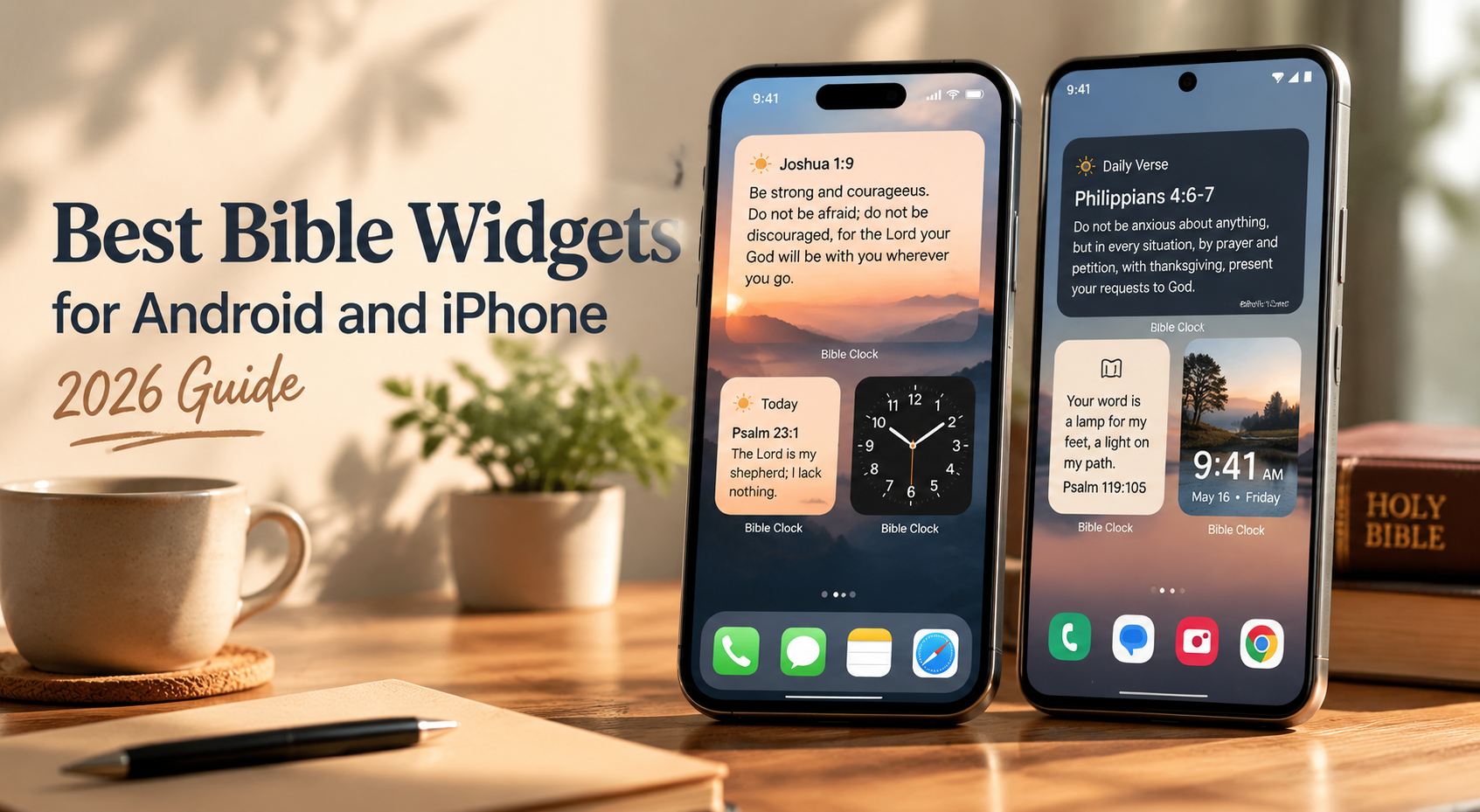
Best Bible Widgets for Android and iPhone (2026)
Keep CodeInFaith in your Google feed
Add us as a preferred source to see more of our latest articles in Google Search.
If your first swipe in the morning turns into ten minutes of doomscrolling, you are not alone.
Many Christians in 2026 are trying to use their phones more intentionally: less noise, less reaction, more focus. A well-placed Bible home screen widget or Bible lock screen widget can quietly reset your attention during the day.
This guide covers the best Bible widgets for Android and iPhone, plus practical setups for old tablets, desks, and bedside tables.
Why Bible Widgets Became Popular in 2026
Bible widgets grew quickly this year for a few clear reasons:
- Digital minimalism: people want fewer apps competing for attention.
- Lock screen culture: quick-glance content now shapes daily habits.
- Ambient displays: phones and tablets are used as passive, always-on screens.
- Old tablet reuse: families are repurposing unused devices instead of buying new hardware.
- Faith-centered home screens: Scripture is becoming part of the visual environment, not just private reading time.
The result is simple: Bible verse widget usage is less about novelty and more about building a peaceful, reflective rhythm around Scripture.
Quick picks by use case
- Best all-around Bible clock widget: Bible Clock
- Best minimal setup: small verse-of-the-day widget
- Best for lock screen habits: short, high-contrast verse widget
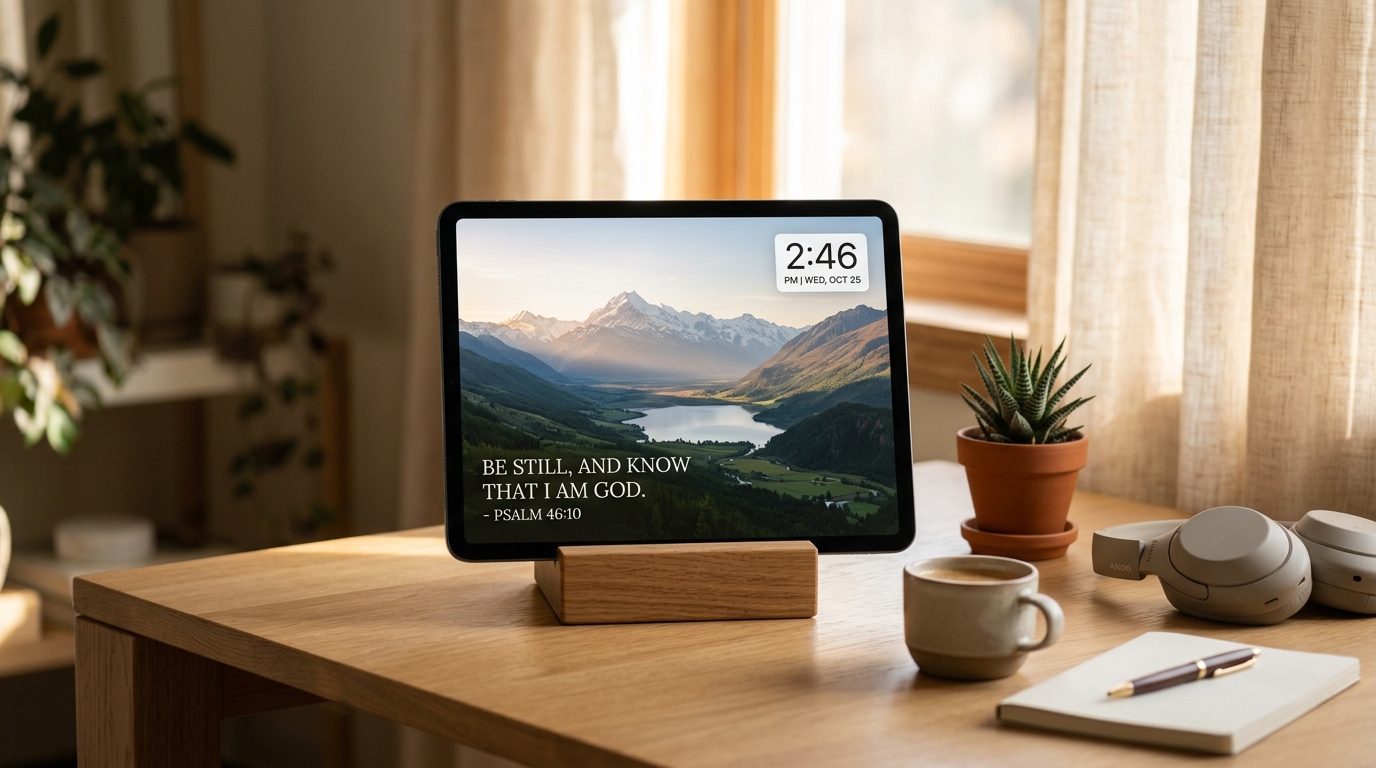
- Best for old tablet Bible display: full-screen Scripture + clock layout
1) Bible Clock (best all-around for phone + tablet)
If you want one setup that works as a Bible widget for iPhone, Bible widget for Android, and Bible widget for tablet, Bible Clock is one of the strongest options right now.
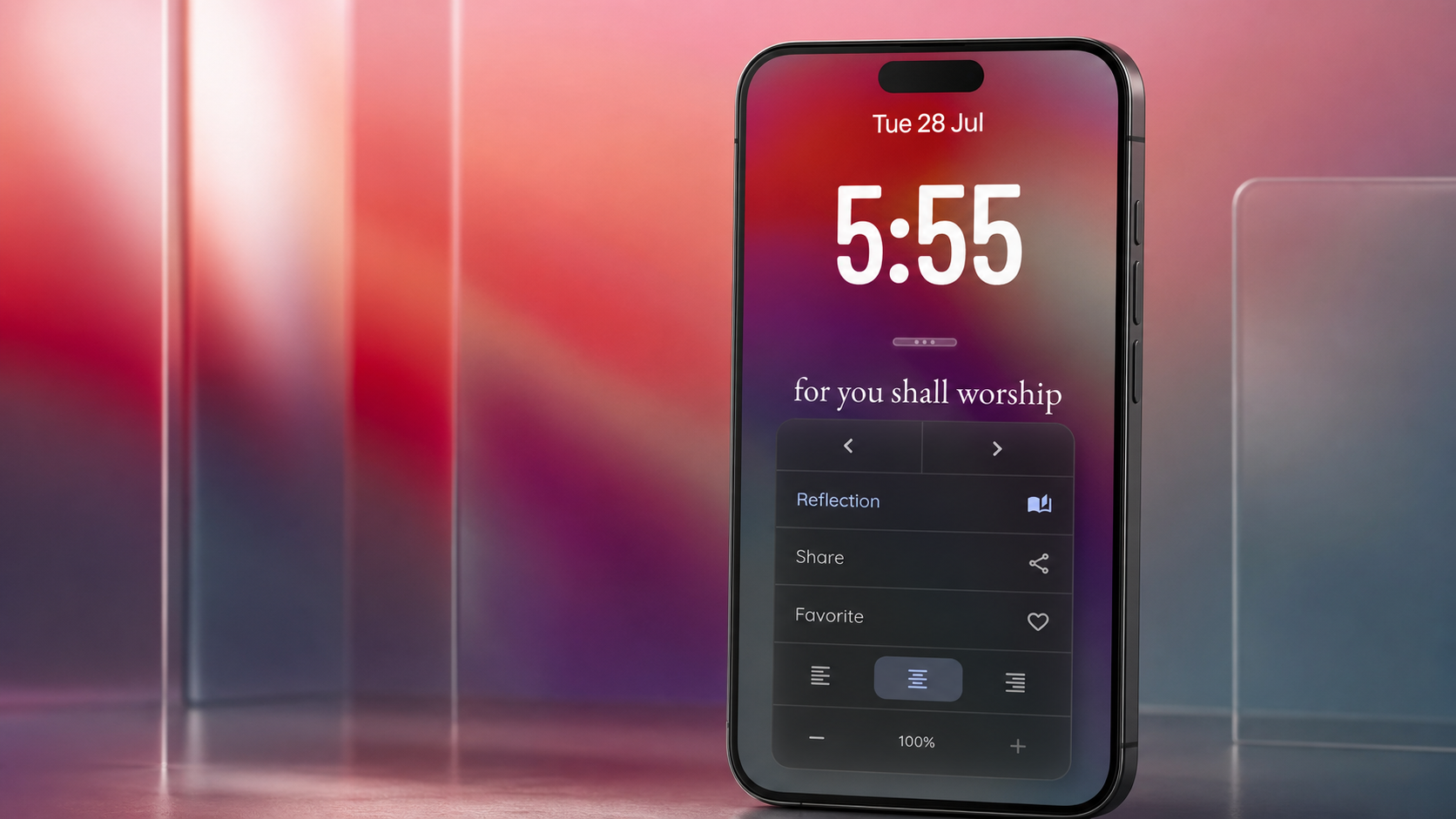
It combines several formats in one app:
- Bible home screen widget
- Full-screen Scripture display
- Clock + verse layouts
- Time-based Bible verses
- Tablet display mode
- Guided reflection features
That combination matters because most people end up using more than one format: quick widget checks on phone, then a larger ambient display at home.
Why it stands out in daily use
- Works well for both glanceable and immersive reading
- Easy to turn an old tablet into a distraction-free Scripture display
- Flexible visual style for minimal or photo-based setups
- Practical for desk, kitchen, bedside, and office placement
Learn more: Bible Clock project page
Download Bible Clock on the App Store
Download Bible Clock on Google Play
2) Best Bible Widgets for Old Tablets
An old tablet Bible display is one of the most practical Christian tech upgrades you can make.
Instead of storing the device in a drawer, mount it on a stand and use a full-screen scripture widget layout. This works especially well in places where you naturally pause for a few seconds.
Good placement ideas:
- Bedside table
- Work desk
- Kitchen counter
- Entryway shelf
Simple setup checklist:
- Set screen timeout to a longer interval.
- Turn on Do Not Disturb.
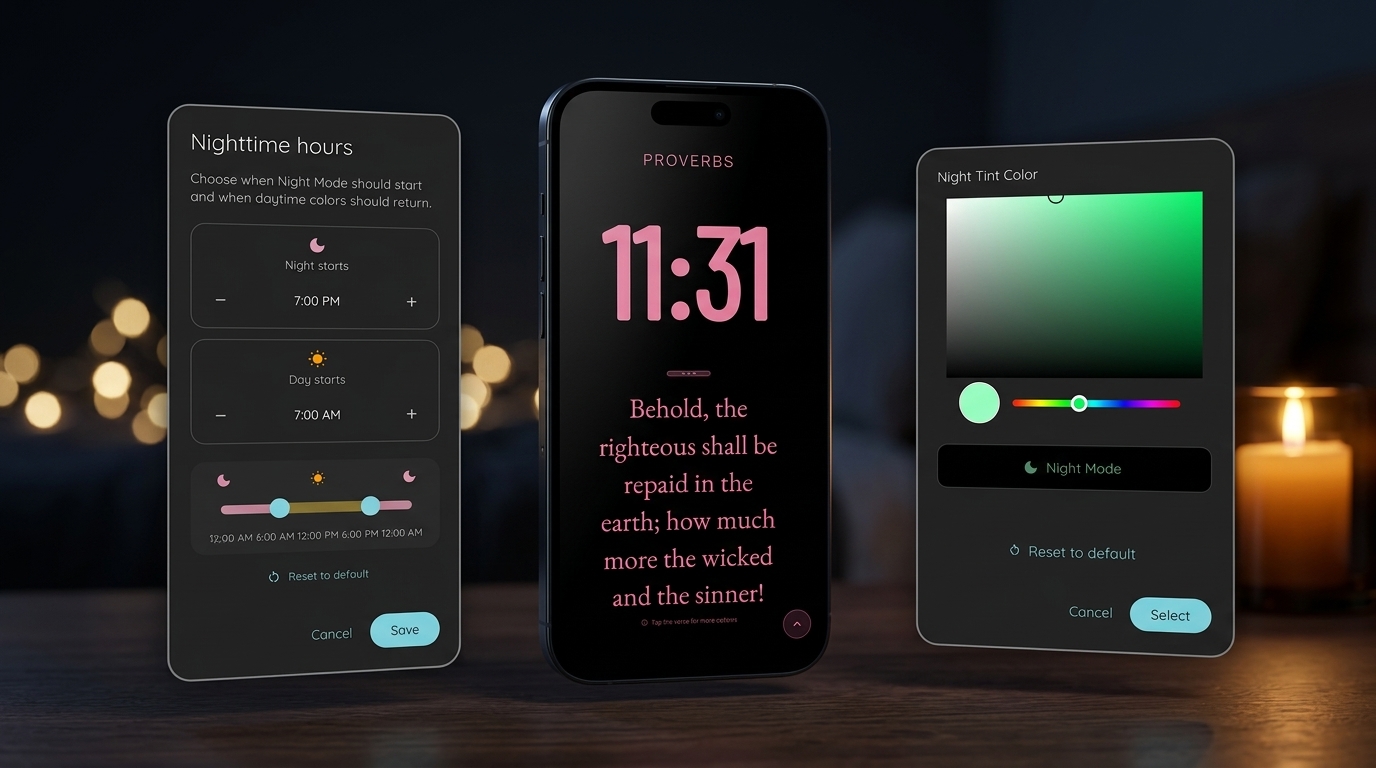
- Reduce brightness for evening use.
- Choose a high-contrast verse theme.
- Keep only essential apps on that device.
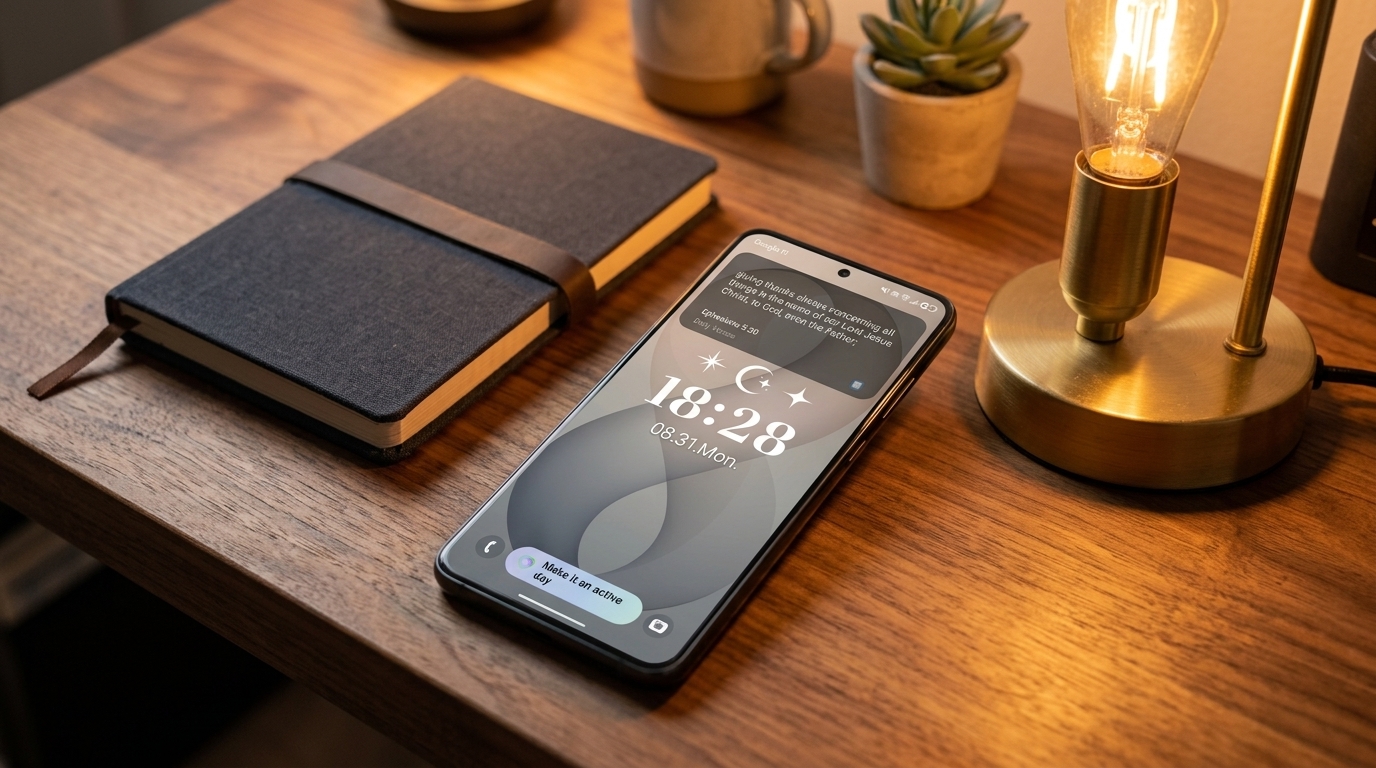
3) Best Bible Widgets for Lock Screens
A Bible lock screen widget is effective because it appears before you open anything else.
For lock screen use, prioritize:
- Short verses (one sentence reads fastest)
- High contrast text
- Minimal background clutter
- Morning and evening verse rotation
If your goal is to reduce reactive scrolling, lock screen Scripture is often more effective than a home screen tile alone.
4) Best Minimal Bible Widgets
Some people do better with less visual complexity. A minimal bible verse widget can be more sustainable than a highly styled setup.
Look for:
- One verse at a time
- Clean typography
- Low-color, low-noise backgrounds
- No extra controls on the widget face
Minimal does not mean plain. It means your attention goes to the verse first.
5) Bible Widgets for Bedside Tables and Desks
If you want a scripture-centered environment, location matters as much as app choice.
For bedside placement, choose calming themes and lower brightness. For desk placement, choose stronger contrast and larger text so the verse is readable at a glance.
Two practical routines that work:
- Morning: read one verse before opening messages.
- Evening: end with one verse before sleep mode.
Android vs iPhone Bible Widget Experience
Both platforms support strong Christian widgets in 2026, but the experience differs:
- Android: typically better size control and widget placement flexibility.
- iPhone: cleaner visual consistency and polished lock screen integration.
- Tablet mode: strong on both, especially for full-screen Scripture displays.
If you enjoy customization, Android usually gives more control. If you prefer a refined default look, iPhone often feels simpler to maintain.
How to choose the right Bible widget for your routine
Use this decision filter:
- Choose a bible verse widget if you want one daily prompt.
- Choose a scripture widget for lock screen if your main goal is habit interruption.
- Choose a full-screen tablet layout if you want ambient Scripture in a shared space.
- Choose a bible clock widget if you want an all-in-one setup across phone and tablet.
Final thoughts
The best Bible widgets are not the ones with the most features. They are the ones you keep visible long enough to shape your day.
Start with one intentional placement, one verse rhythm, and one distraction-free moment each morning. Over time, that small change can make your screens feel less noisy and more Scripture-centered.