ChordLeadR 1.1: From Guitar Chord to Shareable Video
Keep CodeInFaith in your Google feed
Add us as a preferred source to see more of our latest articles in Google Search.
You find a chord progression that sounds right. You practice it until it feels natural. Then you want to share it without making people guess what you played.
That is the workflow behind ChordLeadR 1.1: find the chord, build the progression, practice it, then turn your playing into a video people can follow.
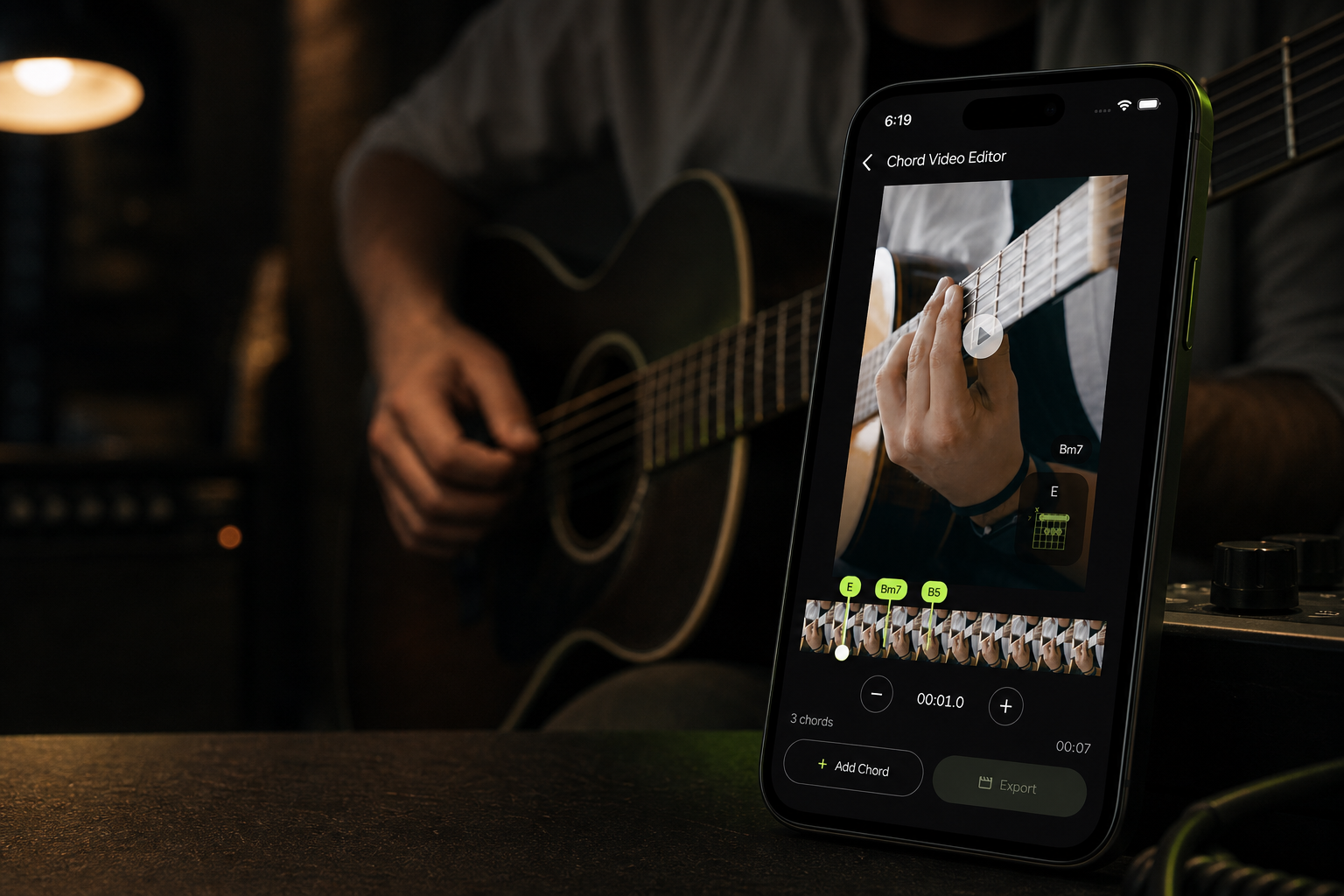
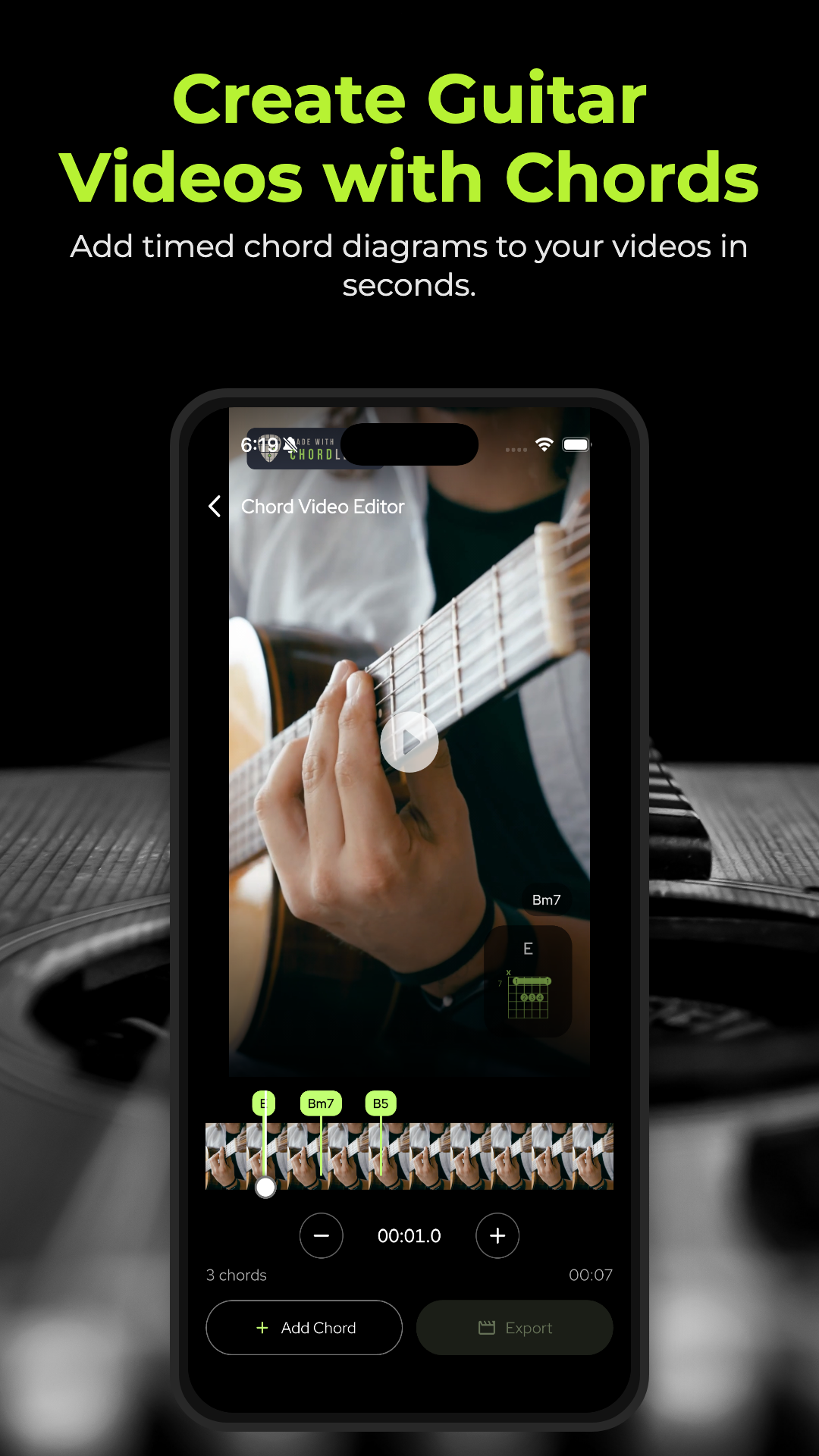
Creator Studio is the biggest addition in this release. It lets you put timed chord diagrams directly on a performance video, so the viewer can hear the progression and see the shape at the same moment.
But ChordLeadR is not only a video tool. Creator Studio finishes a complete guitar workflow built around chord discovery, progression building, and focused practice.
Start with the right chord
Before you can create or practice a progression, you need a chord shape that works for the way you play.
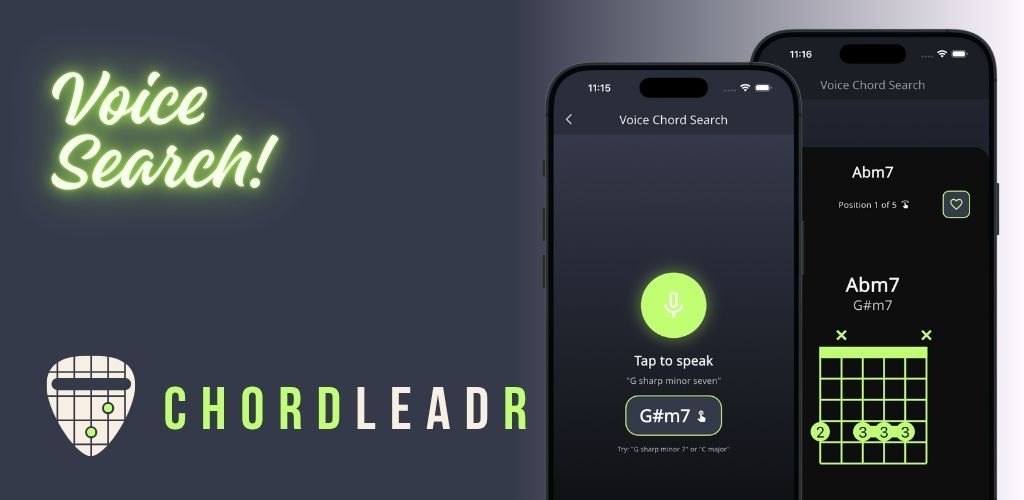
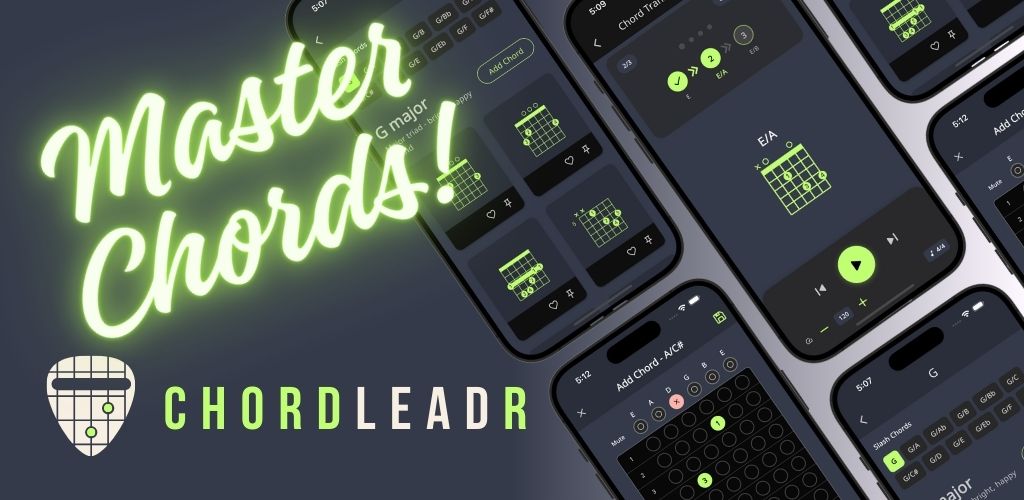
ChordLeadR helps you search chord names with autocomplete or Voice Chord Search, compare voicings, slash chords, and enharmonic names, and save the fingerings you want to use. You can also explore community-approved voicings when you need a different way to play the same chord.
The goal is not to collect more chord shapes. It is to find the one that fits your hand, your song, and the sound you want.
Build the progression, then practice it
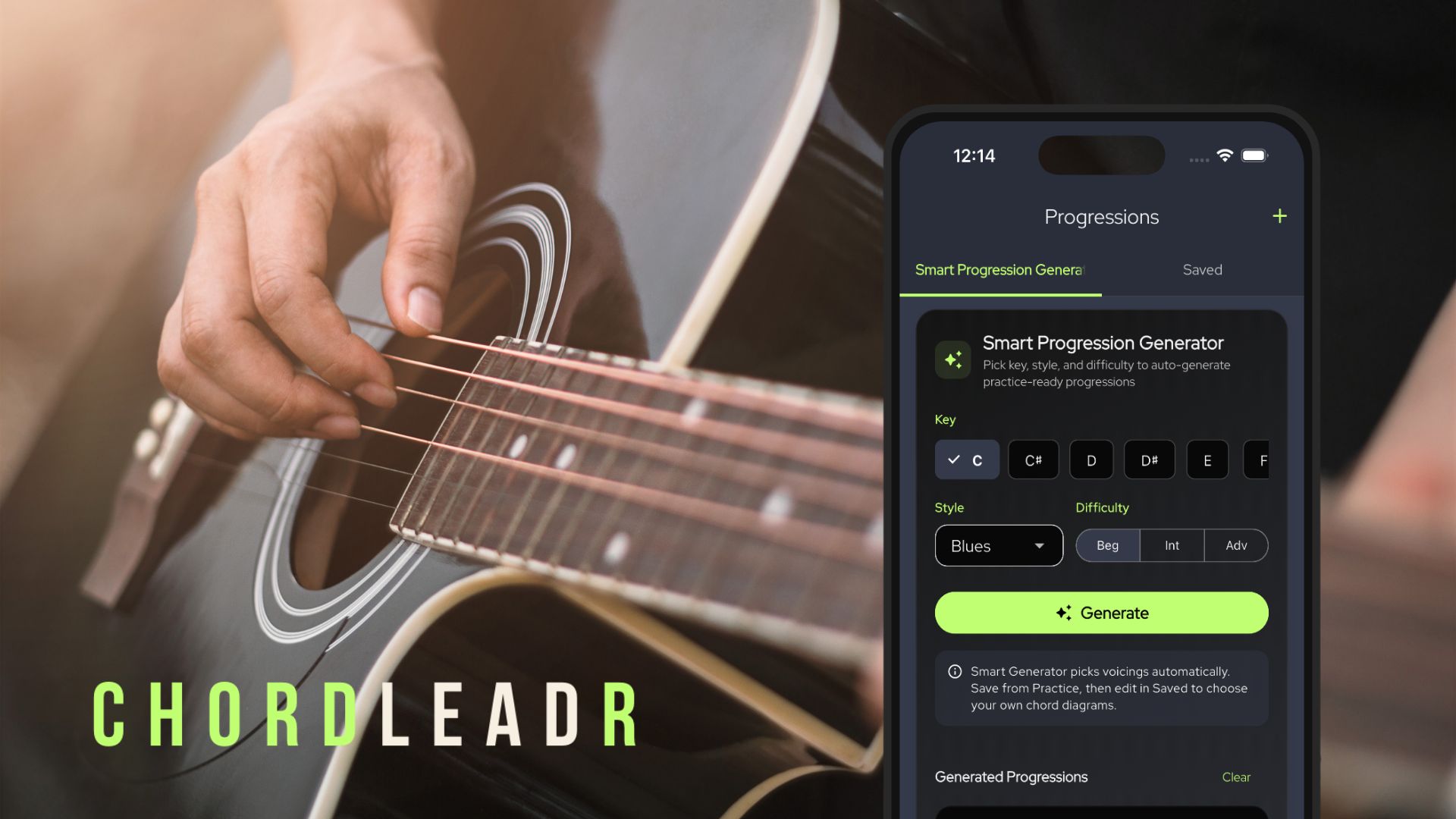
ChordLeadR 1.1 adds a structured progression composer for turning an idea into something you can play through. Generate a starting point by key, style, and difficulty, or arrange your own chords into measures. Set the tempo and time signature, reuse custom voicings, and preview the progression before practice.
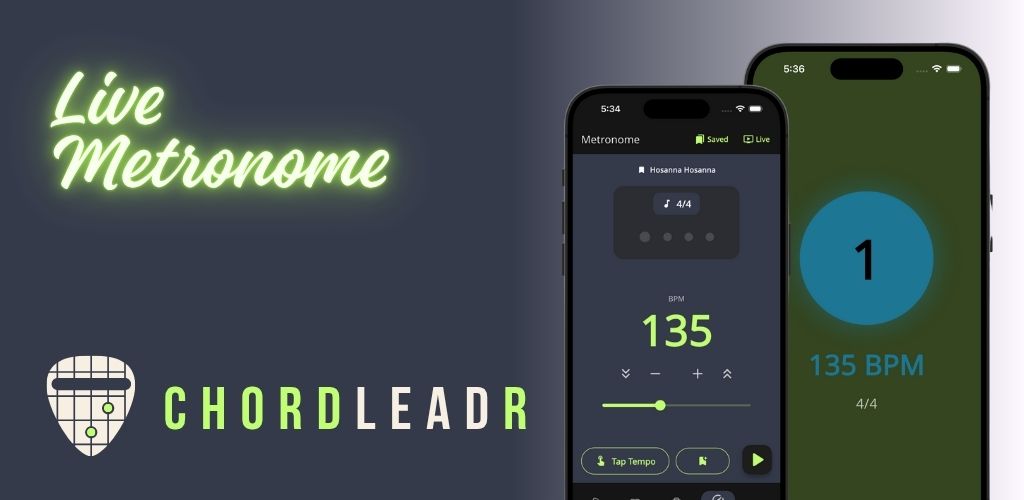
When it is time to play, the practice view follows the current and upcoming chord while the metronome keeps time. Configurable count-ins and synchronized playback help you start cleanly and stay on beat through the changes.
Whether you are preparing for a lesson, writing a song, leading worship, or learning a difficult transition, this turns a chord idea into a repeatable practice session.
Create guitar videos with timed chord diagrams
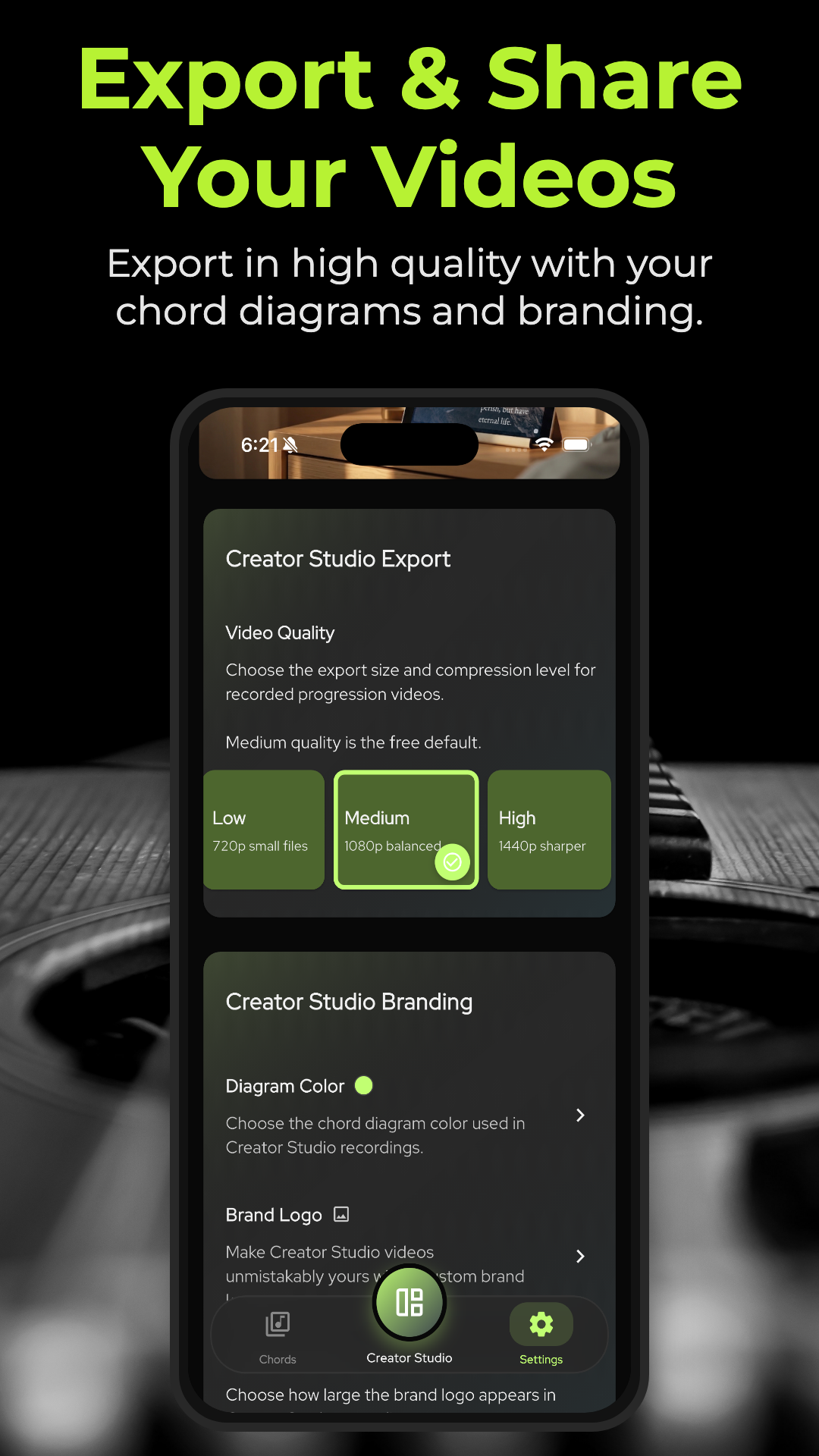
Creator Studio brings the finished performance into the same workflow. Record a progression or import a video, trim the clip, then place each chord exactly where it begins. Preview the overlays before export and customize the diagram colors, branding, and watermark to match your look.
The result is not just a clip of you playing. It is a video that shows exactly what you are playing, at the moment you play it.
That works especially well for a short lesson, a worship-song turnaround, an original progression, or a play-along you want someone to save and revisit. Timed diagrams give viewers a practical way to follow along without taking the music out of the video.
Here is a sample short created with ChordLeadR, with chord diagrams timed to the performance:
Here is another ChordLeadR Creator Studio short with timed chord diagrams:
One complete guitar workflow
ChordLeadR 1.1 connects the parts of guitar practice and guitar content that usually live in separate tools:
- Find a chord and the voicing that works.
- Build a progression with the timing you need.
- Practice it with a metronome.
- Create a video with timed chord diagrams.
- Share what you played.
Find it. Play it. Share it.
ChordLeadR takes you from the first chord to the finished video. Download the latest version to build better practice sessions and share the music you are making.
Frequently asked questions
What is new in ChordLeadR 1.1?
ChordLeadR 1.1 adds Creator Studio video workflows, a structured progression composer, community chord voicings, configurable count-ins, and synchronized metronome playback.
How do I create a guitar video with chord diagrams?
In Creator Studio, record or import a performance video, place chords where they begin, preview the timed diagrams, customize their appearance and branding, then export the finished video.
Can I build and practice my own chord progressions?
Yes. Arrange chords into measures, set a tempo and time signature, preview the progression, and hand it off directly to practice mode with metronome playback.
Is ChordLeadR free?
Yes. ChordLeadR is free to download. Upgrade to ChordLeadR Pro for Voice Chord Search, custom voicings that let you save the fingerings you prefer, and advanced Creator Studio customization for more control over your video look.